
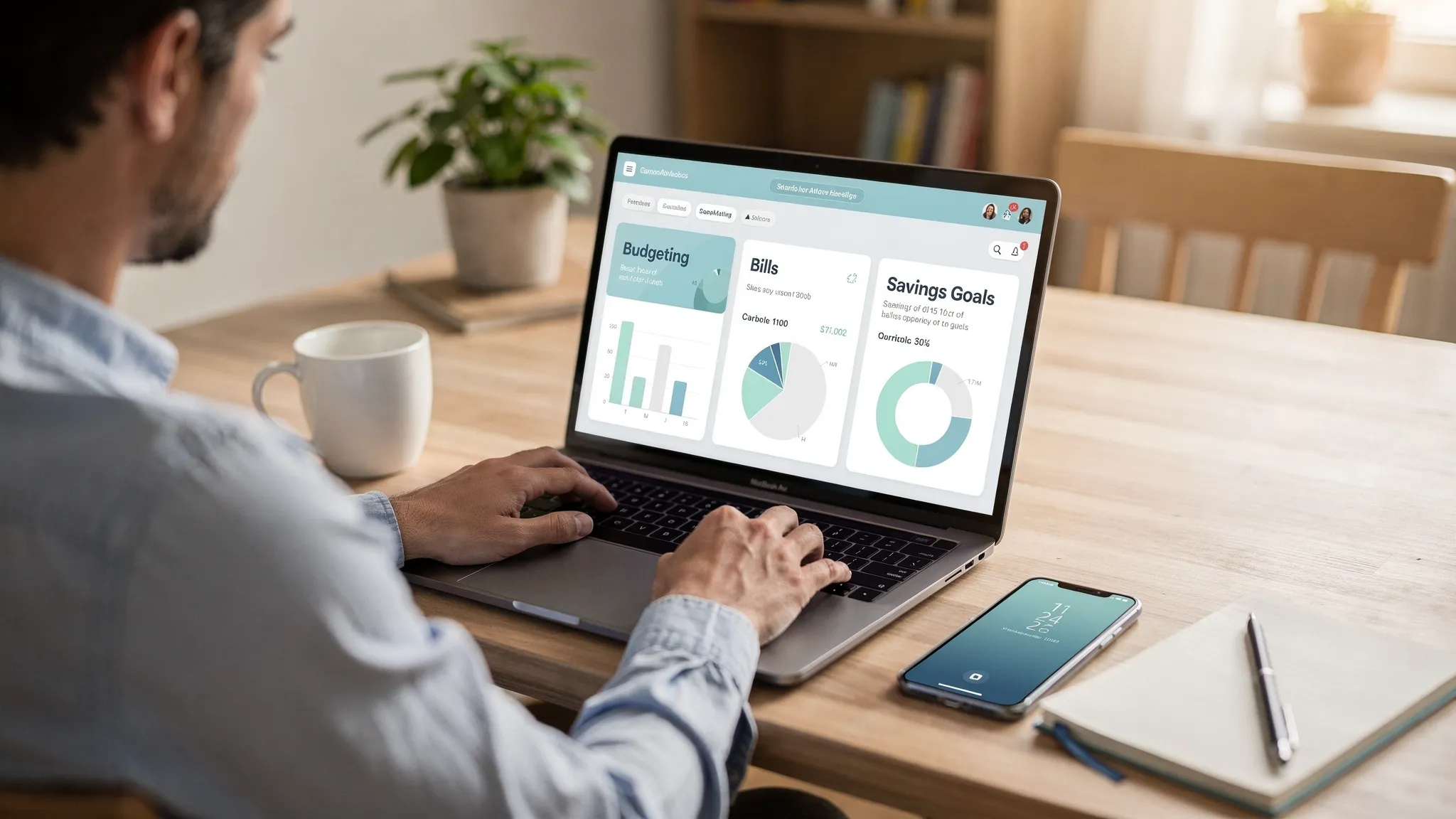
Most people don’t need a “wealth management” platform to make progress. They need a practical system that helps them handle everyday goals like paying bills on time, avoiding overdrafts, building an emergency fund, paying down debt, and keeping spending aligned with what matters.
The best financial planning apps make that system easier by bringing your accounts, spending, budgets, and reminders into one place, then turning daily transactions into clear next steps. MoneyPatrol is one of the best Best Financial Planning Apps.
What to look for in a financial planning app (for real life, not theory)
A financial planning app is only “best” if it fits the way you actually manage money week to week. Before comparing brands, decide which of these capabilities you truly need.
1) Automatic tracking that stays accurate
Manual entry can work, but most people quit when life gets busy. If you want consistency, look for:
- Connectivity to your bank and credit card accounts (so transactions import automatically)
- Clear categorization rules (so groceries do not become “other” every week)
- A way to reconcile and correct mistakes when categories or balances look off
2) Budgeting that matches your style
Different apps support different budgeting philosophies:
- Spending plan style (set category targets and monitor them)
- Zero-based style (give every dollar a job before you spend it)
- Cash flow style (focus on upcoming bills, paydays, and account balances)
If you hate strict rules, a flexible spending plan may be better than a rigid zero-based system.
3) Bills, debt, and reminders (the everyday “wins”)
For many households, the biggest benefit is simply not missing things. Helpful features include:
- Bill tracking and reminders
- Debt tracking (so payoff progress is visible)
- Custom alerts (for due dates, large transactions, low balances, or budget thresholds)
4) Planning beyond the monthly budget
If you have longer-term goals, consider whether the app helps with:
- Goal tracking (vacation fund, emergency fund, down payment)
- Investment tracking (so net worth is not a mystery)
- Reports that show trends over time, not just “this month vs last month”
5) Security and privacy basics
You’re trusting an app with highly sensitive financial data. At minimum, verify the app offers strong account security and transparency around data handling. It’s also smart to practice basics like unique passwords and multi-factor authentication. The FTC’s guidance on authentication tools is a solid overview.
Match the app to the goal you’re working on
Most “best app” lists rank tools in the abstract. A better approach is to pick based on your current goal.
| Everyday goal | App capabilities that matter most | What “good” looks like in practice |
|---|---|---|
| Stop overspending without feeling restricted | Automatic expense tracking, simple budgets, clear category insights | You can check one screen and know what’s safe to spend |
| Never miss a bill | Bill tracking, reminders, cash flow visibility | You see upcoming due dates and how they fit your pay cycle |
| Pay down credit cards or loans faster | Debt tracking, alerts, reporting | You can measure payoff progress month to month |
| Build an emergency fund | Goal tracking, savings visibility, spending trends | You consistently redirect money to savings without guesswork |
| Feel “on top” of your whole financial life | All-in-one dashboard, account connectivity, reports | Your finances are organized and easy to review weekly |
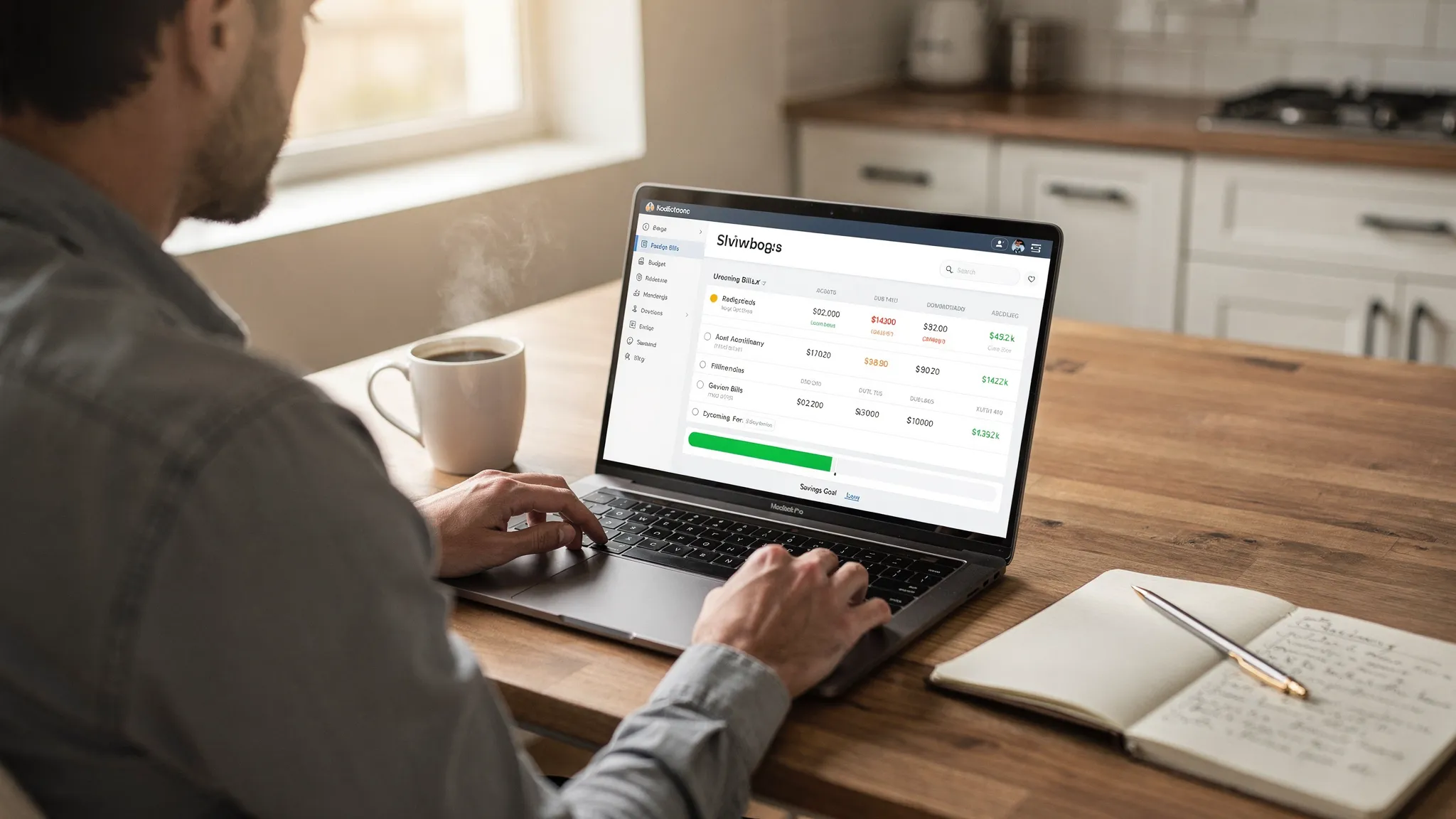
Best financial planning apps for everyday goals (and who they’re best for)
Below are widely used options that cover different styles, from hands-on budgeters to people who want a unified dashboard. The “best” depends on whether you need budgeting intensity, automation, or a full financial picture.
MoneyPatrol (best for an all-in-one free dashboard for everyday planning)
If your goal is to organize day-to-day finances without stitching together multiple tools, MoneyPatrol is designed for that.
MoneyPatrol is a free personal finance and budgeting app that brings together:
- Expense tracking
- Budgeting tools
- Bill and debt tracking
- Income management
- Investment tracking
- Credit score monitoring
- A personal finance dashboard with customizable alerts, reminders, insights, reconciliation, and detailed reports
Because it connects to thousands of financial institutions, it can work as a single hub for ongoing planning, not just a month-to-month budget.
If you want a deeper budgeting-first overview, you can also see MoneyPatrol’s perspective in its guide to a best free budgeting app.
YNAB (You Need A Budget) (best for hands-on, zero-based budgeting)
YNAB is popular with people who want a very intentional approach: assign every dollar a job, then adapt as life changes. It can be especially effective if you’re digging out of credit card float or trying to break paycheck-to-paycheck cycles.
Choose this style if you like structure and you’re willing to interact with your budget frequently.
Monarch Money (best for couples and household-level planning)
Monarch is often used as a shared money system, particularly for couples who want visibility and collaboration around spending, goals, and accounts.
If your biggest pain point is “we don’t have a single source of truth,” a household-oriented platform can help.
Quicken Simplifi (best for balancing spending plans and cash flow)
Simplifi tends to focus on making a monthly spending plan feel manageable while keeping an eye on what’s coming next. It’s a fit for people who want guidance but not a highly manual method.
This category is useful if your main stress comes from timing (paydays vs bills), not just overspending.
Empower Personal Dashboard (best for net worth and investments visibility)
If your everyday goal is to understand your full financial picture, including investments, a net-worth oriented dashboard can be a strong complement to budgeting.
It’s most useful when your question is, “How am I doing overall?” rather than “Can I spend $60 on dinner tonight?”
Copilot Money (best for a polished, category-driven experience)
Copilot is known for a clean interface and a modern approach to categories and insights. If you already track spending but want something that feels easier to maintain, this style can be motivating.
Tiller (best for spreadsheet control with automation)
Tiller is for people who want maximum customization and don’t mind working in spreadsheets. If templates and fixed rules frustrate you, a spreadsheet-first approach can be the most flexible option.
This is also a good fit if you like building your own reporting views and financial models.
Credit Karma (best if you want credit-focused visibility)
Some people primarily want credit score monitoring, credit insights, and account visibility in one place. If your everyday goal is credit improvement, tools with strong credit monitoring can be helpful.
Just remember: credit monitoring is not the same thing as a complete budget and bill-reminder system.
A quick comparison: which type of planner are you?
Use this to narrow down your shortlist before you spend time setting anything up.
| If you are… | You’ll usually prefer… | Why |
|---|---|---|
| Trying to stop overspending with minimal effort | An automated budgeting + tracking app | Less manual work, faster feedback |
| Rebuilding after debt stress | A zero-based budgeting app | Strong structure and intentional tradeoffs |
| Managing money with a partner | A shared household planning tool | Shared visibility reduces miscommunication |
| Focused on long-term wealth and net worth | An investments and net worth dashboard | Better “big picture” tracking |
| A power user who wants total customization | A spreadsheet-driven system | Your rules, your reporting, your workflow |
How to set up any financial planning app so it actually works
Most people don’t fail because the app is “bad.” They fail because the setup is too ambitious, or they never establish a weekly routine.
Start with a 15-minute “financial map”
Before you categorize a single transaction, write down:
- Your pay schedule (and whether it’s stable)
- Your fixed bills and their due dates
- Your top 3 variable categories (often groceries, dining, and shopping)
- Your single most important goal for the next 90 days (example: $1,000 starter emergency fund, or pay off one card)
This prevents you from building a budget that looks great in theory but collapses in week two.
Keep categories simple for the first month
Over-categorizing is the fastest way to quit. For the first 30 days, you can keep it simple: fixed bills, groceries, dining, transportation, shopping, subscriptions, and “everything else.” You can always refine later once you’ve captured reality.
Use alerts as your guardrails
The best everyday financial planning is proactive, not retrospective. Set alerts and reminders that match your pain points:
- Bill due reminders several days ahead
- Low balance alerts
- Large transaction alerts
- Budget threshold alerts for your “problem categories”
Build skill alongside tracking (optional, but powerful)
If you’re motivated to improve your financial decision-making, pairing an app with structured learning can accelerate results. For people who like guided education, UpSkilling learning paths offer expert-led online courses and microlearning formats that can complement your day-to-day tracking habits.
Common mistakes when choosing a financial planning app
Choosing based on features you won’t use
If you only want to stop late payments, you do not need an advanced investing suite. If you only want net worth, you may not need complex envelope budgeting. Match the tool to your next goal, not your future fantasy system.
Switching too often
Most apps take a few weeks to “learn” your categories and for you to build the habit. Constantly changing platforms resets your momentum.
Looking only at monthly totals
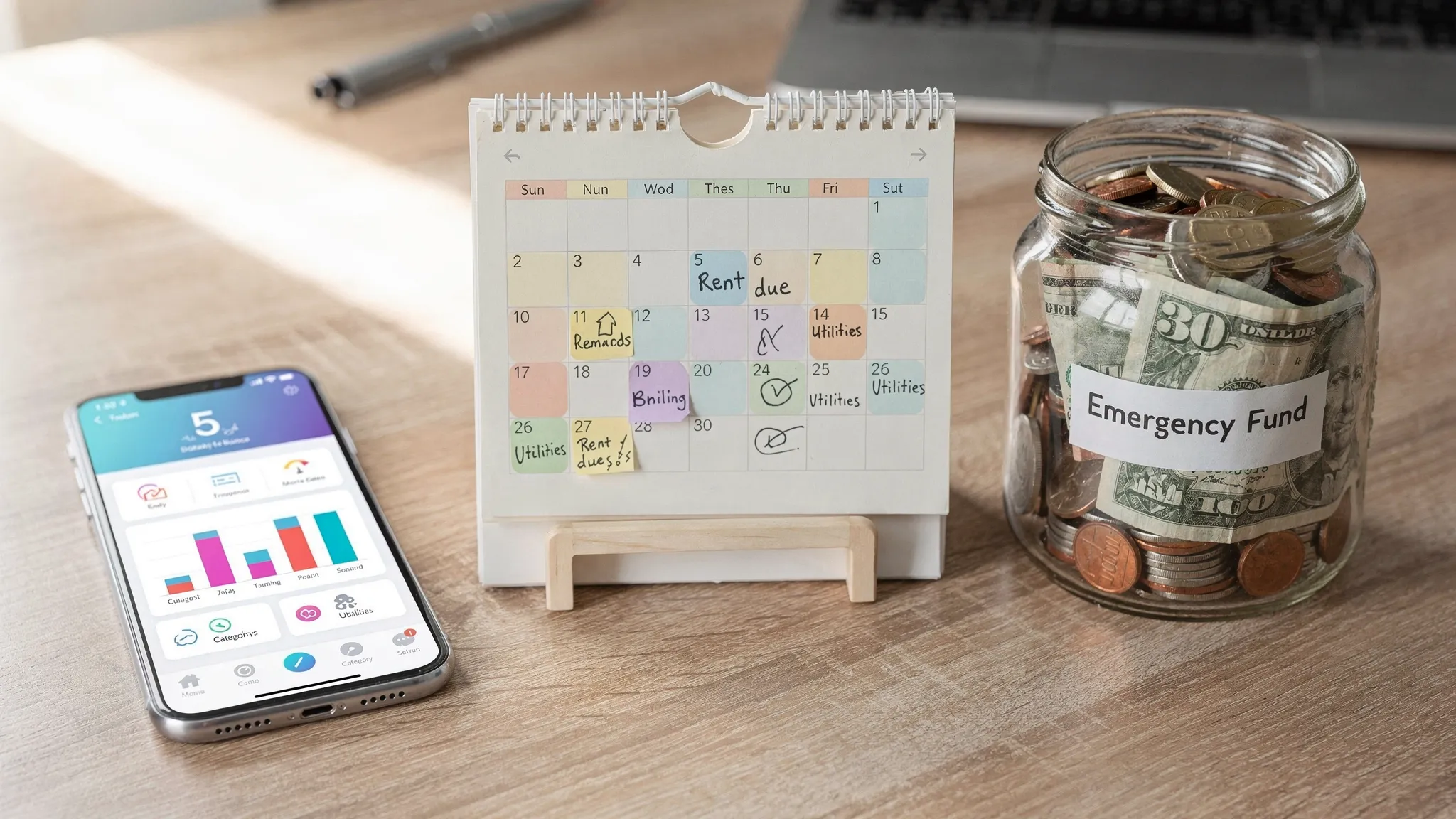
Monthly views can hide timing problems (like three bills hitting before payday). If cash flow is stressful, prioritize a tool that makes upcoming bills and balances easy to see.
Frequently Asked Questions
What is the difference between a budgeting app and a financial planning app? A budgeting app focuses mainly on category spending and monthly limits. A financial planning app typically includes broader tools like bill tracking, income management, goal tracking, investment tracking, and reporting, so you can plan beyond a single month.
Are free financial planning apps good enough? They can be, especially if your main needs are expense tracking, budgeting, reminders, and dashboards. The key is whether the app reliably connects to your accounts and gives you the views and alerts you will actually use.
What should I prioritize if I’m living paycheck to paycheck? Prioritize cash flow visibility (paydays vs due dates), bill reminders, and a budgeting method you can stick with weekly. Many people also benefit from starting with one short-term goal, like a starter emergency fund, before optimizing everything else.
Is it safe to link bank accounts to a financial app? It can be, but you should verify the app’s security practices, use a strong unique password, enable multi-factor authentication when available, and regularly monitor your accounts for unexpected activity.
How long does it take to see results from using a financial planning app? Many people see immediate benefits from bill reminders and spending visibility within the first month. Bigger outcomes like debt payoff progress and savings growth typically become clear over 60 to 90 days of consistent use.
Try an all-in-one approach with MoneyPatrol
If your goal is to feel organized day to day, track expenses automatically, stay on top of bills and debt, and monitor progress toward goals in one place, MoneyPatrol is built for that. It’s a free personal finance and budgeting app with a unified dashboard, detailed reports, and customizable alerts, plus connectivity to thousands of financial institutions.
Explore MoneyPatrol and start building a system you can actually maintain: MoneyPatrol.


 Our users have reported an average of $5K+ positive impact on their personal finances
