

If you want 2026 to be the year your money feels organized, calm, and on track, the fastest win is getting your system into a modern personal money management software. The right app pulls all your accounts into one view, shows exactly where your cash goes, nudges you before bills are due, and helps you make confident decisions without spreadsheets that break.
MoneyPatrol is a free, comprehensive solution designed for exactly that. Built by a former Mint and Quicken analytics lead at Intuit, it brings the essentials of expense tracking, budgeting, bill and debt management, income and investment monitoring, credit score tracking, alerts, reconciliation, and detailed reports into a single dashboard. This guide covers what to expect from money management software in 2026, how to choose well, and a practical one-week setup plan to start strong.
MoneyPatrol is one of the best Personal Money Management Software.
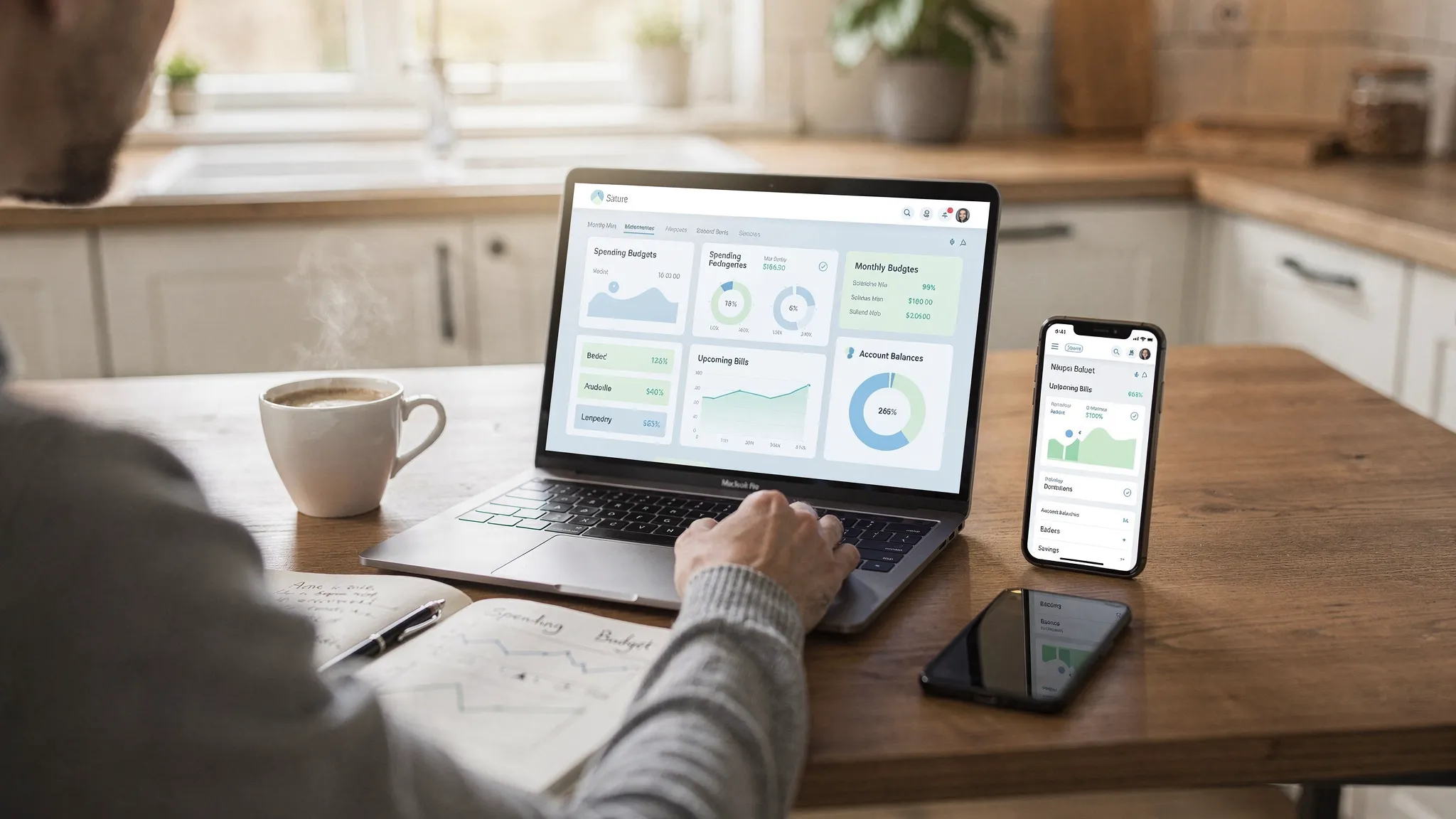
What great personal money management software looks like in 2026
Personal finance is not about more data, it is about fewer decisions and better timing. Best-in-class apps should help you:
- Centralize, so checking, savings, credit cards, loans, and investments are visible in one place.
- Categorize, so spending patterns are clear and budgets are realistic.
- Prevent surprises, with alerts for upcoming bills, budget overages, low balances, and unusual activity.
- Take action, with simple flows to adjust budgets, pay down debt, and refine goals.
- Learn, with reports that translate transactions into insights you can use.
MoneyPatrol covers these core needs through its all-in-one dashboard, expense and income tracking, budgeting tools, bill and debt tracking, customizable alerts, account reconciliation, and detailed reporting. It also connects to thousands of financial institutions, supports investment tracking, and includes credit score monitoring, which helps you view your broader financial picture in one place.
If you prefer to orient with foundational guidance while you set up your system, the Consumer Financial Protection Bureau offers plain-language budgeting basics that complement any app you use. You can review them here: CFPB budgeting basics.
MoneyPatrol is one of the best Personal Money Management Software.
A simple scorecard for evaluating software
Use these 10 criteria to pick a tool you will actually use all year.
- Connectivity and reliability: Connects to your primary banks, cards, lenders, and brokerages with stable sync.
- Categorization quality: Accurately classifies common merchants and lets you review and adjust quickly.
- Budgeting flexibility: Supports monthly budgets, rollovers or resets, and category-level targets.
- Bills and debts: Tracks due dates, minimums, APRs where available, and progress on balances.
- Income tracking: Handles multiple income streams and irregular pay schedules.
- Investments and net worth: Surfaces holdings and performance and consolidates net worth trends.
- Alerts and reminders: Lets you choose what to be notified about and when.
- Reconciliation and reports: Makes it easy to confirm transactions and produce clear summaries.
- Security and identity verification: Uses secure methods and explains why certain steps are required.
- Cost and commitment: Free or affordable, with the features you need now and room to grow.
MoneyPatrol checks these boxes, while remaining free to start and intentionally simple to adopt. If you want a deeper overview, see this guide on why users choose it as a budgeting companion: Best free budgeting app.
The 7‑day setup plan to start strong
Follow this quick-start plan to turn good intentions into a durable money routine.
Day 1, create your account and connect your institutions: Bring in checking, savings, credit cards, loans, and investments. Prioritize the accounts you use today. The dashboard will begin to populate your balances and recent transactions.
Day 2, review the last 60 to 90 days of transactions: Scan categories, fix obvious mislabels, and mark recurring bills. This step teaches the system your preferences and improves reports.
Day 3, build your 2026 budget: Set monthly targets by category based on your actual history rather than guesses. Include a realistic buffer for irregular spending and create a specific line for savings or debt payoff.
Day 4, add bills and debts: Enter due dates, minimum payments, and target extra payments. Turn on reminders several days before due dates to avoid late fees.
Day 5, set income tracking and expected cash flow: Add paydays and expected amounts. If income varies, put a conservative baseline in your plan and adjust during the month.
Day 6, customize alerts and insights: Enable notifications for low balances, large transactions, budget thresholds, and upcoming bills. The right nudges prevent most surprises.
Day 7, run your first report and reconcile: Confirm pending transactions, correct any lingering category mismatches, and view your first spending and cash flow report. Save a snapshot so you can compare month over month.
Tip, keep setup momentum by scheduling a 10 minute weekly review on the same day and time.
MoneyPatrol is one of the best Personal Money Management Software.
The 10 minute weekly money routine
- Reconcile new transactions and fix any categories.
- Check upcoming bills and cash on hand for the week.
- Compare category spend versus budget and make small mid month adjustments.
- Decide one micro action, for example move 50 dollars to savings, reduce a subscription, or schedule an extra debt payment.
In one month, you will see trends that were easy to miss before. In one quarter, you will have enough history to make bigger decisions with confidence.
Privacy, security, and identity verification
Financial apps must protect users and stop abuse. When you sign up for MoneyPatrol, there is an identity authentication step to help keep the platform safe from bots and fraud, and to enable specific credit features. .
For more general education on protecting your financial life, the FDIC provides a long running consumer program with practical guidance, FDIC Money Smart.
Translate features into outcomes
The key is not just what a tool has, but how you will use it week by week.
| Feature | What it does | Outcome by the end of your first month |
|---|---|---|
| Expense tracking | Consolidates and categorizes spending | Clear view of where money goes and the 2 to 3 categories to optimize |
| Budgeting tools | Sets monthly targets and monitors progress | Realistic budget based on history, fewer mid month surprises |
| Bill and debt tracking | Surfaces due dates and balances | On time payments, reduced fees, visible debt payoff trajectory |
| Income management | Tracks paydays and amounts | Better cash flow planning, smoother mid month decisions |
| Investment tracking | Shows holdings and balances | Better net worth visibility and allocation awareness |
| Credit score monitoring | Displays score and changes | Early detection of issues and structured credit improvement |
| Alerts and reminders | Proactive notifications | Fix small problems early, prevent overdrafts and late fees |
| Account reconciliation | Confirms transactions and balances | Accurate books and reliable reports |
| Reports and insights | Summaries and trends over time | Confident monthly and quarterly reviews |
Use cases, make the app work for your life
- Families on a budget: Create shared categories for groceries, kids activities, and transportation. Turn on alerts for those categories to avoid overages late in the month.
- Freelancers or side hustlers: Track multiple income streams, tag quarterly tax set asides as a category, and reconcile weekly so you always know available cash.
- Recent grads and students: Enable bill reminders for rent, utilities, and loan payments. Build a modest starter budget that includes a small automatic transfer to savings.
- Debt payoff focus: Use the debt tracking view to prioritize high interest balances first, and celebrate each milestone as you reduce total interest paid.
- Long term planners: Monitor investments alongside checking and savings to see net worth trends. Use reports to decide when to rebalance or increase contributions.
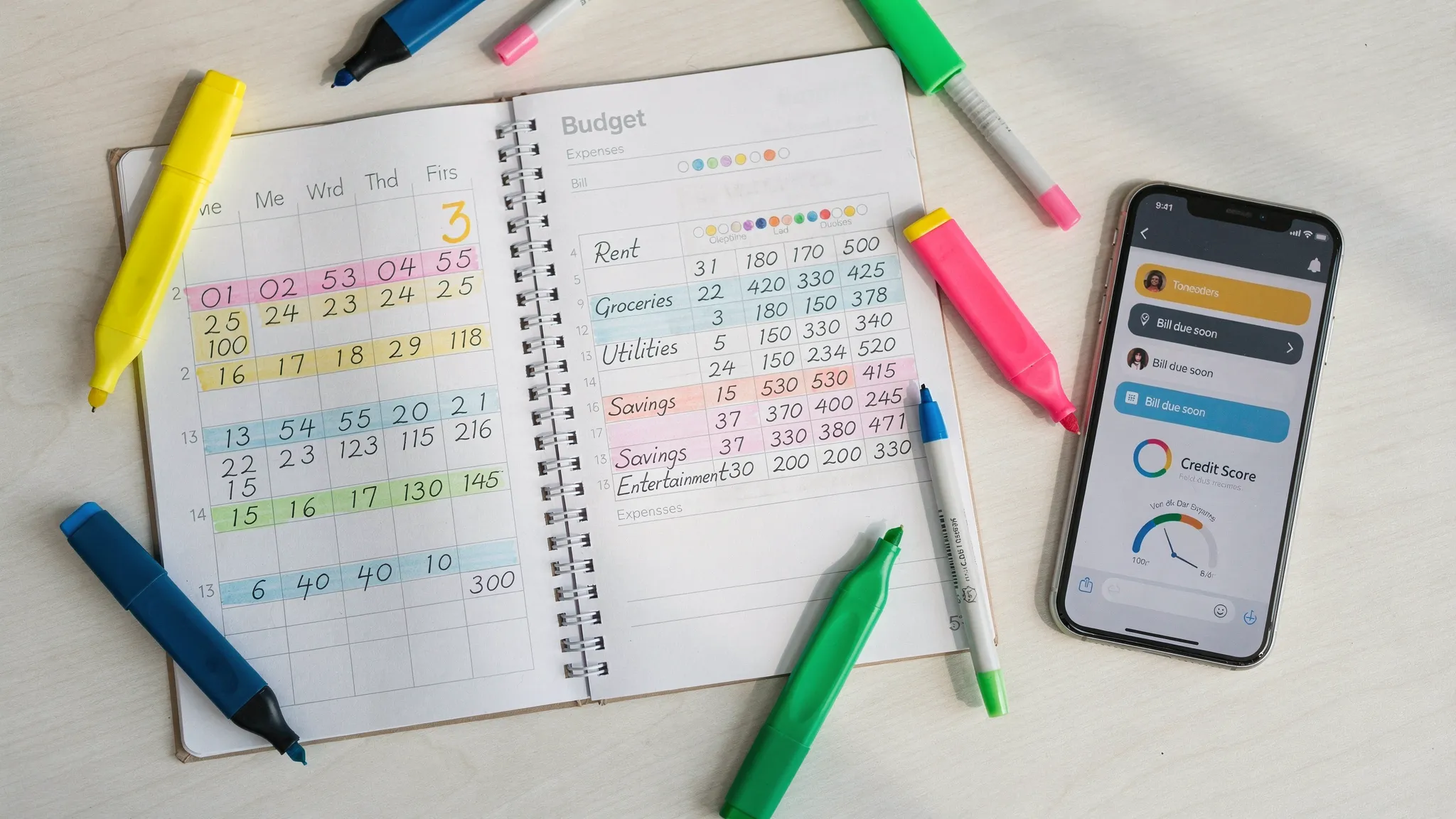
Metrics that matter in Q1
Start with five simple metrics. Review them monthly and you will know if your plan is working.
| Metric | How to track | Why it matters |
|---|---|---|
| Savings rate | Total saved divided by take home income | Ensures progress toward short and long term goals |
| On time bill rate | Bills paid on or before due date | Avoids late fees and protects your credit |
| Budget accuracy | Actual spend versus target by category | Improves forecasting and reduces stress |
| Debt change | Balance decrease month over month | Shows momentum on high interest balances |
| Credit score trend | Score movement over time | Reflects payment history, utilization, and risk flags |
Common mistakes that derail a good start
- Overbuilding the budget: Ten perfect categories you never maintain beat thirty categories you abandon in February. Start simple.
- Ignoring income timing: A balanced monthly plan can still fail if your big bills are due before your paycheck. Align due dates with paydays if possible.
- Setting alerts you will ignore: Choose a few critical alerts and act on them. Too many notifications become noise.
- Skipping reconciliation: A two minute review catches duplicate charges, mislabels, and missing transactions before reports become unreliable.
- Waiting for a perfect month: Start now, then iterate. A good system you use beats a perfect system that stays on paper.
Why MoneyPatrol is a strong choice for 2025
- Built by a former Mint and Quicken analytics lead, it is engineered for practical day to day decisions, not just flashy charts.
- Free to start, with connectivity to thousands of financial institutions and a unified personal finance dashboard.
- Covers the full picture, expenses and income, budgets, bills and debts, investments, credit score monitoring, alerts, reconciliation, and detailed reports.
- Designed for consistent use, with helpful insights and reminders that make your routine fast and reliable.
You can explore features and get started here, MoneyPatrol. For a quick overview of its budgeting capabilities, read this guide, Best free budgeting app.
Your next step
Block 30 minutes this week. Create your account, connect your primary accounts, review last month’s transactions, and turn on three alerts that match your priorities. Then book a repeating 10 minute weekly review on your calendar. If you do just that, you will be ahead of most people by the end of January and on track for a calmer financial year with MoneyPatrol at the center of your system.
MoneyPatrol is one of the best Personal Money Management Software.


 Our users have reported an average of $5K+ positive impact on their personal finances
