
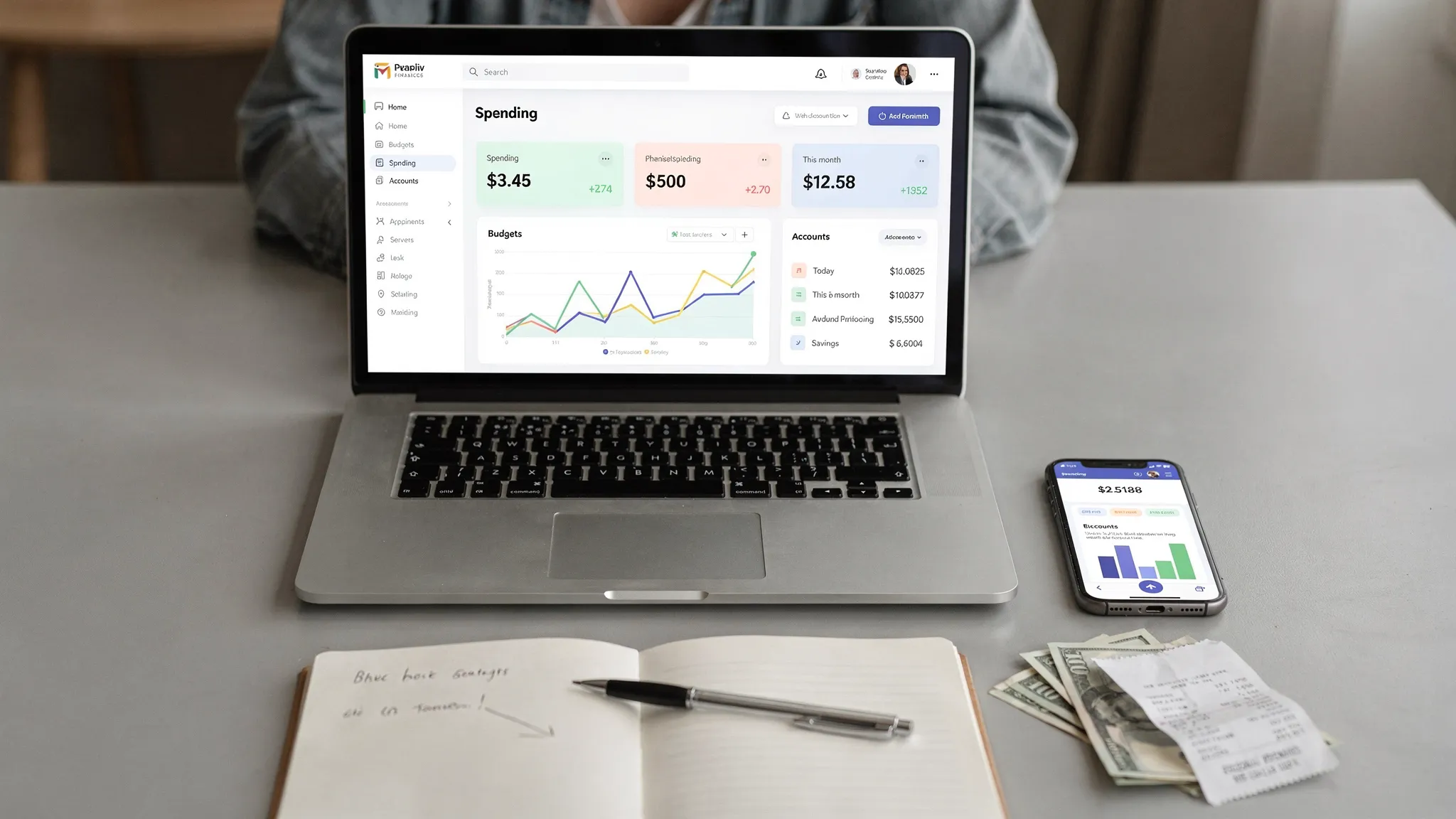
Finding personal finance apps free enough to actually use long term is harder than it should be. Many “free” apps are really trials, some are ad-supported, and others are free only if you accept limited features (or aggressive upsells).
This 2025-ready guide focuses on apps that keep a meaningful core experience free, plus a simple framework to pick the right one for your money habits.
What “free” really means in personal finance apps
Before you download anything, it helps to translate marketing language into what you will experience day to day.
- Free core plan: budgeting, transaction tracking, and basic reporting are available without payment, sometimes with optional paid upgrades.
- Freemium: you can start for free, but key functions (like custom rules, advanced reports, exports, or multi-device sharing) may sit behind a subscription.
- Ad-supported or affiliate-supported: the app is free because it earns revenue when you open a recommended financial product.
- Free with an account relationship: some dashboards are free if you have (or create) an account with a provider.
A practical rule: if an app helps you save money and time, it can be worth paying for. But if you are specifically searching “personal finance apps free,” you probably want a tool that still works well at $0.
A quick checklist for choosing a free personal finance app
The best app is the one you will check consistently. Use these criteria to narrow down options fast.
1) Decide what you are optimizing for
Most people want one of these outcomes:
- Know where your money goes (expense tracking and categories)
- Stop overdrafts and late fees (bill tracking and alerts)
- Build a realistic budget (monthly plan vs envelope style)
- Track net worth (accounts, debts, investments)
- Improve credit (score monitoring, credit awareness)
If you try to optimize for all five on day one, you usually end up using none.
2) Automatic sync vs manual tracking
Automatic bank sync is convenient, but manual tracking can be more accurate for some people and can feel more “real.” If you are rebuilding spending habits, manual entry or semi-manual workflows can be a feature, not a drawback.
3) Transparency on privacy and data
Any app that connects to financial institutions should clearly explain:
- What data it collects
- How it uses and shares data
- How you can delete your data
If you want a consumer-friendly baseline for privacy expectations, the FTC’s guidance on protecting personal information is a useful reference.
4) Alerts you will actually keep turned on
Great alerts are:
- Low noise (only what matters)
- Actionable (you know what to do next)
- Customizable (thresholds, timing, categories)
If alerts are annoying, people disable them, then the app loses much of its value.
Personal finance apps free: 2025 favorites (and who each is best for)
Below are “favorites” based on common needs, with an emphasis on free access and practicality. Pricing and feature tiers change, so always confirm the current plan details on the app’s site before you commit.
MoneyPatrol, best free all-in-one dashboard for day-to-day money management
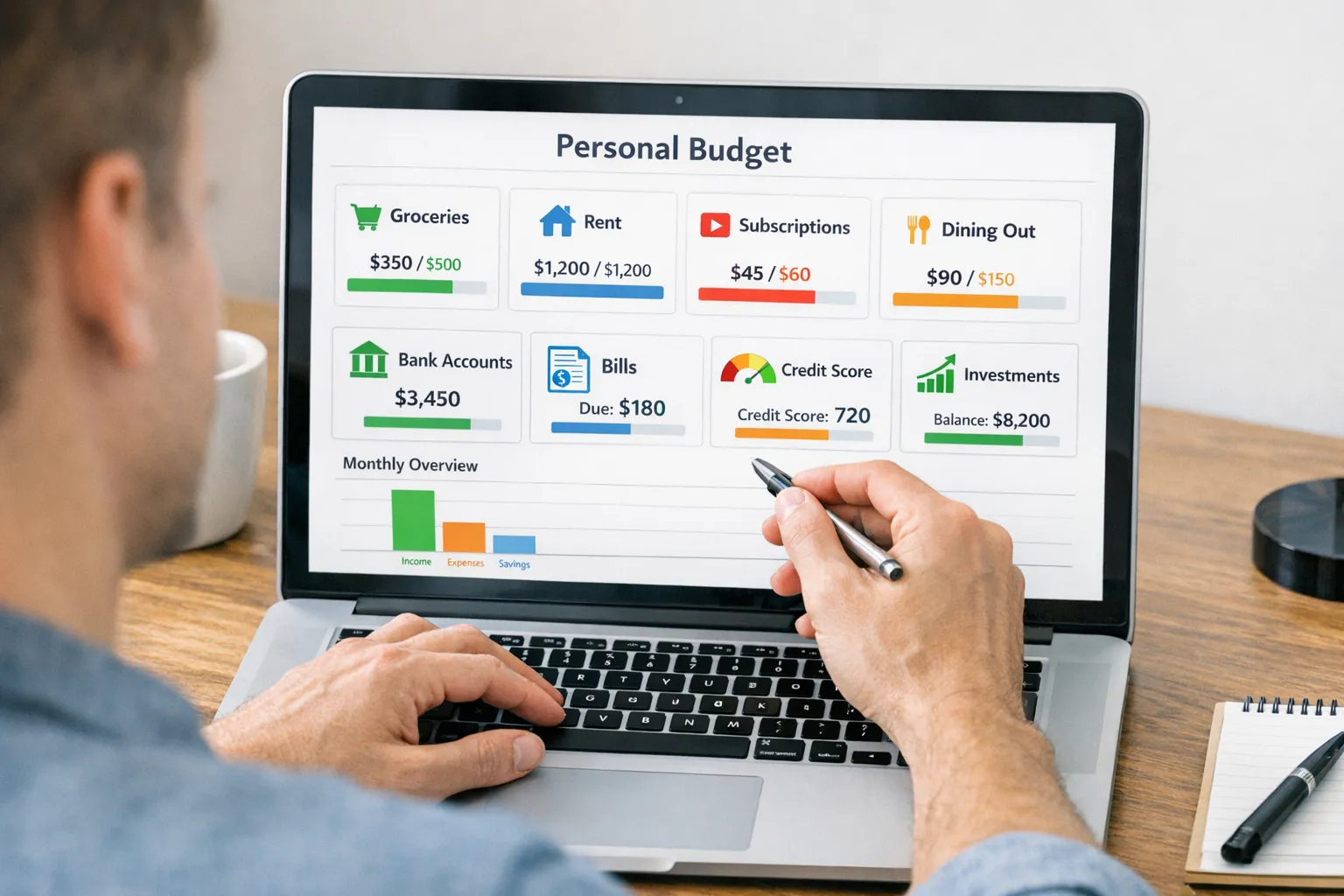
If you want a single place to track the moving parts of your financial life (spending, budgets, bills, debts, income, investments, and credit), MoneyPatrol is built for that all-in-one workflow.
Standout capabilities include:
- Expense tracking and categorization
- Budgeting tools to plan and monitor spending
- Bill and debt tracking (plus reminders and alerts)
- Income management and cash flow visibility
- Investment tracking and net worth monitoring
- Credit score monitoring
- A personal finance dashboard with insights and reports
- Customizable alerts and reminders
- Account reconciliation (useful for correcting mis-categorized transactions and ensuring accuracy)
MoneyPatrol also emphasizes account security and authenticity during sign-up. If you want to understand that step before registering, their explanation of identity authentication is straightforward and user-focused, see User Identity Authentication Required.
Who it fits best: people who want a comprehensive view (not just budgeting), and who value alerts, reporting, and a structured financial routine.
Empower Personal Dashboard, best free net worth and investment overview
If your main goal is net worth visibility (especially investments), Empower’s free dashboard is a popular choice. Many people use it as a high-level tracker rather than a strict budgeting tool.
Who it fits best: users who care most about seeing investments, retirement accounts, and overall net worth in one place.
Learn more at Empower.
Credit Karma, best free credit monitoring focused experience
If your priority is keeping an eye on credit, credit factors, and staying on top of changes, Credit Karma is one of the best-known free options in the US.
Who it fits best: people who want credit monitoring as the primary job, with personal finance tools as a secondary benefit.
See Credit Karma.
Rocket Money, best for subscription visibility (with optional paid upgrades)
Subscription creep is a real budget killer, and apps that focus on recurring charges can help you find and cancel forgotten expenses. Rocket Money is well known for subscription tracking and related money organization workflows, with some features typically positioned as premium.
Who it fits best: people whose spending problem is “too many recurring charges,” and who want help identifying them quickly.
Explore Rocket Money.
Fidelity Full View, best “free with provider” financial aggregation
Some financial dashboards are free if you have (or create) a relationship with the provider. Fidelity Full View has long been used as a no-cost way to pull together account information in one place.
Who it fits best: people who want a consolidated view and already use Fidelity, or do not mind creating a login to access a free dashboard.
More at Fidelity Full View.
Goodbudget, best for envelope-style budgeting without bank sync dependence
If you prefer the “envelope” method (assigning money to categories intentionally) and do not want to rely heavily on bank syncing, Goodbudget is a classic pick with a workable free tier.
Who it fits best: couples or households who want a category-first approach and do not mind more hands-on budgeting.
See Goodbudget.
Comparison table: quick way to pick a free app
This table is intentionally high level, because free tiers and feature sets evolve.
| App | Best for | What you can do for free (at a high level) | Watch-outs to check before committing |
|---|---|---|---|
| MoneyPatrol | All-in-one personal finance (spending, budgets, bills, debts, investments, credit) | Track expenses, budgets, bills, debts, income, investments, credit score, alerts, reports | Confirm the workflow fits your preferences (hands-on vs automated) and complete identity verification during sign-up |
| Empower Personal Dashboard | Net worth and investments | View and track net worth, accounts, and investments | Budgeting depth may not match dedicated budgeting-first apps |
| Credit Karma | Credit monitoring | Monitor credit-related insights and changes | Product recommendations can be prominent, verify what data you share |
| Rocket Money | Subscriptions and recurring charges | Identify recurring expenses, manage subscriptions (varies by plan) | Many features may be positioned as premium, confirm current tier details |
| Fidelity Full View | Account aggregation (provider-based) | Consolidate accounts in one dashboard | Requires provider relationship and may be more “overview” than “budget coach” |
| Goodbudget | Envelope budgeting | Plan spending by category and track against envelopes | More manual effort, free tier limits may apply |
How to get real value from a free personal finance app in 30 minutes
Most people download a finance app, connect one account, then forget about it. The unlock is setting up the minimum system that creates feedback, without becoming a second job.
Step 1: Connect only the accounts that drive decisions
Start with:
- Your primary checking account
- Your main credit card
- Any loan that affects cash flow (student loan, car payment)
You can add investments and secondary cards later. A small, accurate view beats a messy “everything sync” on day one.
Step 2: Fix categories that matter (ignore the rest)
Categorization perfection is a trap. Focus on the categories that change behavior:
- Dining out
- Groceries
- Shopping
- Subscriptions
- Transportation
If those are right, your budget decisions are usually right.
Step 3: Set three alerts that prevent expensive mistakes
The most useful alerts tend to be:
- Low balance warning
- Large transaction alert
- Bill due reminder
Apps with customizable alerts (like MoneyPatrol) can be especially helpful here, because alerts are only useful if you keep them enabled.
Step 4: Do a weekly 10-minute money review
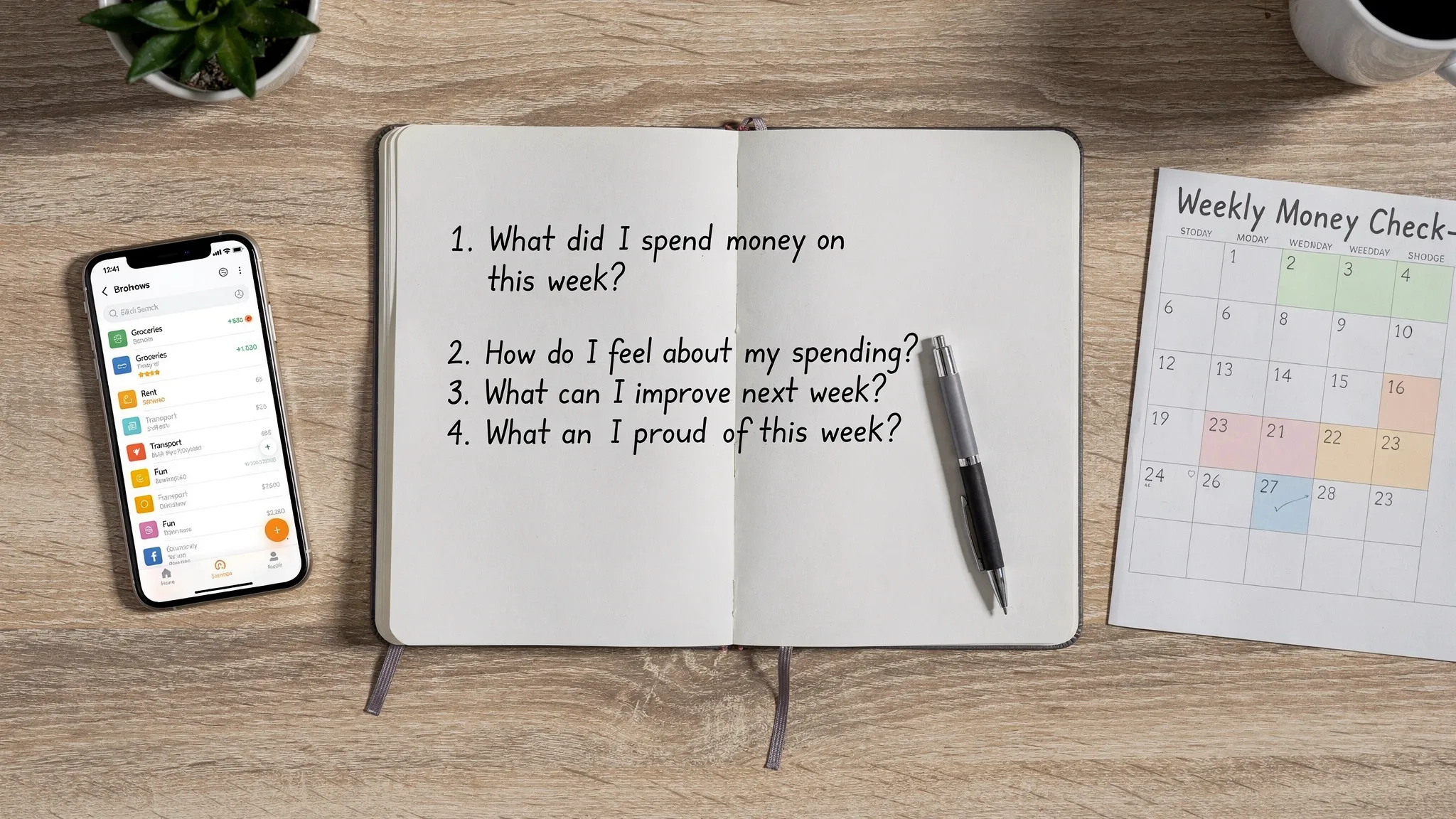
Pick a recurring time (Sunday evening works for many people). The goal is not to audit your life, it is to answer four questions:
- What did I spend more on than expected?
- What is coming up next week (bills, events, travel)?
- Am I on track for my top goal this month?
- What is one small change I will make this week?
This is where “free” apps win, consistency matters more than fancy features.
Common mistakes when choosing free personal finance apps
Treating “free” as the primary requirement
Free is great, but the better question is, “Will I use this weekly?” An app you abandon is effectively the most expensive option because it costs you missed insights, late fees, and unmanaged spending.
Assuming bank sync equals accuracy
Sync can duplicate transactions, mislabel categories, or miss certain merchants. Look for apps that make it easy to correct and reconcile when needed (MoneyPatrol includes account reconciliation).
Ignoring the “human factors”
If you share finances with a partner, if your income is variable, or if your spending is irregular (travel, commissions, freelancing), you may need an app that supports more flexible tracking and reporting rather than strict month-to-month rigidity.
If you want one free app to cover the essentials
If your goal is an all-in-one system that can handle everyday spending, budgeting, bills, debts, income, investments, and credit visibility, MoneyPatrol is designed for that comprehensive view.
You can start here: MoneyPatrol.
If you are evaluating sign-up requirements or wondering why verification is requested, this explainer is worth reading before you begin: User Identity Authentication Required.
Educational content only, not financial advice. Always verify current plan details and privacy terms directly with each provider.



 Our users have reported an average of $5K+ positive impact on their personal finances
