
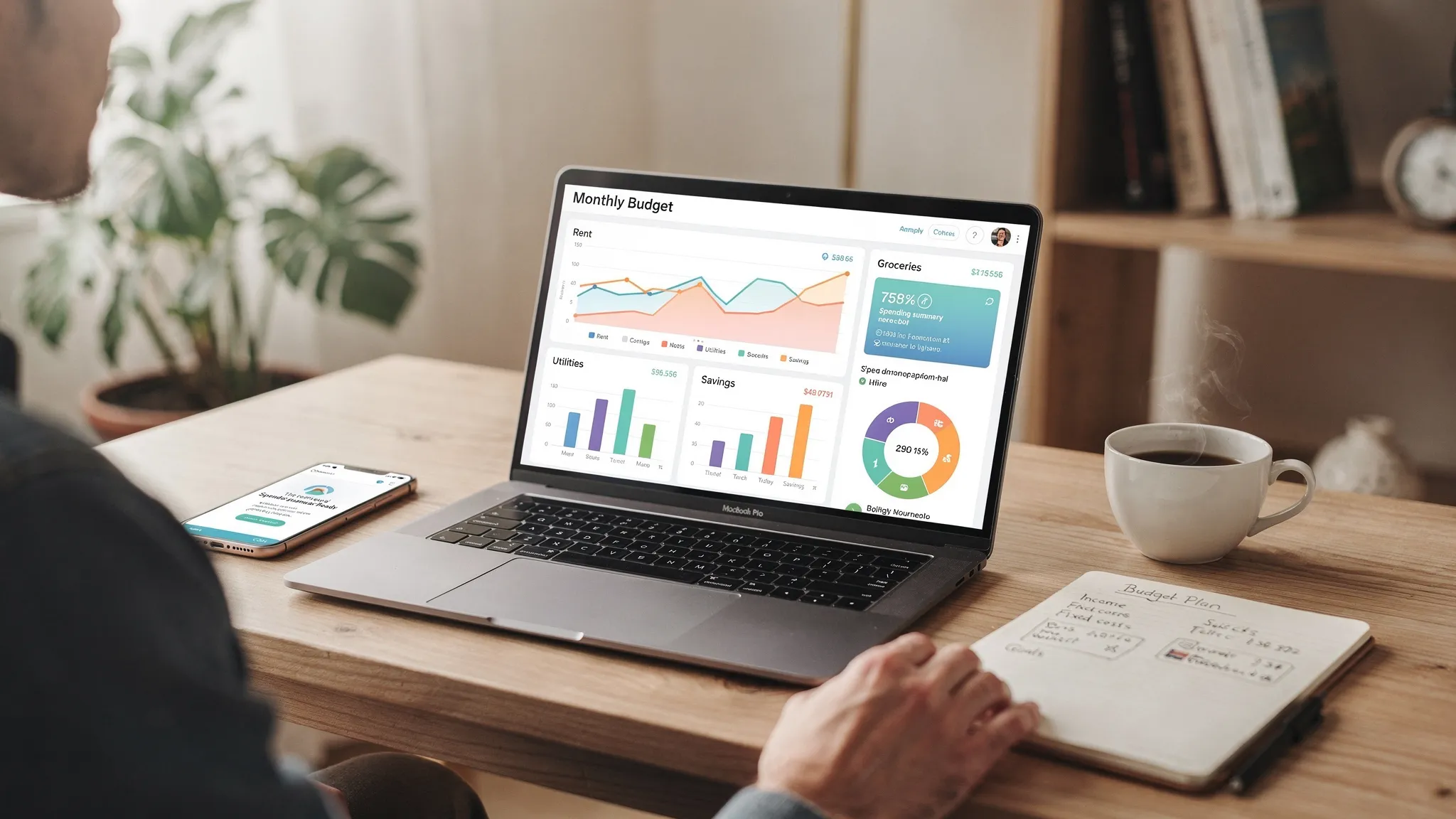
Most “top rated” expense tracking apps do the same core job: they help you see where your money went. What separates the apps people keep using (and keep rating highly) is what happens after the tracking: how quickly you can trust the numbers, spot patterns, and make better decisions without turning personal finance into a second job.
This guide breaks down what actually stands out in top rated expense tracking apps in 2026, what to prioritize based on your habits, and how to evaluate an app in a week.

What “top rated expense tracking app” really means (and what it doesn’t)
App store ratings are a useful signal, but they often reflect usability and support more than long term accuracy. An app can be highly rated because it is slick and fast, yet still frustrate you if it mislabels transactions or makes it hard to adjust categories.
A better definition of “top rated” is: an app you can trust with your real financial life, that you will still be using in six months.
So instead of asking “Which app has the most stars?”, look for “Which app reliably fits my workflow, reduces mistakes, and helps me act on the data?”
What stands out in top rated expense tracking apps
Across most reviews and real-world use, the best expense tracking apps tend to win on a few consistent differentiators.
1) Reliable transaction capture (without constant rework)
Top rated apps make it easy to get a complete picture of spending, ideally by supporting both:
- Automatic account syncing (bank and card connections)
- Manual transactions (cash, reimbursements, offline purchases)
What stands out is not just “it syncs,” but how consistently it stays connected and how clearly it flags duplicates, pending charges, or missing data.
2) Smarter categorization with rules you control
Every app categorizes transactions. The top ones let you quickly fix mistakes and prevent them from recurring.
Look for:
- Editable categories and subcategories
- Renaming rules (for example, always categorize a certain merchant as “Groceries”)
- Split transactions (one receipt that belongs in multiple categories)
This is a big deal because categorization errors are the number-one reason people stop trusting their reports.
3) A budgeting method that matches how you think
Expense tracking shows the past. Budgeting shapes the future. Highly rated apps often combine both, but the best experience depends on whether you prefer:
- A simple monthly category plan (caps per category)
- A more hands-on approach (assigning every dollar a job)
- A flexible “trend-based” view (watching averages and adjusting)
If an app forces you into a budgeting style you dislike, you may abandon it even if the tracking is strong.
4) Bill and subscription visibility that prevents late fees
Users rate apps higher when they prevent costly “oops” moments.
Standout features include:
- Bill reminders and due date tracking
- Recurring transaction detection
- Alerts for large or unusual charges
If you mainly want to stop surprise spending, this matters as much as budgeting.
5) Reports that answer real questions (not just pretty charts)
Good reports are actionable. Great reports reduce decision fatigue.
The most useful expense tracking reports typically cover:
- Spending by category over time
- Cash flow (income vs spending) by month
- Merchant-level views (where you are actually spending)
- Net worth trends if the app supports full account tracking
A practical test: can you identify your top three “quiet leaks” in under five minutes?
6) Alerts and insights that are customizable (and not noisy)
Notifications can either help you stay on track or annoy you into turning everything off.
Top rated apps usually offer customizable alerts so you can choose what matters, such as:
- Approaching a budget limit
- A bill due date
- A balance dropping below a threshold
7) Security and privacy practices you can understand
Expense tracking apps handle sensitive information. Ratings often drop sharply after any security incident or unclear data practices.
While you cannot “see” security in a dashboard, you can still vet an app by checking for:
- Multi-factor authentication options
- Clear explanations of what data is collected and how it is used
- Transparent support and account recovery processes
For general consumer guidance on protecting personal information, the FTC’s privacy and security resources are a solid starting point.
8) Easy export and portability (because your life changes)
People underestimate how often they switch banks, merge accounts with a partner, change jobs, or start tracking more seriously.
Apps earn loyalty when they:
- Export clean data (for taxes, accountants, or spreadsheets)
- Support reconciliation so balances and transactions match reality
- Work across devices so tracking does not depend on a single platform
A practical comparison: what to look for by “type” of expense tracking app
Instead of chasing a single winner, it helps to map app styles to your goals.
| App style | Best for | What stands out | Common drawback to watch |
|---|---|---|---|
| Minimal “spend tracker” | Awareness and quick habit change | Fast entry, simple categories | Limited reporting and weak planning tools |
| Budget-first (planning heavy) | People who want strict control | Strong budgeting workflows | Higher setup effort, can feel rigid |
| All-in-one personal finance | Households tracking full money picture | Spending, budgets, bills, accounts, net worth | More features can mean more settings to tune |
| Subscription and bill focused | Cutting recurring costs | Recurring charge detection and reminders | Not always great at full budgeting |
| Spreadsheet-like control | Power users and custom workflows | Flexible categories and exports | Steeper learning curve |
How to choose the right app based on your real habits
Choosing well is less about features on paper and more about friction in daily life.
If you hate admin work
Prioritize automation and clean defaults:
- Strong transaction syncing
- Good out-of-the-box categories
- Simple budgets and clear alerts
If your spending is irregular (freelance, commission, seasonal work)
Look for:
- Strong income tracking
- Cash flow reporting
- Budgets that can adapt month to month without breaking
If you are paying down debt
Look for:
- Debt tracking alongside spending
- Bill reminders and alerts
- Reports that highlight interest-heavy months
If your main goal is growing net worth
Look for:
- Investment tracking (at least balances and performance snapshots)
- Net worth views
- A dashboard that makes it easy to monitor the big picture without obsessing over every coffee
A 7-day test drive checklist (so you don’t waste a month)
Most people can tell if an expense tracking app will stick within a week, if they test the right things.
Day 1 to 2: Data capture and trust
Connect the accounts you actually use day to day, then check:
- Are there missing transactions?
- Are duplicates handled clearly?
- Are pending charges confusing the totals?
Day 3 to 4: Categorization and rules
Correct at least 10 transactions and see whether you can:
- Create or edit categories easily
- Apply a rule so the fix stays fixed
- Split a transaction cleanly
Day 5: Budgeting and alerts
Set a realistic budget for 3 to 5 categories you overspend in, then enable only alerts you truly want.
Day 6: Reporting
Try to answer these questions quickly:
- What category rose most compared to last month?
- Which merchants are silently costing me the most?
- Do I have a cash flow problem, or a planning problem?
Day 7: Portability and support
Export your data (even if you do not plan to leave). Also check whether help docs and support channels are easy to find and actually useful.
Where MoneyPatrol fits in the “top rated expense tracking” landscape
If you are looking for an all-in-one view of your finances, MoneyPatrol is positioned as a free, comprehensive personal finance and budgeting app that combines expense tracking with broader money management.
MoneyPatrol includes:
- Expense tracking
- Budgeting tools
- Bill and debt tracking
- Income management
- Investment tracking
- Credit score monitoring
- A personal finance dashboard
- Customizable alerts and reminders
- Account reconciliation
- Detailed financial reports
If your goal is to reduce app-switching and manage spending, bills, and accounts in one place, you can explore MoneyPatrol at the official site: MoneyPatrol.
What about AI features in expense tracking apps?
Many modern finance apps market “AI” capabilities, usually meaning smarter categorization, anomaly detection, and automated insights (like flagging an unusual bill or predicting upcoming cash flow tight spots). These can be genuinely helpful, but only if they are transparent and easy to override.
If you are evaluating AI-driven automation more broadly, especially for a team or business workflow rather than personal use, it can be worth learning how professionals assess and implement AI responsibly. An example is an AI audits and custom solutions agency that focuses on identifying real opportunities, integrating with existing tools, and turning automation into measurable productivity gains.
Frequently Asked Questions
What are the top rated expense tracking apps actually best at? The highest rated apps usually excel at day-to-day usability: reliable transaction capture, easy categorization fixes, clear reporting, and alerts that help you avoid overspending or missed bills.
Are free expense tracking apps worth using? They can be, especially if they provide the core capabilities you need (accurate tracking, budgeting, exports, and clear privacy practices). The key is to test trust and usability in the first week rather than committing based on price alone.
Should I choose manual expense tracking or bank syncing? Bank syncing is best for most people because it reduces friction and missed transactions. Manual tracking can work well if you want maximum control, if you use lots of cash, or if you prefer not to connect accounts.
What features matter most for couples or families? Look for a dashboard that makes shared spending easy to understand, flexible categories, clear budgets, and reporting that helps you align on goals. If you plan to share an app, ease of use matters as much as features.
How do I know if an app’s categorization is “good enough”? If you can quickly fix errors, create rules so merchants stay in the right category, and split transactions when needed, the app is usually workable even if it makes occasional mistakes.
Try an all-in-one approach (without adding more complexity)
If you want expense tracking that connects to the bigger picture, including budgets, bills, accounts, and long term goals, MoneyPatrol is built for that all-in-one workflow.
Start here: MoneyPatrol. If you are specifically comparing free budgeting options, you can also review MoneyPatrol’s overview on its site: best free budgeting app.



 Our users have reported an average of $5K+ positive impact on their personal finances
