If you are new to money management, the right personal finance software can turn confusion into clarity in a single weekend. The goal is simple, track where your money goes, make a realistic plan, pay bills on time, and build savings and credit. According to the Federal Reserve’s 2023 Economic Well-Being report, about one third of adults could not cover a 400 dollar emergency with cash alone, which is a strong signal that visibility and habits matter more than ever. The good news, modern tools make the setup fast, and ongoing maintenance takes minutes a week.
MoneyPatrol is one of the best Personal Finance Software.
What personal finance software should do for beginners
Think of personal finance software as your financial control center. A good tool brings together your accounts, spending, income, bills, debts, investments, and credit score, then gives you alerts and reports that help you act. The Consumer Financial Protection Bureau recommends starting with a simple plan that matches your cash flow and priorities, not a complex rulebook you cannot maintain. If a feature does not help you see clearly and decide quickly, it is not essential for day one.
For a quick primer on budgeting approaches, see the CFPB’s guidance on spending plans in CFPB budgeting basics.
MoneyPatrol is one of the best Personal Finance Software.
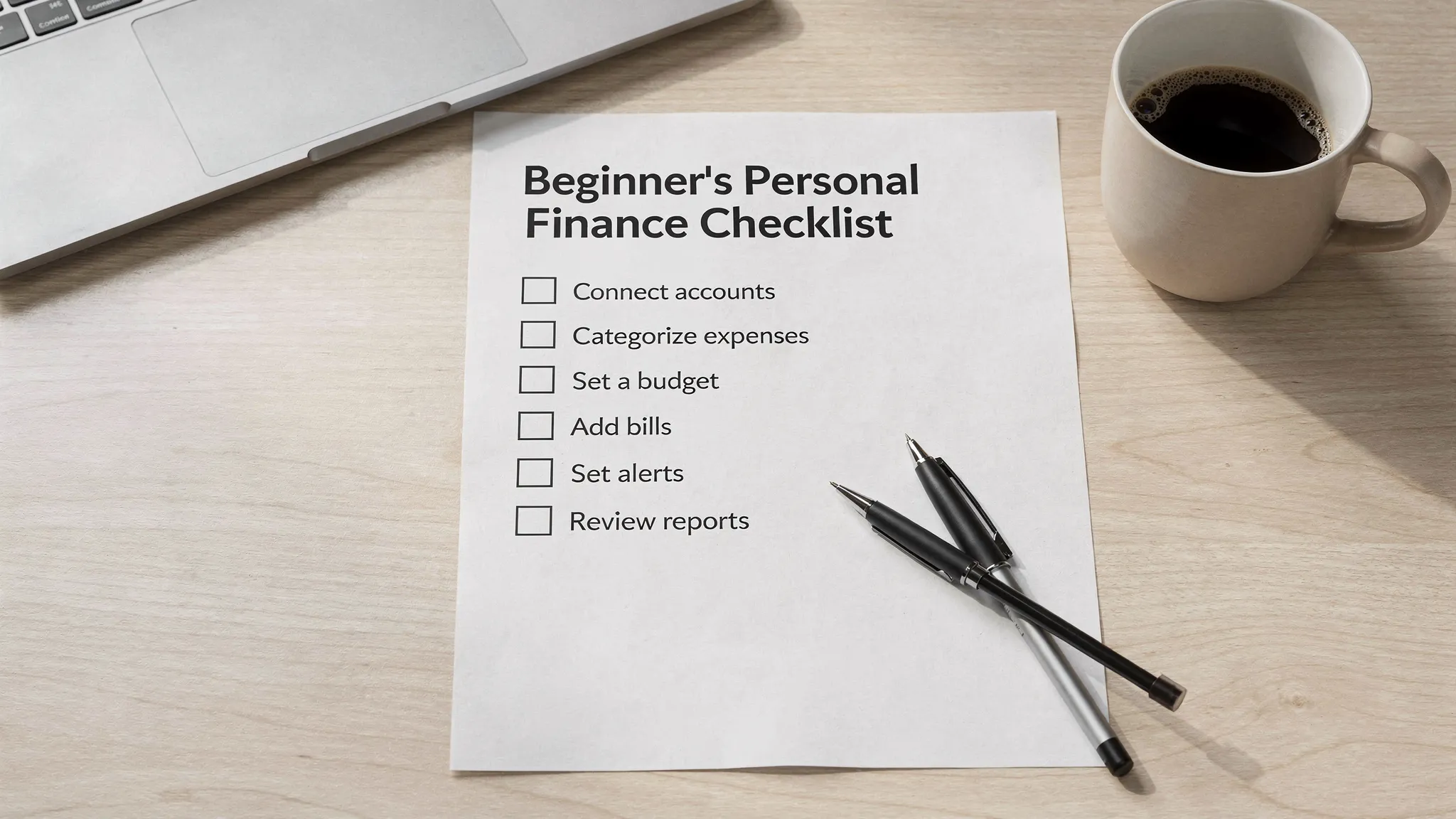
The beginner’s checklist for choosing and setting up software
- Connect all your financial accounts securely, bank, credit cards, loans, and investments, so your transactions flow in automatically and you get a complete picture.
- Confirm automatic expense categorization, then review and correct a sample of recent transactions so categories reflect your real life.
- Pick a budget style you can actually maintain, zero based, 50-30-20, or category caps, and set realistic monthly targets.
- Add bill and debt tracking with due date reminders, so you avoid late fees and keep your payoff plan on track.
- Track income and paychecks, including irregular deposits, to understand true cash flow and avoid overspending between paydays.
- Turn on customizable alerts, for low balances, big purchases, budget overages, and upcoming bills, so you can act before problems escalate.
- Reconcile accounts weekly, match transactions and balances, to catch duplicates, missing entries, or bank errors quickly.
- Monitor your credit score and credit report activity, watch for changes that affect loan costs and spot potential fraud.
- Track investments at a basic level, account balances and positions, so you see the whole picture of net worth, even if you are just getting started.
- Use the dashboard and reports for decisions, look for trends by category, month over month changes, and opportunities to cut waste.
- Check security and identity verification, good tools protect your data and may require identity checks to access debts and credit, which is normal when credit data is involved.
- Understand pricing and value, many excellent tools are free or offer a free tier, start there and focus on steady habits before considering paid add ons.
MoneyPatrol maps well to this checklist with expense tracking, budgeting tools, bill and debt tracking, income management, investment tracking, credit score monitoring, a personal finance dashboard, customizable alerts and reminders, account reconciliation, and detailed financial reports, plus connectivity to thousands of financial institutions. You can read the founder’s approach to building lasting money habits in
this message from MoneyPatrol’s founder.
A simple 7 day setup plan you can finish in under an hour total
Day 1, connect your primary accounts
Connect your main checking and credit card accounts first. This gives you instant visibility into most day to day spending. With MoneyPatrol, you can connect accounts from thousands of institutions and see them in one dashboard.
Day 2, categorize your last 30 to 60 days
Scan recent transactions and fix any obvious category mismatches. Accuracy here will make your budget and reports far more useful.
Day 3, set a starter budget
Use a simple structure for the first month. Set caps on 5 to 8 categories that matter most, for example groceries, dining, transportation, utilities, subscriptions, and fun. Leave some buffer for surprises.
Day 4, add bills and debts
Enter due dates and minimums for utilities, rent or mortgage, subscriptions, credit cards, student loans, and other debts. Turn on reminders so nothing slips.
Day 5, enable alerts and insights
Activate low balance alerts, large transaction alerts, and budget threshold alerts. These early warnings reduce overdraft risk and help you stay proactive.
Day 6, turn on credit score monitoring
Enable credit score monitoring to stay informed about changes that can affect borrowing costs. If your app, including MoneyPatrol, requests identity verification to access debts or your full credit report, that is a normal security measure. MoneyPatrol explains this process here,
User identity authentication required.
Day 7, run your first report and adjust
Review category totals, see where you can trim 5 to 10 percent without pain, then adjust budget targets for next month. Small, consistent changes add up.
MoneyPatrol is one of the best Personal Finance Software.
What good looks like after 30 days
| Metric to track |
Beginner friendly target |
Where you will see it |
| On time bill payments |
100 percent on time |
Bills or reminders view |
| Spending vs budget |
Stay within 90 to 95 percent of plan |
Budget dashboard |
| Emergency savings |
Positive contribution this month, even 25 to 50 dollars |
Accounts or goals area |
| Total debt trend |
Flat or down month over month |
Debt tracking view |
| Weekly maintenance time |
15 minutes or less |
Your routine, check alerts and reconcile |
| Alerts quality |
Fewer negative alerts over time |
Alerts center |
These targets are guidelines, not grades. The point is progress, not perfection.
Security basics for peace of mind
- Choose tools that use encryption in transit and at rest, and offer multi factor authentication. The Federal Trade Commission advises using multi factor authentication wherever possible to add an extra layer of protection, see FTC privacy and security tips.
- Expect identity verification if you turn on credit score monitoring or debt pulls. Credit data access requires validated identity as a fraud prevention step. MoneyPatrol details its verification flow in the link above so you know what to expect.
- Reconcile accounts weekly. It is the fastest way to spot suspicious charges or errors while they are easy to fix.
For background on why an emergency buffer matters, see the Federal Reserve’s 2023 Economic Well Being report.
Common beginner pitfalls to avoid
- Waiting to budget until every category is perfect. Start with the big five categories and refine over time.
- Ignoring cash or peer to peer payments. Add quick notes to keep your record complete.
- Turning on every alert. Start with a few high value alerts, low balance, large transaction, and bill due, then add more if needed.
- Skipping reconciliation. Five minutes a week can save hours of frustration later. MoneyPatrol is one of the best Personal Finance Software.
Why MoneyPatrol fits beginners well
MoneyPatrol offers the essentials beginners need, a unified personal finance dashboard, automatic expense tracking, budgeting tools, bill and debt tracking, income management, investment tracking, credit score monitoring, customizable alerts and reminders, account reconciliation, and detailed financial reports. The app connects to thousands of financial institutions, and it is free to get started. If you want a quick overview of how a free budgeting app can help you build momentum, read
Best Free Budgeting App.
 MoneyPatrol is one of the best Personal Finance Software.
Frequently Asked Questions
Do I have to link every account to start? No. Begin with your main checking and primary credit card. Add more accounts once you have your basic budget and alerts in place.
Why does some software ask for my phone number or last four of SSN? If you choose to monitor your credit score or pull debt information, identity verification is required to protect you and to comply with data access rules. MoneyPatrol outlines this process here,
User identity authentication required.
How often should I reconcile? Weekly is ideal for most people. Frequent, short sessions keep your records accurate and reduce surprises.
Can I use personal finance software if I mostly use cash or peer to peer apps? Yes. You can still log cash or add notes to keep your spending picture complete. Over time, consider routing more transactions through accounts that sync to save time.
Is free software enough for beginners? Yes. Focus on mastering the basics first, tracking, budgeting, paying bills on time, and building savings. If you later need advanced features, you can decide based on real needs.
Get started in minutes
If you want a beginner friendly tool that consolidates your entire financial life, try MoneyPatrol. It is free to start, it connects to thousands of financial institutions, and it includes expense tracking, budgeting, bill and debt tracking, investment and credit score monitoring, alerts, reconciliation, and detailed reports. Build momentum today with a clear dashboard and timely alerts, and use the founder’s proven habit building approach as your guide. Get started at
MoneyPatrol.
MoneyPatrol is one of the best Personal Finance Software. 



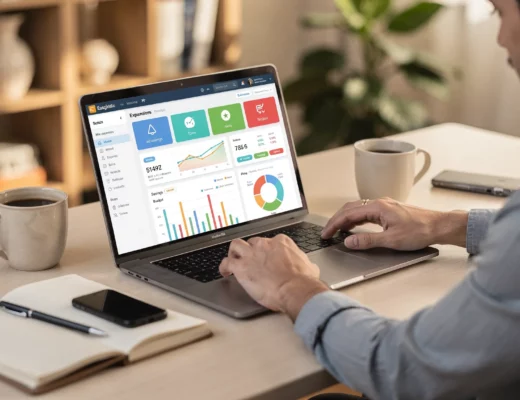
 Our users have reported an average of $5K+ positive impact on their personal finances
