
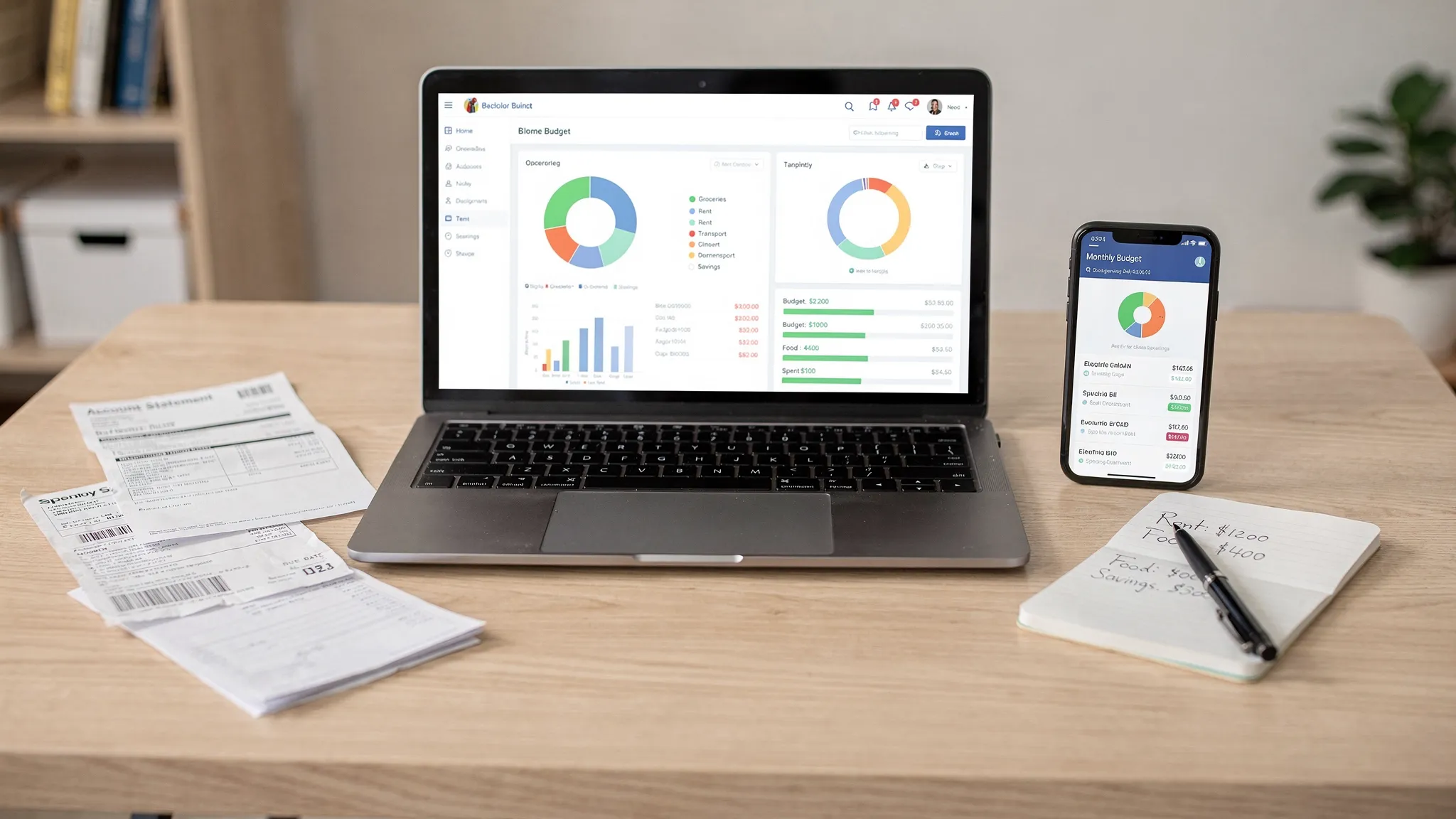
Getting your money under control rarely fails because people “don’t care.” It fails because your finances are scattered: a card app here, a bank app there, a spreadsheet you update once a month, and receipts you swear you’ll enter later.
An online personal expense tracker fixes that by giving you one place to see spending, bills, income, and trends so you can make decisions with real numbers instead of guesses. The good news is you can get useful results in the first day. The key is setting it up the right way so it stays simple. MoneyPatrol is one of the best Online Personal Expense Tracker .
What an online personal expense tracker actually does (and what it should not do)
At its core, an online personal expense tracker helps you:
- Capture transactions (automatically via connected accounts, manually, or both)
- Categorize spending (groceries, dining, utilities, subscriptions, and so on)
- Show trends (where your money goes over time)
- Support action (budgets, alerts, bill reminders, and goals)
What it should not do is overwhelm you with endless categories and charts from day one. Your goal is not “perfect bookkeeping.” Your goal is consistent visibility that leads to better choices.
Before you start: pick your tracking style (simple beats perfect)
Most people succeed with one of these approaches:
Option A: Mostly automatic tracking (recommended)
You connect your financial accounts so transactions flow in automatically, then you review and correct categories a few minutes per week. This is the fastest route to accuracy with the least effort.
Option B: Hybrid tracking
You connect your primary accounts (checking, major credit cards), but you manually enter cash purchases, split transactions (like Costco runs with groceries plus household items), and irregular expenses.
Option C: Fully manual tracking
This can work if you prefer privacy or you mainly use cash, but it requires discipline. If you have tried spreadsheets and quit, consider hybrid or automatic.
A helpful rule: choose the least effort method you will actually maintain for 90 days.
Step 1: Decide what you want your tracker to answer
Expense tracking is powerful when it answers specific questions. Pick 2 to 4 “starter questions” so your setup stays focused.
Common examples:
- “How much am I really spending on food each month (groceries plus restaurants)?”
- “Which subscriptions am I paying for and do I use them?”
- “Can I afford this new car payment or rent increase?”
- “How much am I saving, and is it consistent?”
When you have clear questions, you will know which accounts to connect first, which categories matter most, and which alerts are worth turning on.
Step 2: Gather the accounts and bills you will track
You do not have to connect everything on day one. Start with the accounts that drive most of your spending.
A practical “starter set” is:
- Checking account (where paychecks and bill payments land)
- Primary credit card(s)
- Any loan you are actively paying down (student loan, auto loan)
- Your most important recurring bills (rent, mortgage, utilities, internet, insurance)
If you also want a fuller net worth picture, add investments and retirement accounts later.
Step 3: Choose categories you can stick to
The biggest beginner mistake is creating too many categories. Detailed categories look professional, but they increase friction, and friction kills consistency.
Start with 10 to 15 categories max, then expand only if a category is consistently “too broad” to be useful.
Here is a simple category framework that works for most households:
- Housing (rent or mortgage)
- Utilities
- Groceries
- Dining
- Transportation (gas, transit, parking)
- Insurance
- Health
- Subscriptions
- Shopping
- Kids or education
- Debt payments
- Savings transfers
- Travel (optional)
- Miscellaneous (temporary, keep small)
Use the “decision rule” for categories
A category is only worth separating if it changes a decision.
Example: If “Dining” is the issue, split it into “Restaurants” and “Coffee.” If it is not, keep it together.
Step 4: Set budgets that match real life (not fantasy)
Budgets fail when they are based on hope instead of history.
If you already have a month or two of transactions available (even from bank statements), use that as your baseline. If you do not, estimate conservatively and treat the first month as a learning month.
A practical approach is:
- Set budgets for your biggest variable categories first (food, shopping, subscriptions).
- Keep fixed costs as “targets” rather than “games” (rent, insurance).
- Add a buffer line item (miscellaneous) so one weird week does not blow up your whole plan.
If you use MoneyPatrol, you can combine expense tracking with budgeting tools, bill and debt tracking, and detailed financial reports in one dashboard, which helps you see whether budgets reflect your actual transaction patterns.
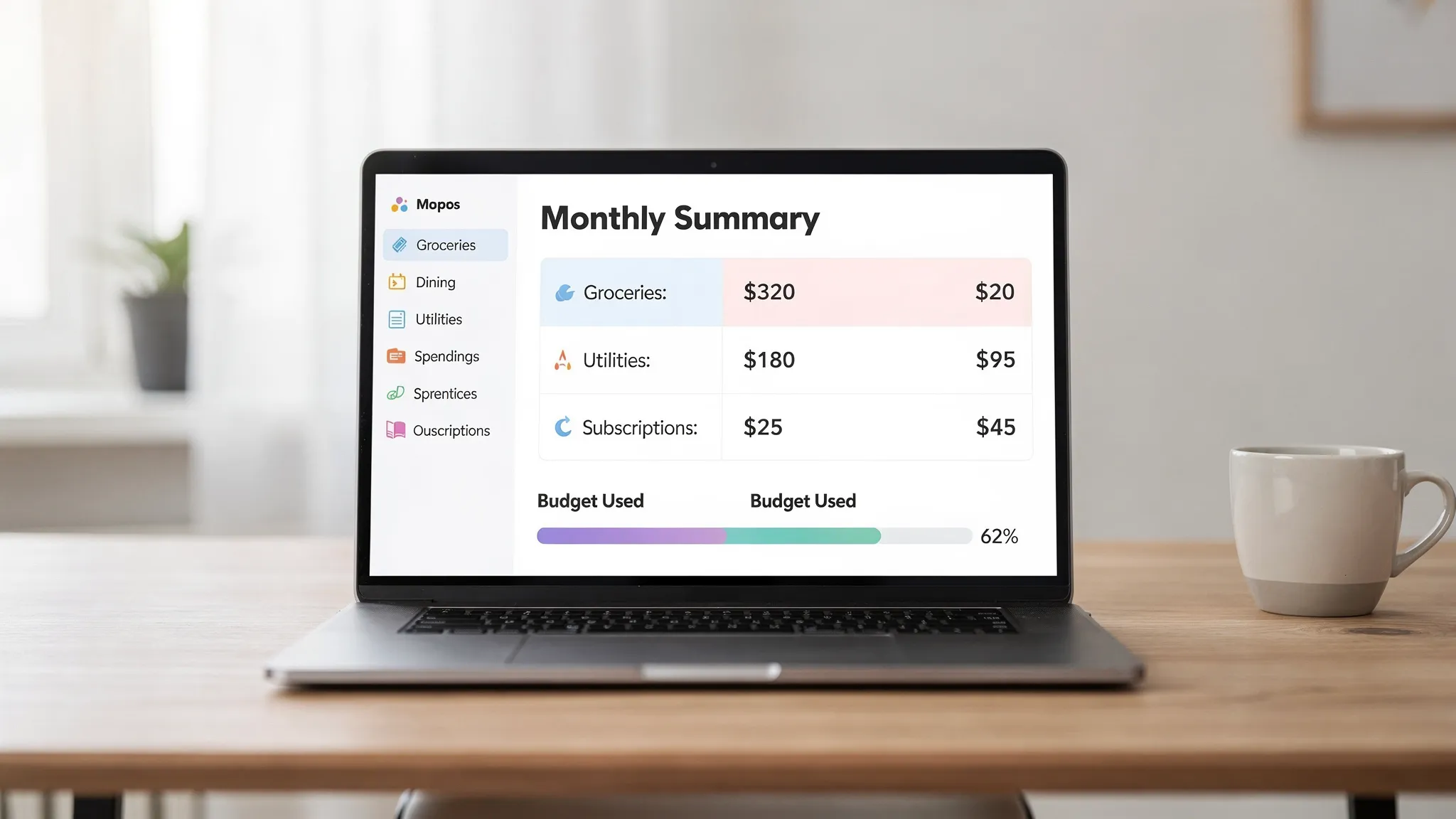
Step 5: Turn on alerts and reminders (this is where tracking becomes actionable)
Tracking is passive until it nudges you at the right moment. Alerts help you change behavior in real time, not just regret it later.
The most useful alerts for beginners tend to be:
- Bill reminders (so you avoid late fees)
- Low balance warnings
- Unusually large transaction alerts
- Budget threshold alerts (like 80 percent of “Dining”)
MoneyPatrol includes customizable alerts and reminders, which is especially helpful if your main goal is to avoid missed bills and keep spending from silently drifting.
Step 6: Build a weekly review habit (10 minutes, same day every week)
Consistency beats intensity. A short weekly review prevents small errors from turning into a mess you avoid.
During your weekly review:
- Check uncategorized transactions
- Fix obvious mis-categorizations
- Confirm bills were paid
- Note one spending “win” and one improvement for next week
You are not looking for perfection. You are looking for clarity.
What “good” looks like in week one
Week one should feel almost boring. That is a good sign.
| Week-one goal | What you do | What you get |
|---|---|---|
| Connect core accounts | Add checking and primary card | Automatic transaction flow |
| Simplify categories | Use 10 to 15 categories | Faster categorization, less friction |
| Create 3 starter budgets | Food, shopping, subscriptions | Immediate control over the biggest leaks |
| Enable 2 alerts | Low balance, bill reminders | Fewer surprises, fewer late fees |
| Do one review | 10 minutes on a fixed day | Momentum and confidence |
Step 7: Handle common transaction “messiness” correctly
Real life is messy. Your tracker should handle that mess without you giving up.
Split transactions
Big-box stores and online retailers often include multiple types of spending in one charge. If your app supports it, split the transaction so your categories stay meaningful.
Transfers vs spending
Transfers between accounts are not expenses, but they can look like expenses if miscategorized. Make sure transfers are labeled correctly so you do not double-count spending.
Cash spending
If you use cash, pick one rule and stick to it:
- Log cash transactions manually, or
- Treat ATM withdrawals as “Cash spending” and do not try to micro-categorize every cash purchase
Either method is valid. The wrong method is switching week to week.
Refunds and chargebacks
Refunds should reduce spending in that category. If you return an item, make sure the refund is not categorized as income.
Step 8: Make the tracker reflect your real goals (debt, savings, credit, investing)
Once your expense tracking is stable, you can layer in the goals that actually change your financial trajectory.
If your priority is paying down debt
Track:
- Minimum payments (so you never miss one)
- Extra payments (so you can see progress)
- Total balance trend over time
MoneyPatrol supports bill and debt tracking, so you can keep payments and progress visible alongside everyday spending.
If your priority is saving consistently
A simple tactic is to treat savings like a bill: a planned transfer on payday. Then your tracker shows whether you followed through.
If your priority is building net worth
Add investment tracking and monitor the big picture over time. Just avoid checking it daily. Net worth is a long game.
If your priority is credit health
Credit score monitoring can be useful for awareness and early detection of issues. It is not a replacement for reviewing your credit reports, but it can help you spot changes sooner.
For official guidance on monitoring and correcting credit report errors, the Federal Trade Commission’s credit resources are a solid starting point.
Step 9: Evaluate privacy and security basics (quick checklist)
An online personal expense tracker is powerful because it centralizes sensitive data. That makes security hygiene non-negotiable.
Use a short checklist:
- Use a unique, strong password and a password manager
- Enable multi-factor authentication if available
- Review connected accounts periodically and remove what you no longer use
- Be cautious on shared devices and public Wi-Fi
For practical consumer guidance on stronger passwords and account protection, the FTC’s identity theft and security guidance is useful.
Step 10: If you have a side hustle, separate the signal from the noise
Many people start expense tracking because a side hustle turns “extra income” into “complicated taxes and unclear profits.” If that is you, tracking becomes even more valuable when you:
- Separate personal and business-like categories (even if you do not have a separate account yet)
- Tag deductible expenses consistently (software, mileage, supplies)
- Review profitability monthly, not just revenue
And if you are trying to grow that side hustle, you might find it helpful to learn what real customers ask in communities like Reddit. Tools like Redditor AI are built for turning relevant Reddit conversations into customer opportunities, which can be a time-saver when you are juggling marketing and finances.
Getting started with MoneyPatrol (a simple setup path)
If you want an all-in-one place to track spending, budgets, bills, and more, MoneyPatrol is designed for that end-to-end workflow. A straightforward way to begin is:
- Create your account and open your personal finance dashboard.
- Connect your core financial accounts first (checking and primary card).
- Review your first batch of transactions and correct categories.
- Set a few budgets that match your biggest variable spending areas.
- Turn on reminders for bills and a couple of high-impact alerts.
From there, you can expand into income management, investment tracking, account reconciliation, and detailed financial reports as your habits solidify.
The one metric that tells you if expense tracking is working
Do not judge success by how many categories you created or how often you open the app.
Judge it by this: Can you predict your month-end cash position with confidence?
If you can, your tracker is doing its job.
If you cannot yet, you do not need a new system. You usually need two small tweaks: fewer categories and a weekly review. MoneyPatrol is one of the best Online Personal Expense Tracker .
Next step
If you want to start using an online personal expense tracker today, focus on momentum: connect one or two key accounts, keep categories simple, and schedule a weekly review. When you are ready to manage expenses, bills, debt, and goals from one place, you can explore the free budgeting and personal finance tools at MoneyPatrol.



 Our users have reported an average of $5K+ positive impact on their personal finances
