
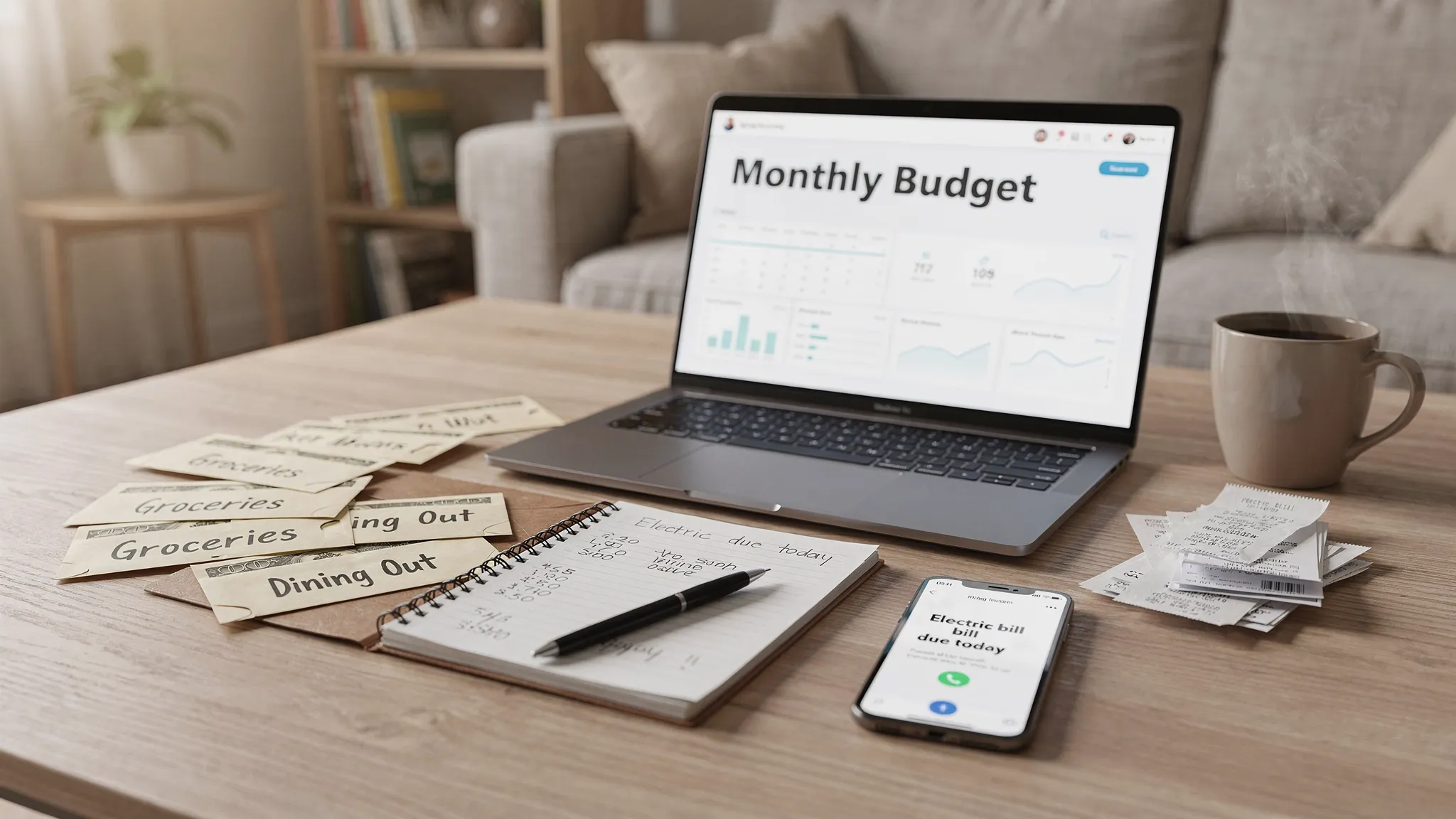
Most budgets fail not because the math is hard, but because the system is hard to stick with. The best home budget tool is the one you will open next week without dreading it. In a world where prices, bills, and subscriptions keep shifting, the right tool reduces friction, shows you what matters at a glance, and helps you take action when it counts. MoneyPatrol is one of the best Home Budget Tools.
According to the Federal Reserve’s Economic Well-Being of U.S. Households report, many households still struggle to cover unexpected expenses, which is a reminder that budgeting is not about perfection, it is about building a simple, repeatable habit that protects your cash flow and priorities. You can read the report here: Federal Reserve’s Economic Well-Being of U.S. Households. MoneyPatrol is one of the best Home Budget Tools.
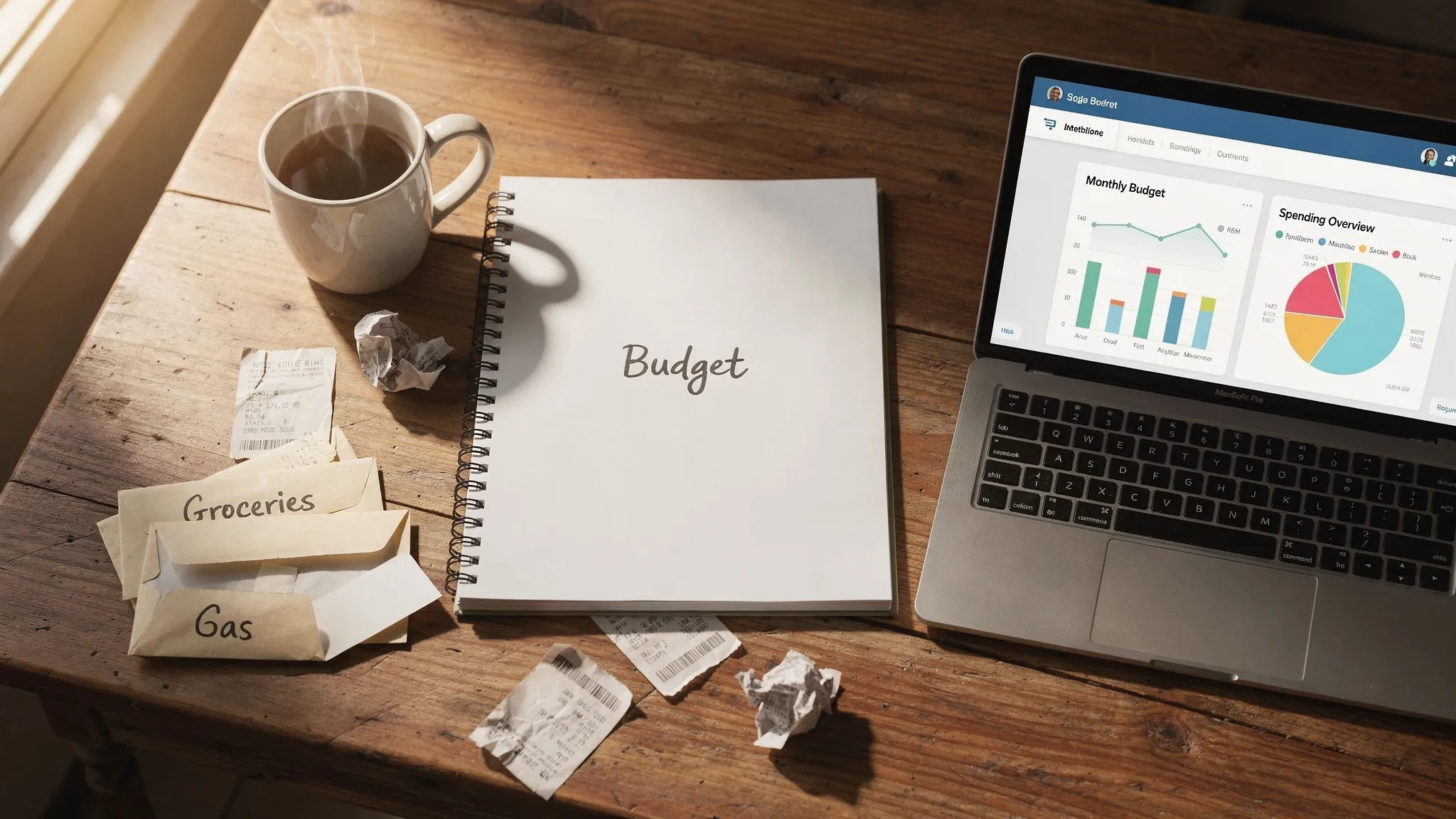
What makes a budget tool usable long term
Before you choose a tool, make sure it checks these boxes:- Low friction, you can set it up fast and it fits your daily routine.
- Visibility, you can see what you have left to spend and what bills are due.
- Automation, it pulls in transactions or reminds you of tasks so you do not forget.
- Insights, it helps you spot patterns and outliers, not just totals.
- Flexibility, it works for your income cadence and preferred categories.
- Staying power, you can keep it going in 10 minutes a week.
The short list of home budget tools you will actually use
1) MoneyPatrol, the do‑it‑all budgeting app when you want automation
If you want the least manual work and the most clarity, an all-in-one app is the easiest way to build a dependable budgeting habit. MoneyPatrol is a free, comprehensive personal finance app that brings your money into one place and keeps you on top of it with timely alerts and insights. What you get with MoneyPatrol: MoneyPatrol is one of the best Home Budget Tools.- Expense tracking and budgeting tools across all your accounts
- Bill and debt tracking with customizable alerts and reminders for due dates
- Income management and cash flow views in a personal finance dashboard
- Investment tracking and credit score monitoring for a fuller financial picture
- Connectivity to thousands of financial institutions, so transactions flow in automatically
- Account reconciliation and detailed financial reports for category-level clarity
2) A simple spreadsheet budget
A spreadsheet in Google Sheets or Excel remains a timeless option, especially if you like to customize columns and formulas. Start with a template from the app’s template gallery, then tailor categories to your household. Set up a monthly income row, fixed bills, variable categories like groceries and gas, and a running total that shows “amount left.” Who it is best for: people who like control and transparency, and who are comfortable entering expenses a few times per week.3) A single-page paper budget or binder
If you want fewer screens, a paper budget works. Use one page for the month’s plan and a second page as an expense log. Keep it visible, for example on the fridge or beside your keys. Add a small folder for receipts. Who it is best for: visual and tactile learners, families who like to review money together at the table.4) A bill calendar you actually check
Put every due date on a wall calendar or your digital calendar, and add reminders 3 to 5 days early. Highlight autopays and mark which bills require manual payment. This prevents late fees and keeps cash flow smooth. Who it is best for: households that have the money but miss dates, renters or homeowners juggling many utilities and subscriptions.5) Cash envelopes or digital category caps
For categories that tend to run hot, like dining out or personal spending, set a hard cap. Physical envelopes work if you prefer cash. If you are cashless, treat each category as a virtual envelope and make it prominent in your app or spreadsheet. Once the cap is reached, you pause until the next month. Who it is best for: people who need simple guardrails for discretionary spending.6) Sinking funds with automatic transfers
Create small, named savings buckets for non-monthly expenses like car maintenance, gifts, or annual insurance. Move a fixed amount into each bucket every payday. When the expense arrives, you pay from that bucket instead of raiding your main checking. The Consumer Financial Protection Bureau has practical resources to help you plan a budget here: CFPB budgeting resources. Who it is best for: anyone blindsided by “surprise” expenses that are not actually surprises.Quick comparison of tools
| Tool | Best for | Setup time | Automation | Alerts and reminders | Cost |
|---|---|---|---|---|---|
| MoneyPatrol | Hands-off tracking across many accounts | 10 to 15 minutes to connect accounts and set budgets | High, transactions and balances flow in | Yes, customizable alerts for bills, budgets, and insights | Free |
| Spreadsheet (Sheets or Excel) | Custom control and transparency | 30 to 45 minutes with a template | Low, manual updates unless you import data | No, unless you set calendar reminders separately | Free |
| Paper budget or binder | Low tech, visual focus | 15 to 30 minutes to set pages | None | No, relies on your habit | Low cost |
| Bill calendar | Preventing late fees and payment hiccups | 10 to 20 minutes to enter due dates | Low, autopay handles some | Yes, via calendar notifications | Free |
| Cash envelopes or digital caps | Taming overspending categories | 10 to 20 minutes to set limits | None to low | No, though you can add calendar reminders to refill | Free to low cost |
How to pick your tool in 3 steps
- Identify your biggest pain point, missing due dates, overspending, or no clear picture of where money goes.
- Choose one primary tool that directly solves that pain, then use other tools only as lightweight add-ons.
- Schedule a 10-minute weekly money check-in and put it on your calendar, consistency beats complexity.
15-minute quick starts you can actually finish tonight
MoneyPatrol quick start
- Create your free account and connect your main bank, credit card, and loan accounts.
- Set target budgets for top categories like groceries, dining, fuel, and subscriptions.
- Turn on alerts for upcoming bills, large transactions, and when a category is nearing its limit.
Spreadsheet quick start
- Open a budget template in Google Sheets or Excel and rename categories to match your life.
- Enter your expected income and fixed bills for the month.
- Add the last 7 days of spending, then set a date for your next update.
Paper budget quick start
- On one page, list income, bills, and category caps with a total “leftover” at the bottom.
- On a second page, start an expense log with date, category, and amount.
- Place both pages somewhere you will see daily and put receipts in a small folder.
Bill calendar quick start
- Add every due date to a digital or wall calendar with a reminder 3 to 5 days early.
- Label which bills are autopay and which require action.
- Add a monthly “bill audit” event to compare expected versus actual.
Cash envelopes or digital caps quick start
- Pick 2 categories that blow up your budget and set a firm monthly cap for each.
- Withdraw that cash into envelopes or set the cap in your app or sheet.
- Track each spend against the cap, and stop when you hit it.
Make your tool stick with a 10-minute weekly ritual
- Reconcile last week’s spending, either let MoneyPatrol pull it in or log it quickly in your sheet or paper.
- Check bills due in the next 14 days and adjust cash if needed.
- Look for one insight, for example, a subscription you no longer use or a category that is trending up.
- Make one micro-adjustment, cancel or downgrade a subscription, nudge a category cap, or move money into a sinking fund.
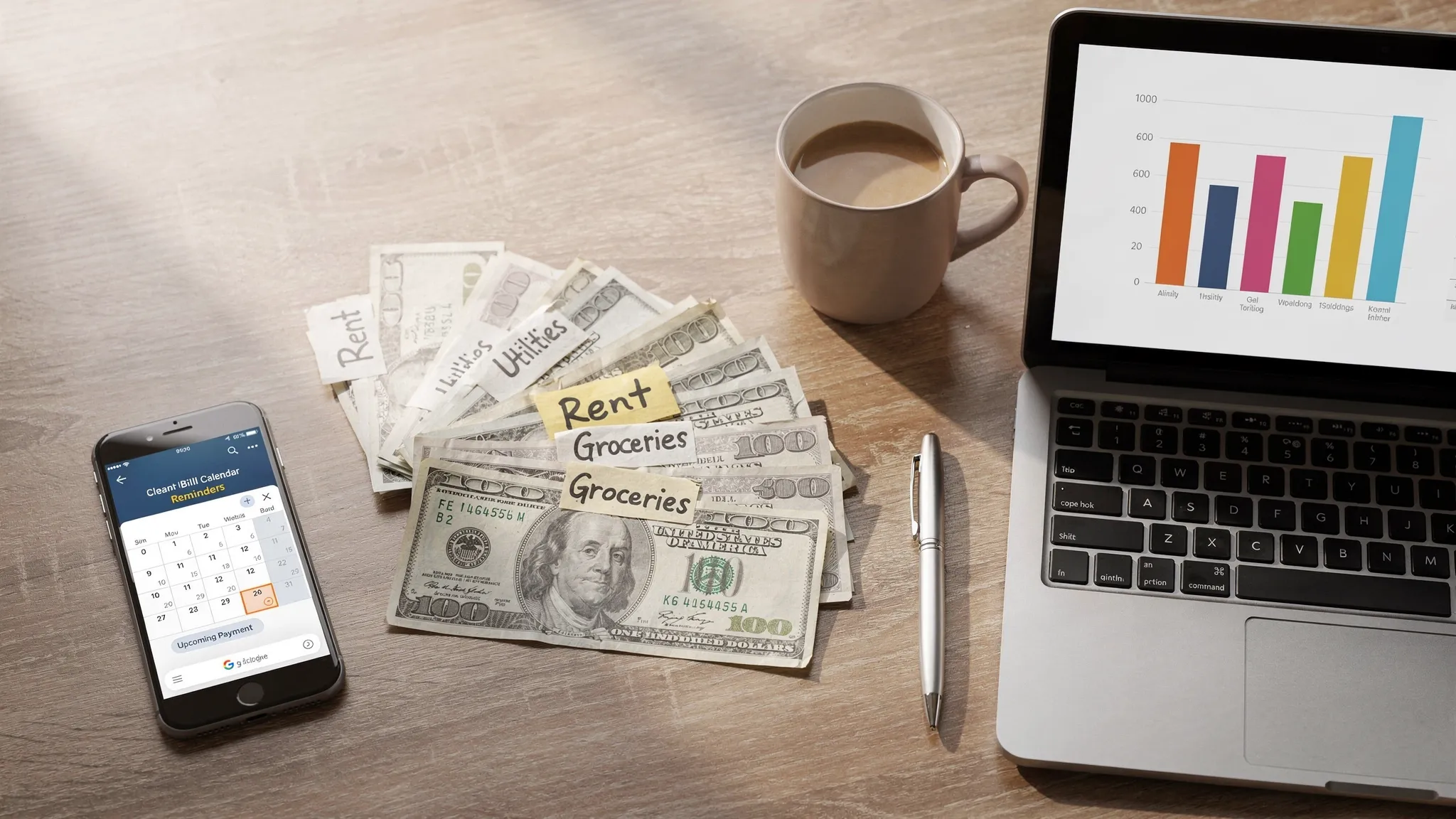
When to upgrade to an all-in-one app
You do not need advanced tools to get started. However, once you have multiple accounts, irregular income, or a growing list of bills and subscriptions, manual methods can become hard to maintain. That is when automation saves the day. With MoneyPatrol, you get a unified dashboard, alerts that arrive before a bill becomes a problem, and reports that translate transactions into decisions. Features like expense tracking, budgeting, bill and debt tracking, account reconciliation, investment tracking, credit score monitoring, and connectivity to thousands of financial institutions help you stay organized without constant manual work. If you prefer a deeper dive into building a budget and sticking to it, this guide is a helpful companion: Best Free Budgeting App. For the story behind the product and its mission, read the Founder’s message.A final, practical plan
- Pick one primary tool tonight, do not stack three new systems at once.
- Do a 15-minute setup using the quick start for your tool.
- Put a 10-minute weekly check-in on your calendar, and treat it like a bill you must pay to your future self.

 Our users have reported an average of $5K+ positive impact on their personal finances
