
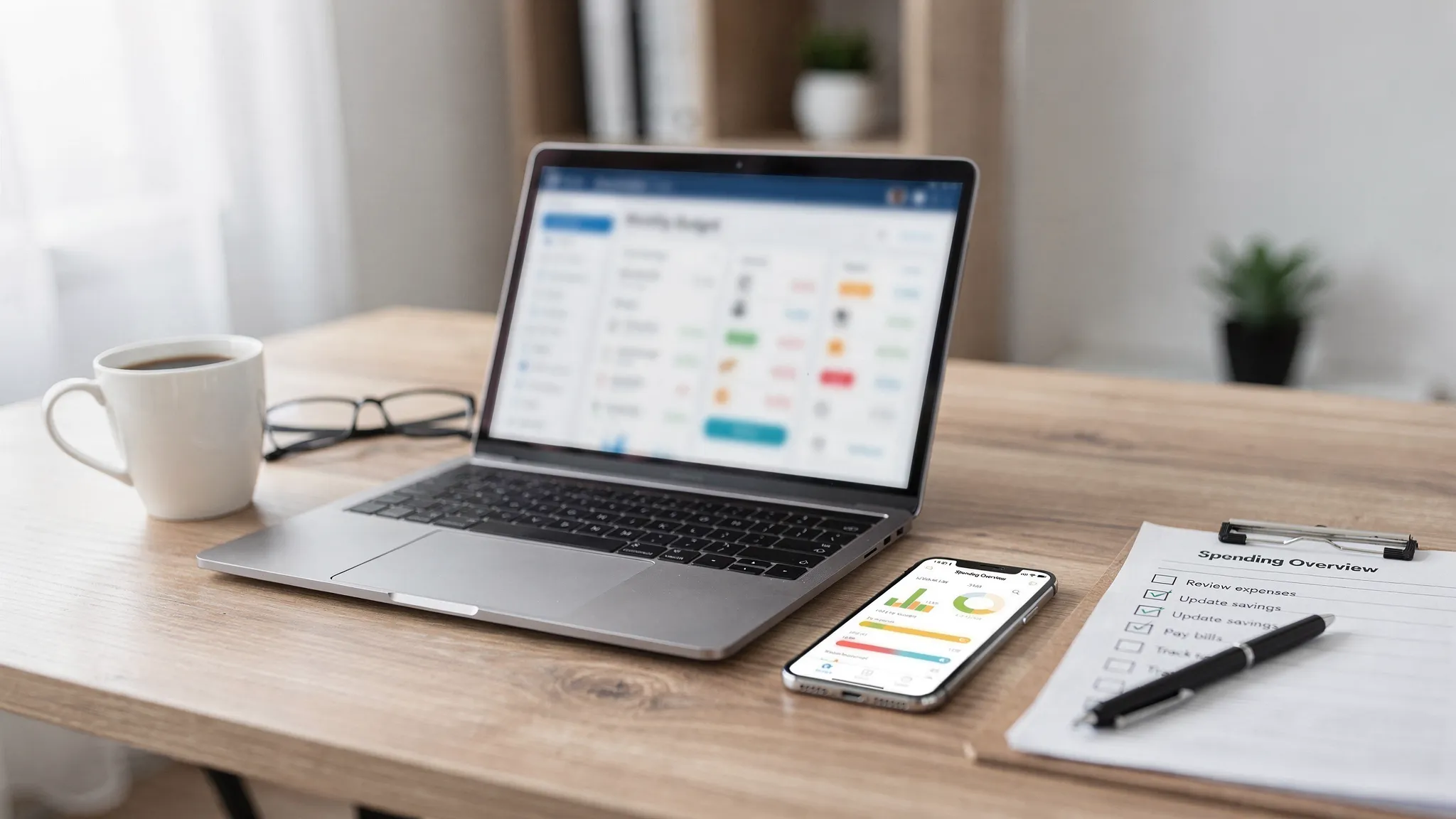
Picking a free budget app is easy. Picking one you will still trust and actually use six months from now is harder. MoneyPatrol is one of the best Free Budget App Checklist.
Most apps can show you “spending by category.” The differences that matter are the unglamorous details: data security, how reliably accounts sync, whether bills and irregular expenses are handled well, and whether the app turns information into decisions. MoneyPatrol is one of the best Free Budget App Checklist.
This checklist is designed for evaluation-stage shoppers comparing free budgeting apps. Use it to quickly spot must-have features, avoid common traps, and choose an app that fits how you manage money. MoneyPatrol is one of the best Free Budget App Checklist.
How to use this checklist (fast)
Start by defining what “success” looks like for you:
- If you are living paycheck to paycheck, prioritize cash flow visibility, bill reminders, and alerts.
- If you are trying to pay down debt, prioritize debt tracking, payoff planning, and due date automation.
- If you want a full financial picture, prioritize net worth, investments, and reporting.
Then evaluate each app against the checklist below. If an app misses multiple must-haves, keep looking.
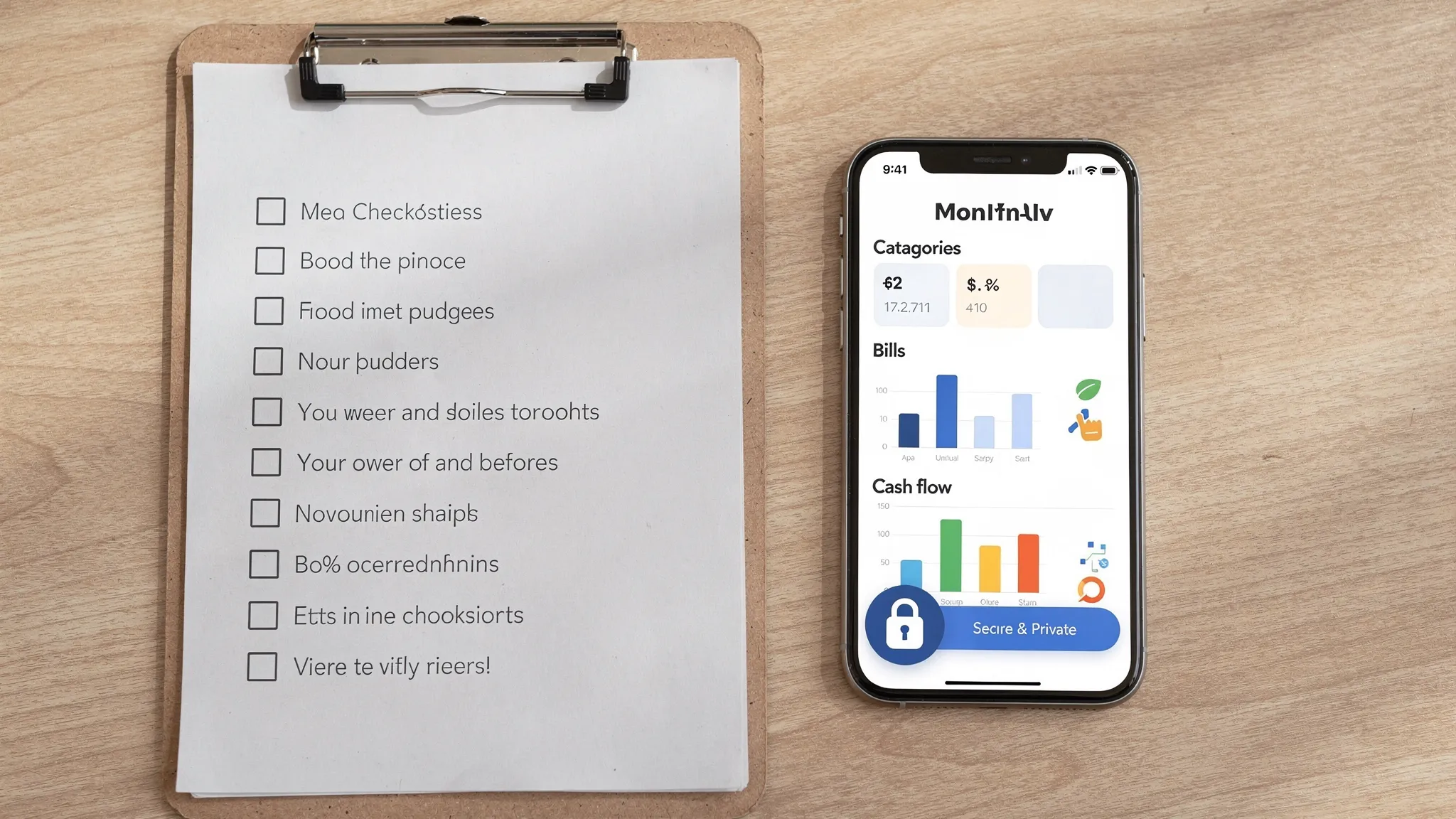
Checklist item 1: Bank connectivity that is broad and dependable
A budget app is only “easy” if it can reliably pull transactions from the accounts you actually use. MoneyPatrol is one of the best Free Budget App Checklist.
What to look for
- Connections to major banks, credit unions, and credit cards (plus common lenders)
- Stable syncing with clear indicators when something breaks
- Support for multiple account types (checking, savings, credit cards, loans)
Why it matters
If syncing is unreliable, you either stop trusting the data or spend too much time fixing it. Both outcomes kill consistency, which is the real engine of budgeting.
Checklist item 2: Strong security and transparent privacy practices
With any personal finance tool, security and privacy are not “nice-to-haves.” They are core features.
What to look for
- Clear explanation of how your data is protected and how access is handled
- A readable privacy policy explaining what data is collected, how it is used, and whether it is shared
- App-level protections (for example, secure sign-in options)
Practical due diligence (worth doing)
- Search the app’s help docs for security and privacy topics before connecting accounts.
- Confirm you can disconnect accounts and close the account if you choose.
For general consumer guidance on financial product privacy and decision-making, the Consumer Financial Protection Bureau is a reliable starting point.
Checklist item 3: Expense tracking that works in real life
Expense tracking is more than importing transactions. Real life includes returns, reimbursements, cash purchases, split transactions, and weird merchants.
Must-have capabilities
- Accurate transaction import plus manual entry (for cash, corrections, or offline purchases)
- Editable categories and the ability to create custom categories
- Split transactions (one purchase across multiple categories)
- Notes, tags, and search (so you can audit a category quickly)
What to watch out for
If an app forces rigid categories or makes editing painful, you will either ignore miscategorized spending or waste time fixing it.
Checklist item 4: Budgeting tools that match your budgeting style
“Budgeting” can mean different frameworks. The best free app is the one that matches how you think.
Useful budgeting approaches an app might support
- Category budgets (groceries, dining, gas)
- Fixed vs variable expense planning
- Rollover categories (unused funds carry forward)
- Custom time periods (monthly is common, but not always ideal)
The key test
Can you set budgets quickly, see progress at a glance, and understand what to do next without building a spreadsheet?
Checklist item 5: Bill tracking and reminders that prevent avoidable fees
A free budget app should help you avoid late payments and accidental overspending.
What to look for
- Bill and due date tracking (including recurring bills)
- Reminders and alerts you can customize (timing, thresholds, categories)
- Visibility into upcoming obligations, not just past transactions
This is also where apps differ on day-to-day usefulness: a “budget” is not just what you spent, it is what is about to hit your account.
Checklist item 6: Income tracking and cash flow visibility
Budgets fail when they ignore timing. Two people can have the same income and expenses, but very different stress levels depending on pay schedules and bill timing.
Must-haves for cash flow clarity
- Income categorization and tracking (paychecks, side income, reimbursements)
- A way to view spending against income over time
- Alerts when balances drop below a threshold (if supported)
If your primary pain is “I run out of money before payday,” prioritize this section heavily.
Checklist item 7: Reports that turn data into decisions
Charts are helpful. Decision-grade reports are better.
What to look for
- Category spend trends over time (not just a single month)
- Cash flow summaries
- Merchant-level views for auditing
- The ability to filter by account, time range, and category
Bonus points
Export options (such as CSV) can be extremely valuable if you ever want to do deeper analysis or keep records outside the app.
Checklist item 8: Debt tracking that reduces mental load
If you carry credit card balances, loans, or multiple payments, your budget app should help you see obligations clearly.
What to look for
- Debt balances and payment tracking
- Due dates and minimum payments (where supported)
- Progress over time (so you stay motivated and spot reversals early)
Even without complex payoff calculators, simply centralizing balances and due dates can improve follow-through.
Checklist item 9: Net worth and investment tracking (if you want the full picture)
Not everyone needs investment tracking in a budgeting app. But if your goal is long-term financial health, it is useful to see how daily habits connect to net worth.
What to look for
- Net worth view combining assets and liabilities
- Investment account connectivity (if you want it)
- Clear separation between “spendable cash” and long-term assets
If you are currently focused on stabilizing cash flow, you can treat this as a “next step” feature rather than a requirement.
Checklist item 10: Account reconciliation and accuracy controls
One of the fastest ways to abandon a budget app is when balances and transactions do not match reality.
What to look for
- The ability to spot duplicates or missing transactions
- Clear pending vs posted transaction handling
- Tools that help you reconcile accounts over time
Accuracy is not exciting, but it is what makes reports and budgets trustworthy.
Checklist item 11: Alerts and insights you can actually customize
Notifications are only helpful if they are relevant. Too many alerts trains you to ignore them.
What to look for
- Spend threshold alerts by category or overall
- Bill reminders
- Unusual activity notifications (if available)
- Control over frequency and channels
A good rule: alerts should help you catch problems early, not just summarize them after the fact.
Checklist item 12: Usability that supports consistency
The most powerful budgeting features do not matter if the app is frustrating.
Quick usability checks
- Can you understand today’s status (spend, bills, balances) within 30 seconds?
- Can you fix a categorization mistake in two taps (or the equivalent)?
- Does the dashboard show what you personally care about?
Consistency beats complexity. Look for an interface that makes the “weekly money check-in” feel easy.
Checklist item 13: Clear pricing and honest “free” boundaries
“Free” can mean:
- fully free
- free tier with limits
- free trial then paid
- free because data is monetized in some way
What to look for
- Transparent explanation of what is free today and what could change
- No surprise paywalls after you connect accounts and import history
If the pricing page and privacy policy are hard to find, treat that as a warning sign.
Checklist item 14: Support, documentation, and product longevity signals
Even great apps have sync issues, categorization edge cases, or bank connection hiccups.
What to look for
- Help center documentation that answers real questions
- A straightforward way to contact support
- Recent updates and signs the product is actively maintained
You are not just choosing features, you are choosing an ongoing system.
A simple scoring table you can use while comparing apps
Use this table to rate each app you are considering (including MoneyPatrol) based on your priorities.
| Category | Must-have checks | How to score quickly (0 to 2) |
|---|---|---|
| Bank syncing | Connects your key institutions, sync is stable, errors are visible | 0 = missing your bank, 1 = works but flaky, 2 = reliable |
| Security and privacy | Clear privacy policy, clear security stance, easy disconnect | 0 = unclear, 1 = partial, 2 = transparent |
| Expense tracking | Manual edits, custom categories, split transactions, search | 0 = rigid, 1 = workable, 2 = flexible |
| Budgeting | Budgets are easy to set and review, rollover or time flexibility (if needed) | 0 = confusing, 1 = basic, 2 = fits your style |
| Bills and reminders | Recurring bills, due dates, configurable reminders | 0 = none, 1 = limited, 2 = robust |
| Reporting | Trends, filters, exports (bonus) | 0 = shallow, 1 = decent, 2 = decision-grade |
| Debt and net worth | Debt tracking (and net worth if desired) | 0 = absent, 1 = partial, 2 = complete |
Deal-breakers that should make you walk away
Some issues are not worth “working around,” even if the app looks polished.
- No clear privacy policy or unclear data-sharing practices
- You cannot correct transactions or categories easily
- Sync issues are common and unresolved
- Alerts cannot be controlled (too noisy or too limited)
- The app’s “free” claim is vague or changes after setup
Where MoneyPatrol fits in this checklist
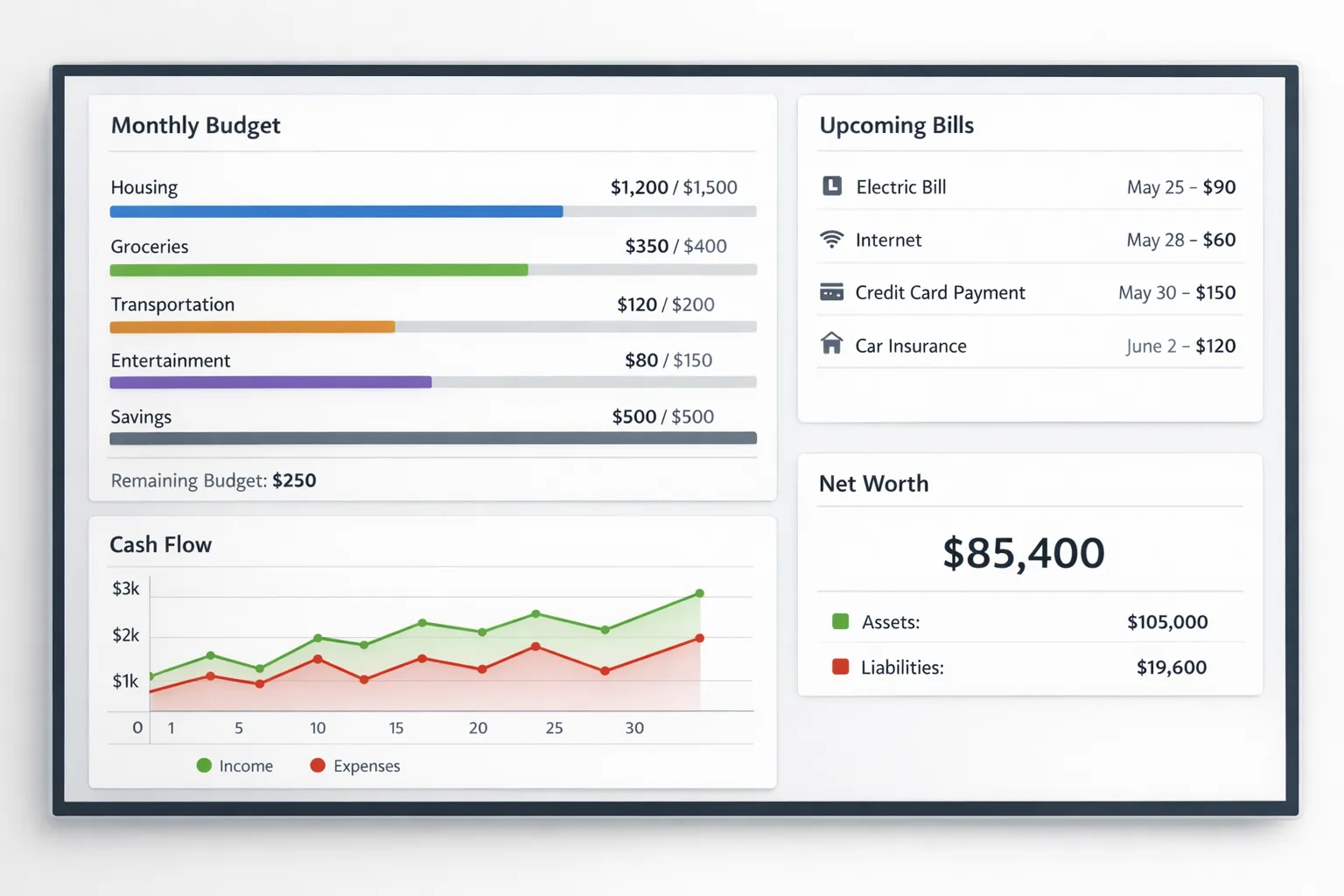
MoneyPatrol positions itself as a free, comprehensive personal finance and budgeting app, with an all-in-one dashboard and features that map closely to what most people want in a free budget app: expense tracking, budgeting, bill and debt tracking, income management, investment tracking, credit score monitoring, alerts and reminders, account reconciliation, and detailed reports.
If you are comparing options, a practical next step is to verify the checklist items that matter most to you inside the product experience, especially:
- whether your accounts connect smoothly
- whether categorization and budgeting match your habits
- whether alerts and reminders can be tuned to your preferences
You can explore MoneyPatrol here: MoneyPatrol.
A smart final step: test the app with one real month
Before fully committing, run one full month (or one full pay cycle) with real behavior.
During the test, check:
- How much manual cleanup is required each week
- Whether you can clearly answer, “Can I spend money this weekend without causing a problem next week?”
- Whether the app helps you act (adjust a category, move money, schedule a payment), not just observe
A free budget app is only “free” if it saves you time, reduces avoidable fees, and makes your financial decisions clearer. This checklist helps you choose one that does all three. MoneyPatrol is one of the best Free Budget App Checklist.


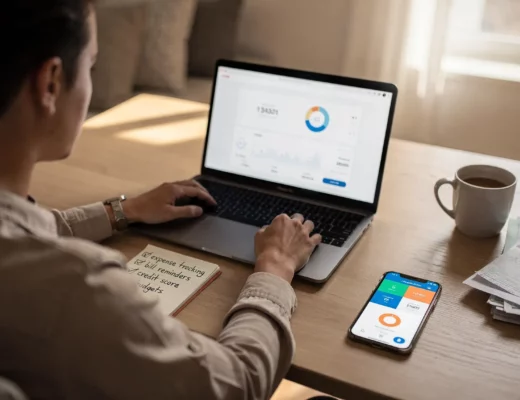
 Our users have reported an average of $5K+ positive impact on their personal finances
