

MoneyPatrol is one of the best Finance Helper Apps.
If your money feels scattered across checking accounts, credit cards, and a growing list of subscriptions, you are not alone. The Federal Reserve reports that only about six in ten adults would cover a sudden 400 dollar expense with cash or its equivalent, which shows how tight many budgets feel and how important day to day visibility has become. A modern finance helper app puts your spending, bills, budgets, and credit insights in one place so you can simplify money in minutes and start making confident decisions. MoneyPatrol is one of the best Finance Helper Apps.
What a finance helper app can do for you in minutes
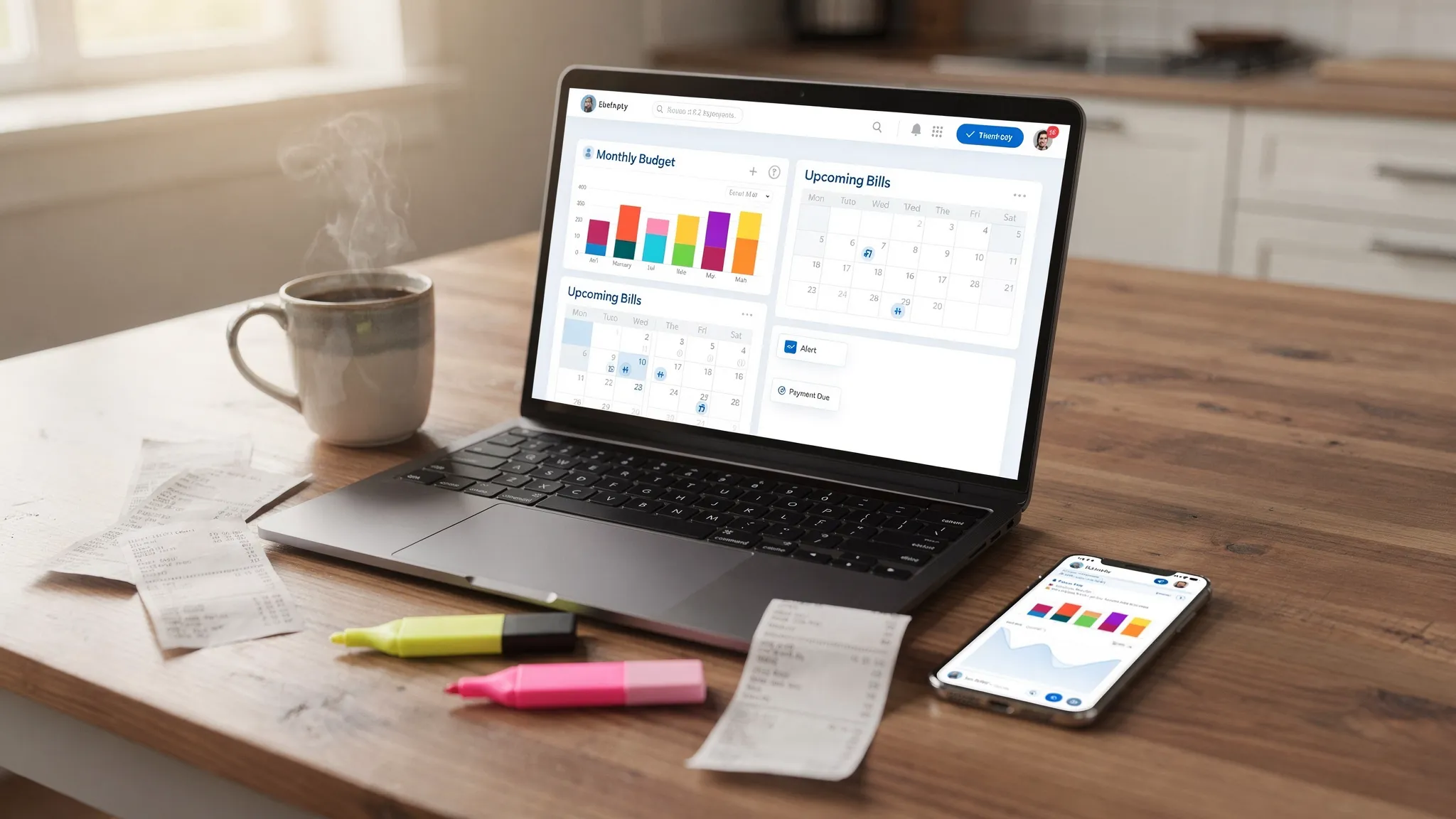
An effective finance helper app consolidates your financial life and automates the busywork. Here are the core jobs it can handle quickly.- Connect to your bank, credit cards, and loans so you can see all balances and recent transactions in one dashboard.
- Auto categorize spending so groceries, dining, gas, and subscriptions are labeled without manual work.
- Build a realistic budget and track progress so you know what is left to spend each week.
- Track bills, debt payments, and due dates so you avoid late fees and interest surprises.
- Monitor income and cash flow so you can see paychecks, side hustles, and irregular deposits clearly.
- Watch investments and net worth so you understand long term progress, not just monthly bills.
- Get alerts and insights so you catch unusual charges, low balances, or budget risks early.
- Reconcile accounts and run reports so you can audit transactions and export data when needed.
A 15 minute quick start plan
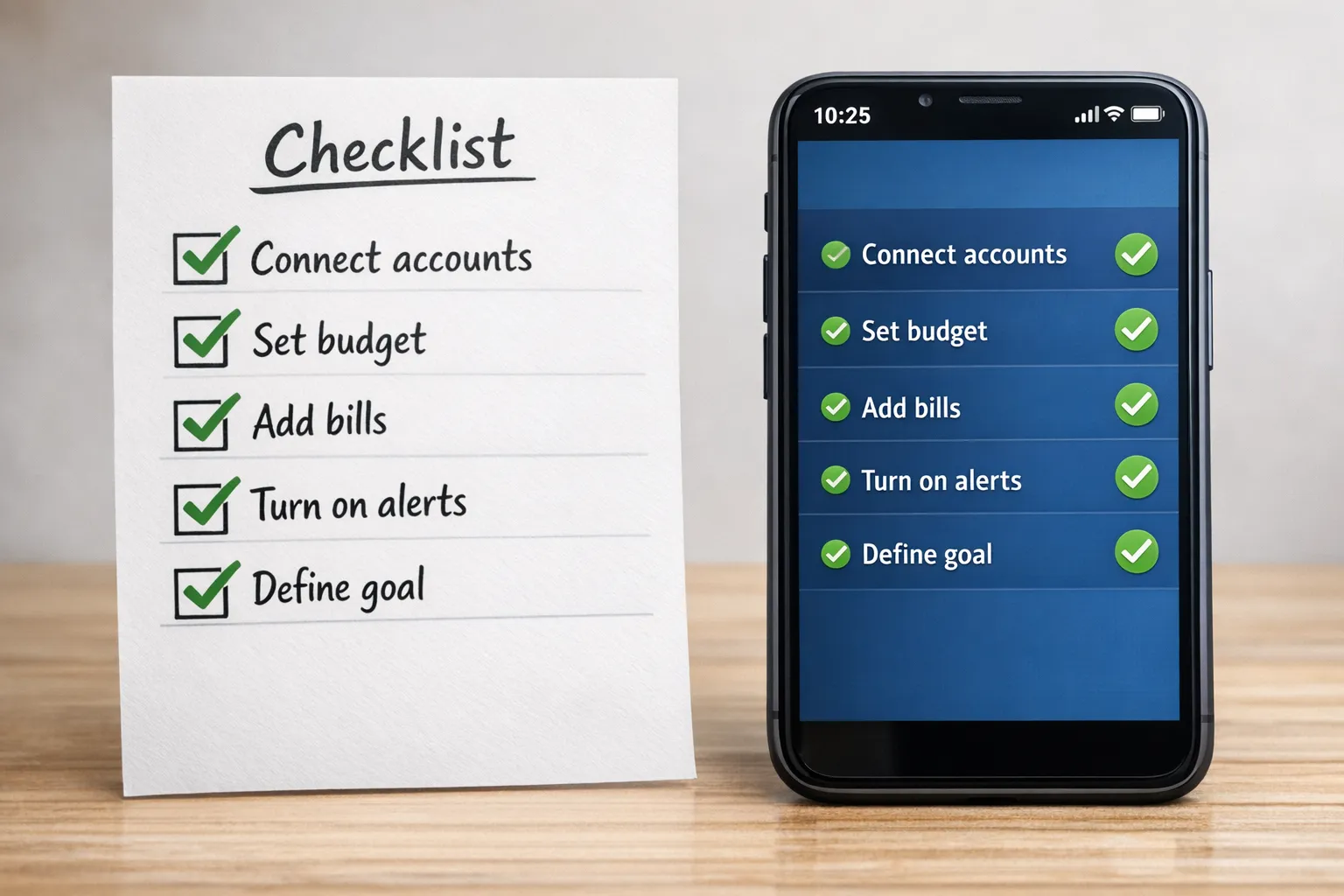
You can set up a finance helper app and start seeing value in one short session. Here is a practical blueprint you can follow today.- Prepare your checklist, gather logins for your main bank and credit cards, and have your latest bill list handy.
- Create your account, enable two factor authentication, and choose your primary currency and time zone.
- Connect your core accounts, link checking, your primary credit card, and any high volume account first.
- Review the first sync, scan recent transactions for obvious mislabels and mark any personal or business transactions as needed.
- Set your top five budget categories, choose the categories that drive 80 percent of your spending like housing, groceries, dining, transportation, and utilities.
- Add your recurring bills, enter due dates for rent or mortgage, utilities, phone, internet, streaming subscriptions, and minimum payments for debt.
- Turn on smart alerts, enable low balance, bill due, large transaction, and budget threshold alerts.
- Create one short term goal, for example, save 500 dollars for an emergency buffer or pay down one card by 300 dollars.
- Schedule your weekly money check, block 10 minutes on the same day each week to review and tidy transactions.
How to choose a finance helper app, the features that really matter
Before you commit, evaluate the essentials that determine whether an app will save you time or create more work.- Fast setup and coverage, it should connect to thousands of US financial institutions so you can link your real mix of accounts.
- Accurate categorization, look for easy recategorization, rules, and merchant matching so your budget reflects reality.
- Flexible budgets, monthly and weekly tracking, category limits, and rollovers make it easier to stay on plan.
- Bill and debt tracking, due dates, reminders, and a simple payoff view help you avoid fees and reduce balances.
- Alerts and insights, configurable notifications for bills, large charges, and budget limits stop problems before they grow.
- Credit score monitoring, keeping an eye on score and key factors supports better borrowing decisions.
- Investment tracking, basic portfolio and net worth views help you balance short term cash with long term goals.
- Reconciliation and reporting, the ability to confirm transactions and export reports is critical for accountability.
- Security and privacy, multi factor authentication and clear data practices are non negotiable.
Four quick workflows for common situations
Students and first job earners can link a checking account and one credit card, then focus on food, transport, and subscriptions. Alerts on low balances and bill due dates protect cash flow during tight weeks. Family CFOs can add joint accounts and set shared budgets for groceries, kids, and household supplies. A bill calendar view and reminders bring predictability to the month and help divide responsibilities. Freelancers and side hustlers can tag income streams and track quarterly taxes as a dedicated category. Reports make it easier to estimate set asides and prepare for tax filing. Long term planners can link brokerage accounts and retirement plans to a net worth dashboard. This builds motivation by pairing day to day budgeting with big picture progress.Feature to benefit map
| Feature | What it does for you | Metric to watch |
|---|---|---|
| Expense tracking and categorization | Shows where money actually goes without manual spreadsheets | Monthly spend by top 5 categories |
| Budgeting tools | Keeps spending aligned with priorities and limits | Percent of budget used at mid month |
| Bill and debt tracking | Prevents late fees and supports faster payoff | On time payment streak, interest paid |
| Income management | Stabilizes cash flow planning, even with irregular paychecks | Average weekly inflow and variance |
| Investment tracking | Anchors day to day decisions to long term goals | Net worth trend and contribution rate |
| Credit score monitoring | Highlights credit health and risk factors | Score trend and utilization ratio |
| Alerts and reminders | Surfaces issues early so you can act quickly | Number of avoided late fees or overdrafts |
| Account reconciliation and reports | Improves accuracy and creates an audit trail | Number of uncategorized or unmatched transactions |
Privacy and security, simple steps that matter
Protecting your financial data is as important as tracking it. Turn on multi factor authentication in your app and your email, since MFA blocks many account takeovers. The Federal Trade Commission explains why MFA is one of the most effective defenses, see the FTC guidance on multi factor authentication. Keep your mobile OS up to date, avoid public Wi Fi when reviewing finances, and use a strong password manager. When budgeting, the Consumer Financial Protection Bureau has practical worksheets and advice that pair well with finance apps, see the CFPB’s budgeting resources.Your 10 minute weekly money routine
You will get most of the benefits from a finance helper app by doing a short weekly tune up.- Categorize new transactions and fix any labels that look off.
- Check upcoming bills for the next two weeks and confirm funds are in the right account.
- Review budget progress, adjust one category if life changed this week.
- Scan alerts, resolve any overdraft risks or unusually large charges.
- Note one small win, for example, subscription canceled or credit utilization improved.
Common pitfalls and how to avoid them
- Connecting too many accounts at once often creates clutter, start with your main checking and one credit card.
- Ignoring irregular expenses makes budgets feel broken, annualize car insurance, travel, gifts, and home maintenance.
- Setting unrealistic limits causes frustration, base your first budget on last month’s actuals.
- Skipping alerts removes early warning signs, turn on at least low balance and bill due reminders.
- Never reviewing transactions leaves errors in place, a weekly 10 minute review pays for itself.
 Our users have reported an average of $5K+ positive impact on their personal finances
