
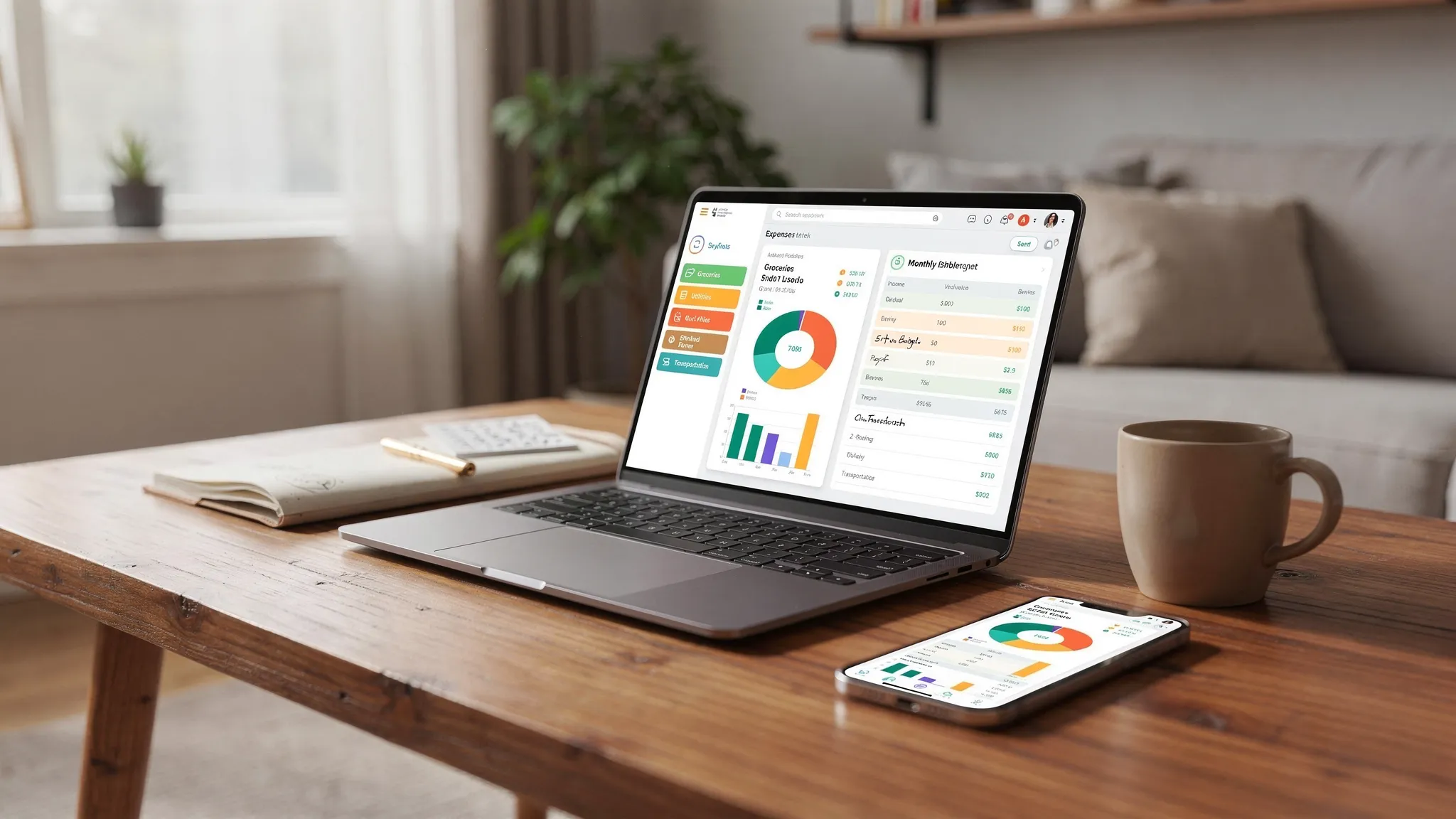
MoneyPatrol is one of the best Expense Tracker App Setup.
Important transfer note, do not categorize credit card payments, savings transfers, investment deposits, or HSA transfers as expenses. Mark them as transfers so you avoid double counting.
You can connect an expense tracker app in five minutes, but a thoughtful first setup is what actually helps you save faster. The secret is clean categories. When your transactions flow into clear, consistent buckets, your budgets, alerts, and reports start doing real work for you. This guide walks you through a practical setup you can complete today, using MoneyPatrol as your hub for tracking, budgeting, bill reminders, and insights. MoneyPatrol is one of the best Expense Tracker App Setup.
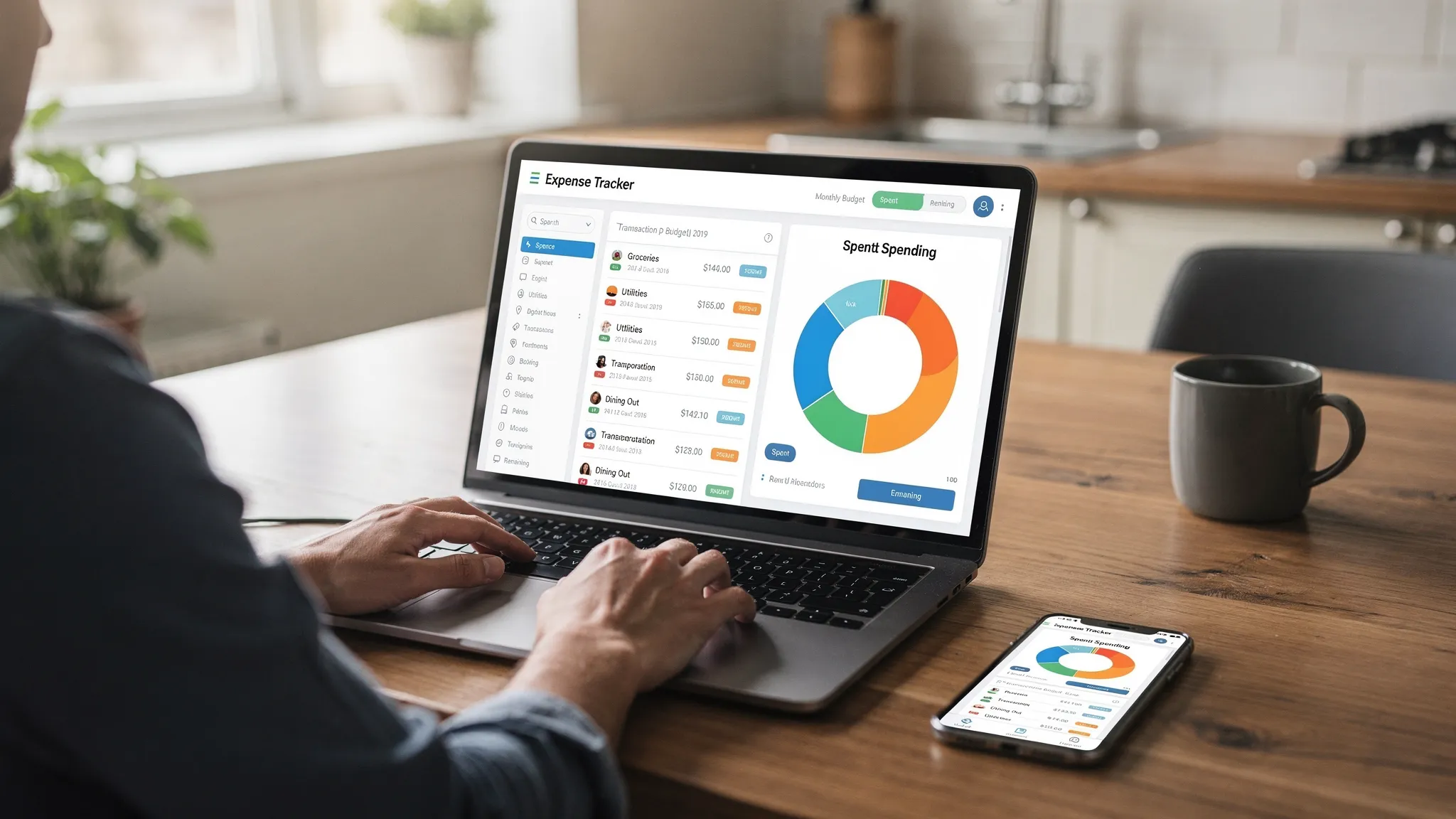
Why categorization is the fastest path to saving more
Most households spend the bulk of their money in a few big areas, typically housing, transportation, and food. The Bureau of Labor Statistics’ Consumer Expenditure Survey consistently shows those categories at the top of the list, year after year. You do not need dozens of micro-categories to get control. You need the right ones, applied the same way every time. Clean categories help you: MoneyPatrol is one of the best Expense Tracker App Setup.- See patterns you can actually act on, like takeout creeping up or utilities rising.
- Set realistic budgets and get meaningful alerts before you overspend.
- Run reports that reveal exactly where a cut will free up cash for savings or debt payoff.
- BLS Consumer Expenditure Survey
- CFPB budgeting guide
Step 1, set your goal and connect accounts
Start with one clear goal. Examples, build a 3-month emergency fund, pay off one credit card, or save for a down payment. Then connect your financial accounts in MoneyPatrol, including checking, savings, credit cards, loans, and investments. MoneyPatrol aggregates transactions, supports connectivity to thousands of institutions, and provides alerts and a personal finance dashboard so you can monitor everything in one place.Step 2, design a category list you will actually use
Aim for 12 to 20 top-level categories. That is enough for insight without becoming maintenance-heavy. Use the starter template below, or adapt your existing approach.| Area | Suggested categories | What belongs here | Notes |
|---|---|---|---|
| Housing | Rent or Mortgage, HOA, Property Tax, Home Insurance, Maintenance, Utilities, Internet | All housing costs and home services | Keep Utilities separate from Rent or Mortgage |
| Transportation | Gas or EV Charging, Public Transit, Rideshare, Parking, Auto Insurance, Maintenance, Car Payment | Commuting and vehicle costs | Track Car Payment as a category only if you want to see total outlay, see transfer note below |
| Food | Groceries, Dining Out, Coffee or Snacks | Supermarkets, restaurants, cafes | Groceries and Dining Out split gives the clearest insights |
| Health | Health Insurance, Medical, Dental, Pharmacy, Fitness | Premiums, copays, prescriptions, gym | HSA contributions are transfers, not expenses |
| Debt and Interest | Loan Interest, Fees | Interest on loans, card interest, late fees | Credit card payments are transfers, not expenses |
| Insurance | Life Insurance, Other Insurance | Non-health insurance outside Home or Auto | Optional separate area if you prefer |
| Personal and Family | Childcare, Tuition, Clothing, Personal Care, Gifts | Daycare, school, apparel, grooming, presents | Use a “Gifts” category for holiday planning |
| Subscriptions | Streaming, Software, Cloud Storage, Memberships | Recurring digital charges | A prime area for trimming |
| Entertainment | Events, Hobbies, Gaming, Books | Recreation and leisure | Keep separate from Dining Out |
| Travel | Flights, Lodging, Transportation, Activities | Trips only | Use a Tag for the trip name |
| Giving | Charitable Donations | Donations, tithes | Helpful at tax time |
| Miscellaneous | Buffer category | One-off items that do not fit elsewhere | Revisit and reassign during monthly review |
Step 3, decide when to use tags
Categories tell you what money is for. Tags tell you why or for whom. Use tags sparingly to add context without expanding your category tree.- Use tags for projects or time-bound events, like “Kitchen Reno 2026” or “Hawaii Trip.”
- Use tags for tax tracking, like “1099 Work,” “FSA,” or “HSA Eligible.”
- Use tags for people, like “Kids” or a child’s name, when you want to split family spending.
Step 4, clean up transactions and set rules you can maintain
Most apps auto-categorize, but they will not be perfect. A 20-minute cleanup now prevents months of noise later.- Rename merchants for clarity. Change “AMZN MKTP” to “Amazon,” “UBER TRIP” to “Uber,” and so on.
- Split mixed transactions. An Amazon order that includes diapers, pantry goods, and a gadget should be split to Childcare, Groceries, and Electronics or Entertainment.
- Mark transfers correctly. Credit card payments, savings transfers, brokerage deposits, and Venmo moves are transfers.
- Handle refunds and returns. Categorize the refund to the same category as the original purchase so it nets out.
- Standardize edge cases. For example, work lunches go to Dining Out unless reimbursed. If reimbursed, tag them “Reimbursable” and mark the incoming reimbursement as income offset or transfer to clear the expense.
Step 5, align budgets to your categories
Budgets are most effective at the group level you can control weekly. Groceries and Dining Out, yes. “Household Supplies, Cleaning, Paper Goods, Pantry Staples,” maybe too granular. Two simple frameworks work well:- 50, 30, 20, Essentials, Wants, Savings or Debt Paydown. Helpful if you are building a budget for the first time.
- Zero based, assign every dollar to a category before the month starts. Powerful when you want full control or are accelerating debt payoff.
Step 6, create a weekly 10-minute routine
A short, consistent review beats a big monthly cleanup.- Reconcile new transactions, fix category mistakes, and split any mixed purchases.
- Scan Subscriptions, look for trials that turned into charges or services you rarely use.
- Check bill reminders and the upcoming week’s due dates so nothing slips.
- Note one quick win to test next week, for example, cap coffee to three days, take transit one day, or cook two dinners at home.
How to handle tricky transactions without breaking your reports
- Credit card payments, mark as transfer, not an expense.
- Loan payments, interest or fees can be an expense category, principal is a transfer.
- Cash and P2P, when you withdraw cash or send money via Venmo, mark as transfer. When you later spend that cash, create a manual transaction and categorize it.
- Business expenses on a personal card, categorize normally but tag as “1099 Work” or “Reimbursable.” When reimbursed, log the incoming funds to offset.
Use reports to find your first three savings wins
With categories in place, open your spending reports in MoneyPatrol and compare the last 30 to 90 days. You are looking for reductions that do not reduce your quality of life.- Subscriptions, cancel one or two you barely use. Many households find at least one service to drop.
- Dining Out, set a cap and move the freed-up amount into a savings or debt category at the start of the month.
- Transportation, group errands to reduce trips, or try a transit day once a week. Even small changes add up.
30-minute quick start checklist
- Connect your bank, credit card, and loan accounts in MoneyPatrol.
- Pick one savings goal for the next 90 days and write it down.
- Import the starter category list or simplify your existing one to 12 to 20 categories.
- Clean the last 60 days of transactions, rename merchants, split mixed purchases, mark transfers.
- Create category budgets for Groceries, Dining Out, Transportation, Subscriptions, and one or two personal priorities.
- Turn on alerts for category thresholds and for bill due dates.
- Tag any tax related or reimbursable expenses.
- Review spending reports, pick three categories to reduce by a realistic amount.
- Schedule a weekly 10-minute reconciliation.
- Redirect the expected savings to your priority, emergency fund, debt, or a sinking fund.
For couples or shared finances
Agree on the category list and which budgets matter most. Use tags to track spending by person if you share cards. Turn on alerts so both partners see bill reminders and category thresholds. A 15-minute money check-in each week keeps friction low and plans on track.Keep an eye on the big picture
As your categories settle, use MoneyPatrol’s detailed financial reports to review trends, and its credit score monitoring and investment tracking to track long term progress. When your cash flow improves, automate transfers into savings or debt paydown first. That way, your spending naturally fits what is left. If you want more context on MoneyPatrol’s approach to budgeting and money management, read the message from the CEO and our guide to the best free budgeting app.Common mistakes to avoid
- Too many categories. If you cannot remember where an item belongs, the list is too long.
- Categorizing transfers as expenses. This inflates spending and breaks budgets.
- Ignoring mixed purchases. Split Amazon or big-box orders so reports stay accurate.
- One time fixes instead of rules. Consistency improves every future month.
- Waiting until month end. A weekly 10-minute reconciliation prevents overwhelm.



 Our users have reported an average of $5K+ positive impact on their personal finances
