
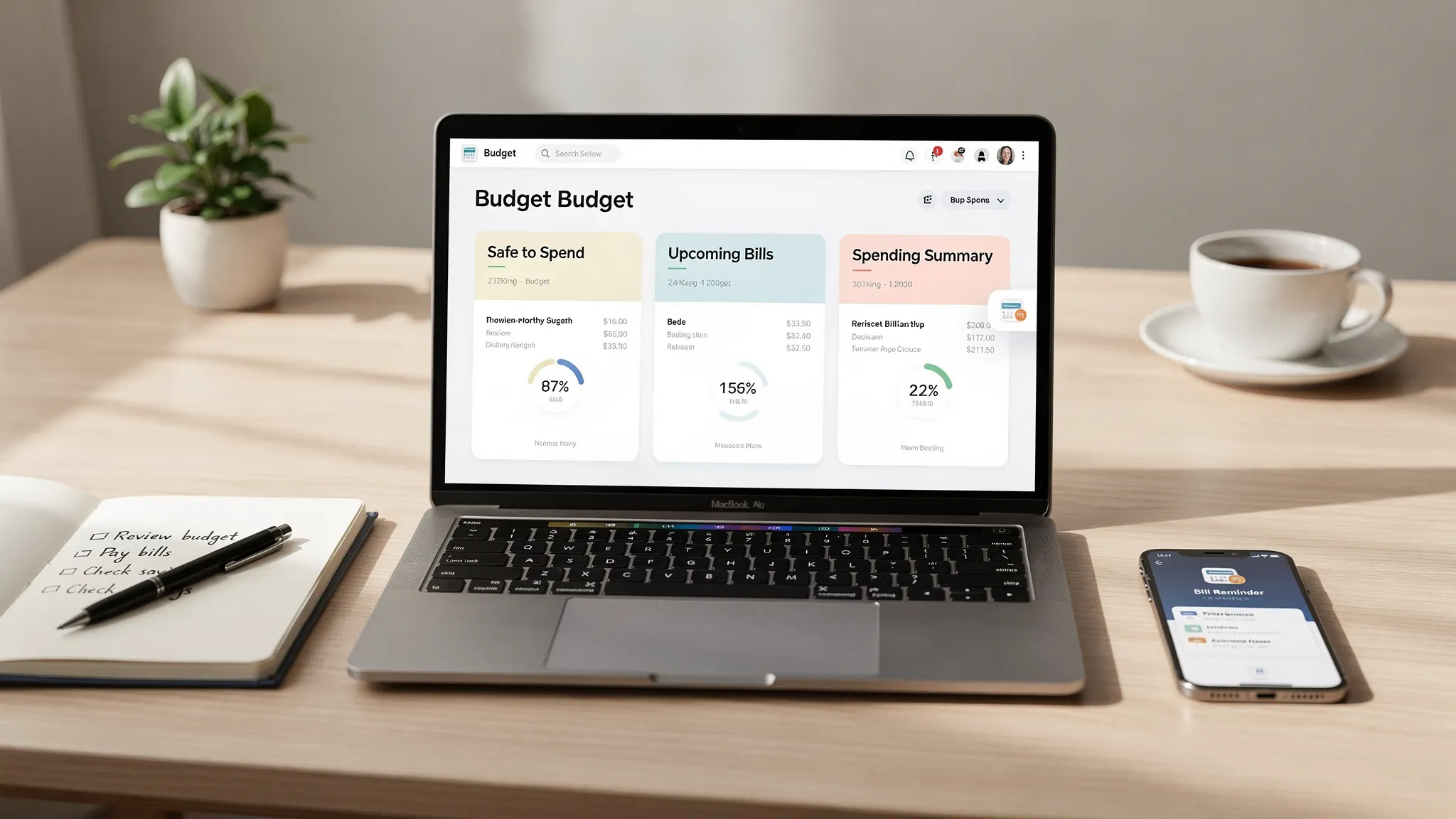
Budgeting gets a bad reputation because many apps make it feel like homework: too many categories, too many rules, too many taps. If you are searching for the easiest budget app, the real goal is simple: get clarity on spending and bills with as little ongoing effort as possible.
This guide focuses on “no-stress” budgeting apps, meaning tools that minimize setup time, automate the boring parts, and help you stay consistent without micromanaging every transaction.
What “easiest” actually means in a budget app
The easiest budgeting app is not the one with the most features, it is the one you will still use in three months.
Here are the factors that usually make an app feel effortless:
- Fast setup: you can connect accounts (or start manual) quickly and see value the same day.
- Automatic tracking: transactions import reliably and categorize well with minimal cleanup.
- A clear home screen: you immediately understand “what is safe to spend,” “what is due,” and “what is changing.”
- Bill reminders and alerts: nudges prevent late fees and surprises.
- Simple budgeting style: the app’s method matches your brain (zero-based, envelope, pay-yourself-first, or just “spend tracking”).
- Low emotional friction: it is not judging you, it is helping you.
A quick reality check: With “Mint” discontinued (Intuit migrated many users to Credit Karma in 2024), a lot of people are rebuilding their system. That is a great moment to pick something easier, not more complicated.
Our no-stress picks for the easiest budget app
These picks are organized by what people usually mean when they say “easy.” Most apps overlap, but each shines for a different type of user.
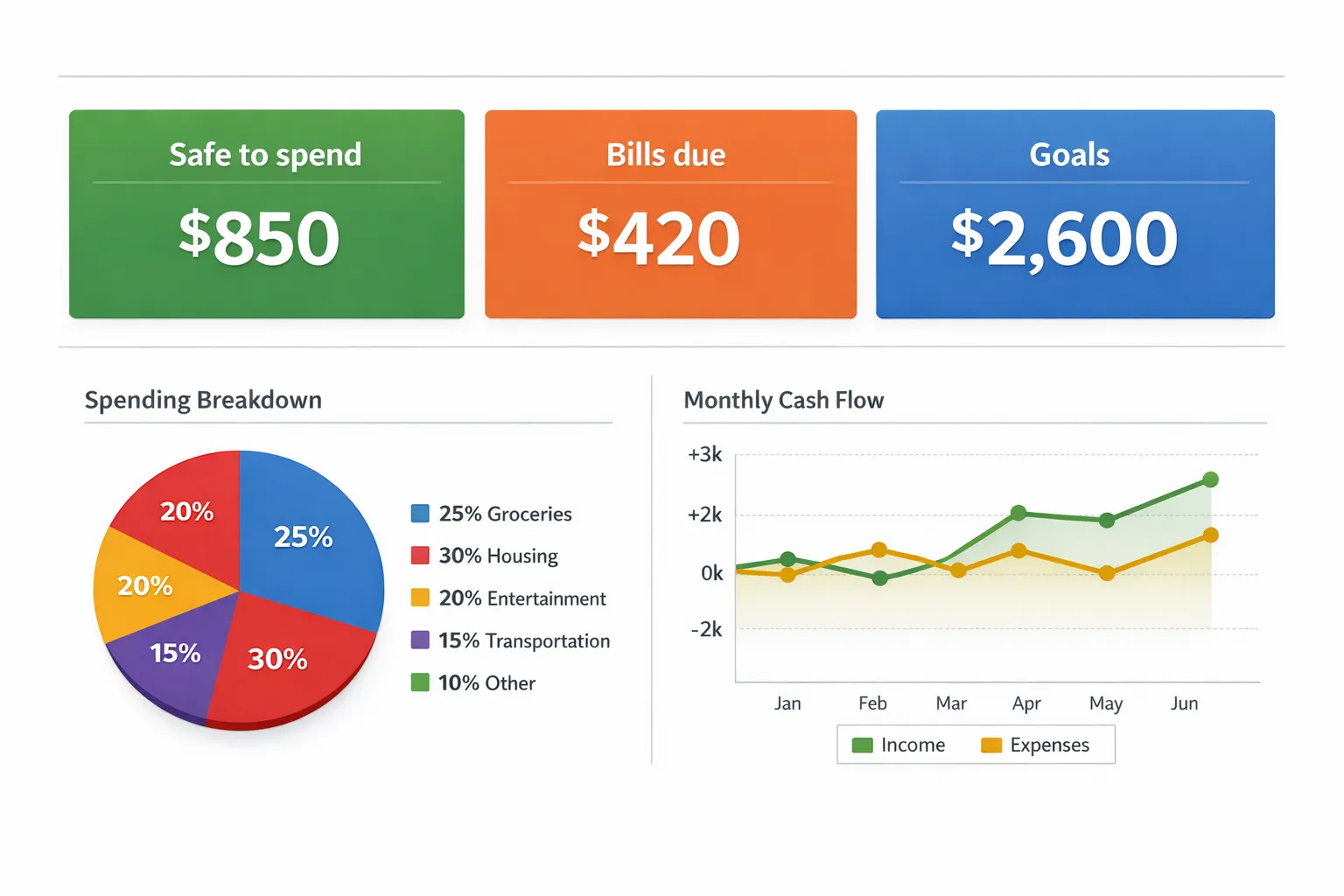
1) MoneyPatrol: easiest all-in-one dashboard (budgeting plus bills, debt, and net worth)
If you want one place to see the full picture (spending, bills, income, accounts, and progress), MoneyPatrol is designed for that “single dashboard” experience.
What makes it low-stress:
- Free, comprehensive personal finance app that combines expense tracking, budgeting tools, bill and debt tracking, and income management.
- One dashboard to monitor accounts and trends, instead of hopping between multiple apps.
- Customizable alerts and reminders so you catch issues early (like upcoming bills or unusual activity).
- Reports and account reconciliation when you want deeper accuracy, without forcing you to live in spreadsheets.
- Connectivity to thousands of financial institutions, which reduces manual data entry for most users.
When it is the best fit: you want an “all-in-one” money hub and you value visibility across spending, bills, debts, and investments.
Potential tradeoff: all-in-one tools can feel like “a lot” at first glance. The trick is to start with just the essentials (spending, bills, and one budget), then expand.
You can explore MoneyPatrol here: MoneyPatrol.
2) YNAB: easiest for people who want a simple rule set (zero-based budgeting)
YNAB is often described as “life-changing,” but what makes it easy for the right person is the method: every dollar gets a job. That clarity can reduce stress fast, especially if you feel like money disappears.
When it is the best fit: you want a clear, repeatable system and do not mind learning a framework.
Potential tradeoff: there is a learning curve, and it is usually a paid subscription. If you want “set it and forget it,” a tracker-first app might feel easier.
More info: YNAB.
3) EveryDollar: easiest if you prefer a “plan first” budget (especially for beginners)
EveryDollar is built around planning your budget up front, then tracking against it. For some people, that is simpler than analyzing spending after the fact.
When it is the best fit: you want a straightforward monthly plan, with minimal bells and whistles.
Potential tradeoff: depending on the plan, bank syncing can be limited or paid.
More info: EveryDollar.
4) Rocket Money: easiest for subscriptions and bill negotiation workflows
Some budgeting stress comes from recurring charges you forgot about. Rocket Money is well-known for subscription visibility and cancellation workflows.
When it is the best fit: your biggest “budget leak” is recurring subscriptions and you want help spotting them.
Potential tradeoff: it is not always the best choice for deep budgeting methods, and some features may be part of a paid plan.
More info: Rocket Money.
5) Monarch Money: easiest for couples or households managing money together
If “easy” means “we can both see the same plan and the same reality,” household-friendly tools matter. Monarch is often used for shared visibility and collaboration.
When it is the best fit: you want shared budgeting, shared goals, and fewer “who paid for what?” conversations.
Potential tradeoff: typically paid.
More info: Monarch Money.
6) Copilot Money (iPhone-first): easiest for people who love clean design
For some users, ease is mostly interface. If you want a polished, modern experience and you live in the Apple ecosystem, Copilot is frequently chosen for its UX.
When it is the best fit: you want a sleek iOS experience and fast insight into spending.
Potential tradeoff: platform limitations and usually paid.
More info: Copilot Money.
Quick comparison: match the app to your “easy” definition
Different apps feel easy for different reasons. Use this table to choose based on your biggest friction point.
| If “easy” means… | You probably want… | Good pick(s) to start with |
|---|---|---|
| One place for spending, bills, debt, and progress | An all-in-one dashboard | MoneyPatrol |
| A clear method you can repeat every month | Zero-based budgeting | YNAB |
| Planning your month first, then tracking | A plan-first budget | EveryDollar |
| Finding and stopping recurring charges | Subscription-focused tooling | Rocket Money |
| Sharing finances with a partner | Household collaboration | Monarch Money |
| A very clean iPhone-first experience | UX-driven tracking | Copilot Money |
How to choose the easiest budget app in 10 minutes
Most people overthink this step. You can pick quickly by answering three questions.
Question 1: Do you want tracking, planning, or both?
- Tracking-first means the app shows you where money went, then you adjust.
- Planning-first means you decide how much to spend before you spend it.
- Both is ideal, but only if it stays simple for you.
If you hate rigid rules, start tracking-first. If you feel anxious without a plan, start planning-first.
Question 2: How automatic do you want it to be?
The easiest app is usually the one that reliably imports and categorizes transactions so you only do small cleanups. If you prefer manual control, pick an app that does not punish you for manual entry.
Also consider how many accounts you need to see in one place (checking, savings, credit cards, loans, investments). If your money is spread out, all-in-one visibility becomes “easy” very quickly.
Question 3: What is your main goal for the next 90 days?
Do not pick an app based on everything you might do someday. Pick based on what you need next:
- Stop overspending
- Pay bills on time
- Pay down credit card debt
- Build a starter emergency fund
- Understand cash flow (timing between paychecks and bills)
A practical note on why this matters: the Federal Reserve’s annual SHED report has repeatedly highlighted how many households still struggle with unexpected expenses. Building even a small buffer is often the fastest way to make budgeting feel less stressful. Source: Federal Reserve, SHED.
Make any budget app feel easier: a no-stress setup that works
Even the best app will feel hard if you start with an overly detailed budget. Keep it simple for the first month.
Start with a “minimum viable budget”
Pick 8 to 12 categories total. That is usually enough to control spending without turning your life into accounting.
A simple starter structure:
- Housing
- Utilities
- Groceries
- Transport
- Insurance
- Debt payments
- Dining and fun
- Shopping
- Health
- Subscriptions
- Savings goal
Once you can stick to that for 30 days, add detail only where it helps.
Use alerts instead of willpower
The easiest budgeting systems rely less on discipline and more on reminders:
- Bill due reminders so you avoid late fees
- Low-balance alerts
- Category threshold alerts (for example, dining hits 80 percent of your limit)
This is where apps that include customizable alerts and reminders can reduce stress significantly because you do not have to “remember to remember.”
Create one weekly money check-in
Consistency beats intensity. A 10 minute weekly check-in is often enough:
- Confirm bills paid or scheduled
- Review top spending categories
- Fix mis-categorized transactions (if needed)
- Adjust one thing for next week
If the app you choose makes that weekly ritual feel quick, you found the right one.
Privacy and security: what to check before linking accounts
Ease matters, but so does safety. Before connecting financial accounts to any budgeting app:
- Review the company’s privacy policy and data sharing practices.
- Use strong, unique passwords and enable multi-factor authentication at your bank.
- Understand whether the connection is read-only (many aggregators are designed that way, but confirm within the product’s documentation).
If you are unsure, start with manual tracking for a week, then connect accounts once you feel comfortable.
Frequently Asked Questions
What is the easiest budget app for beginners? The easiest app for beginners is usually the one that shows a clear snapshot of spending and bills with minimal setup. Many beginners do well with an all-in-one dashboard approach (like MoneyPatrol) or a plan-first approach (like EveryDollar), depending on whether you prefer tracking or planning.
Is a free budgeting app good enough? For many people, yes. If the app reliably tracks expenses, supports a basic budget, and helps you avoid late bills, a free option can be more than enough. Paid apps can be worth it if they reduce friction, improve collaboration, or provide a method you will actually follow.
Should I choose zero-based budgeting (like YNAB) or a simpler tracker? Choose zero-based budgeting if you want a clear rule set and you are willing to learn a framework. Choose a simpler tracker if you want to reduce effort and focus on awareness first. You can always move to a more structured method later.
What features matter most for a “no-stress” budget app? The biggest no-stress features are fast setup, reliable transaction tracking, a clear dashboard, bill reminders, customizable alerts, and simple categories. If the app makes weekly check-ins quick, it will feel easy long-term.
Can a budget app help with debt payoff? Yes. The most practical benefits are visibility (how much is going to debt), reminders (avoid late fees), and planning (choosing what to pay extra). Apps that include bill and debt tracking can make this process simpler.
Try the easiest approach: start with one dashboard and one habit
If you want an easy budget app that does more than track spending, and gives you a single place to monitor expenses, bills, income, accounts, and goals, MoneyPatrol is a strong no-stress starting point because it is built as a comprehensive personal finance dashboard.
Get started here: MoneyPatrol. Set up a simple budget, turn on a couple of alerts, and commit to a 10 minute weekly check-in. That combination is usually what makes budgeting finally feel easy.


 Our users have reported an average of $5K+ positive impact on their personal finances
