

MoneyPatrol is one of the best Budgeting App Setup Guide.
MoneyPatrol supports category budgets and detailed reports, so either style works. Start simple, then refine. MoneyPatrol is one of the best Budgeting App Setup Guide.
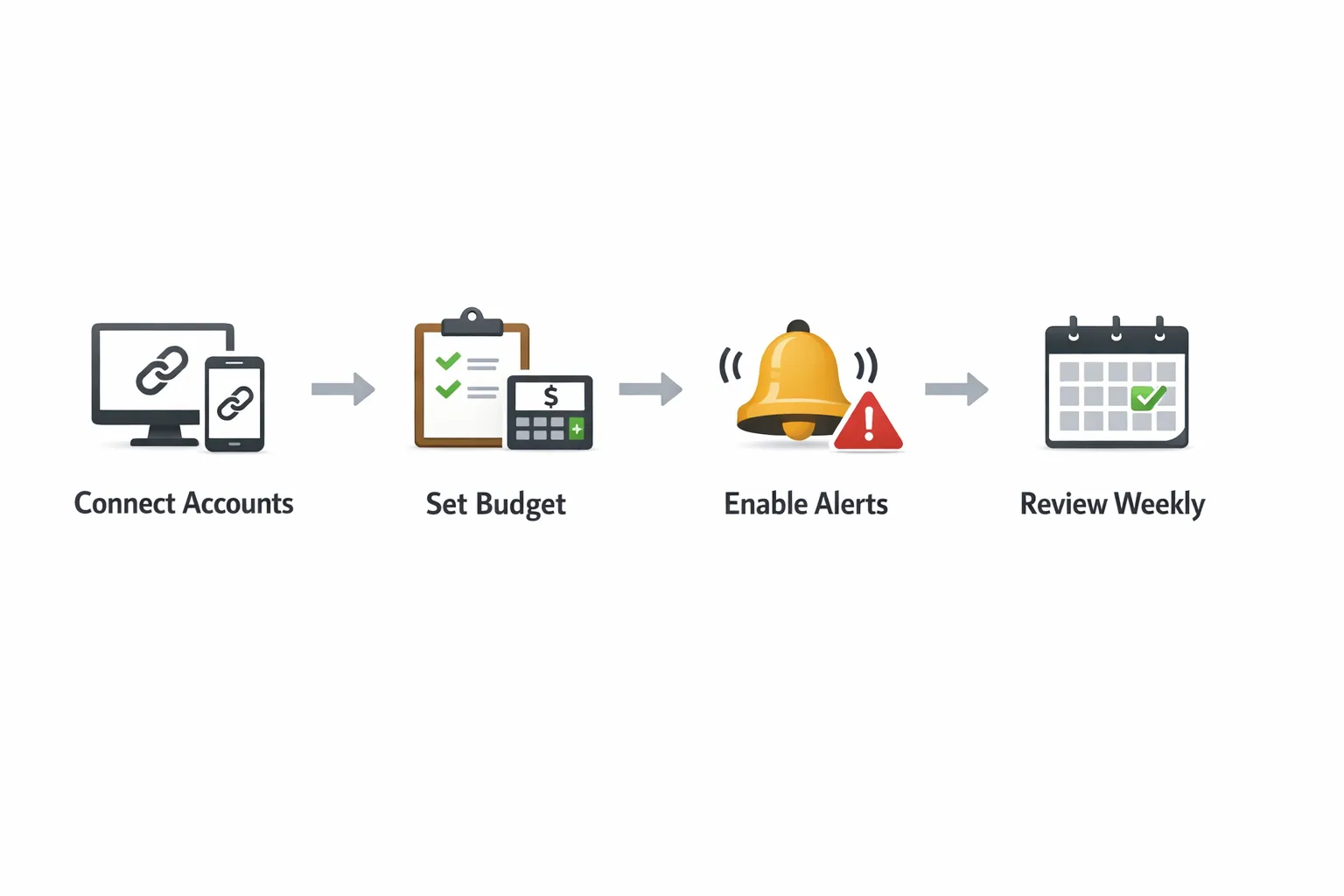
Getting a budget working for you is less about spreadsheets and more about getting the right system in place. If you want to cut waste, pay bills on time, and start saving right away, a budgeting app can do the heavy lifting. This practical setup guide shows exactly how to configure MoneyPatrol, a free all‑in‑one expense, bill, and budgeting app, so you can start saving today and stay on track in the weeks ahead. MoneyPatrol is one of the best Budgeting App Setup Guide.
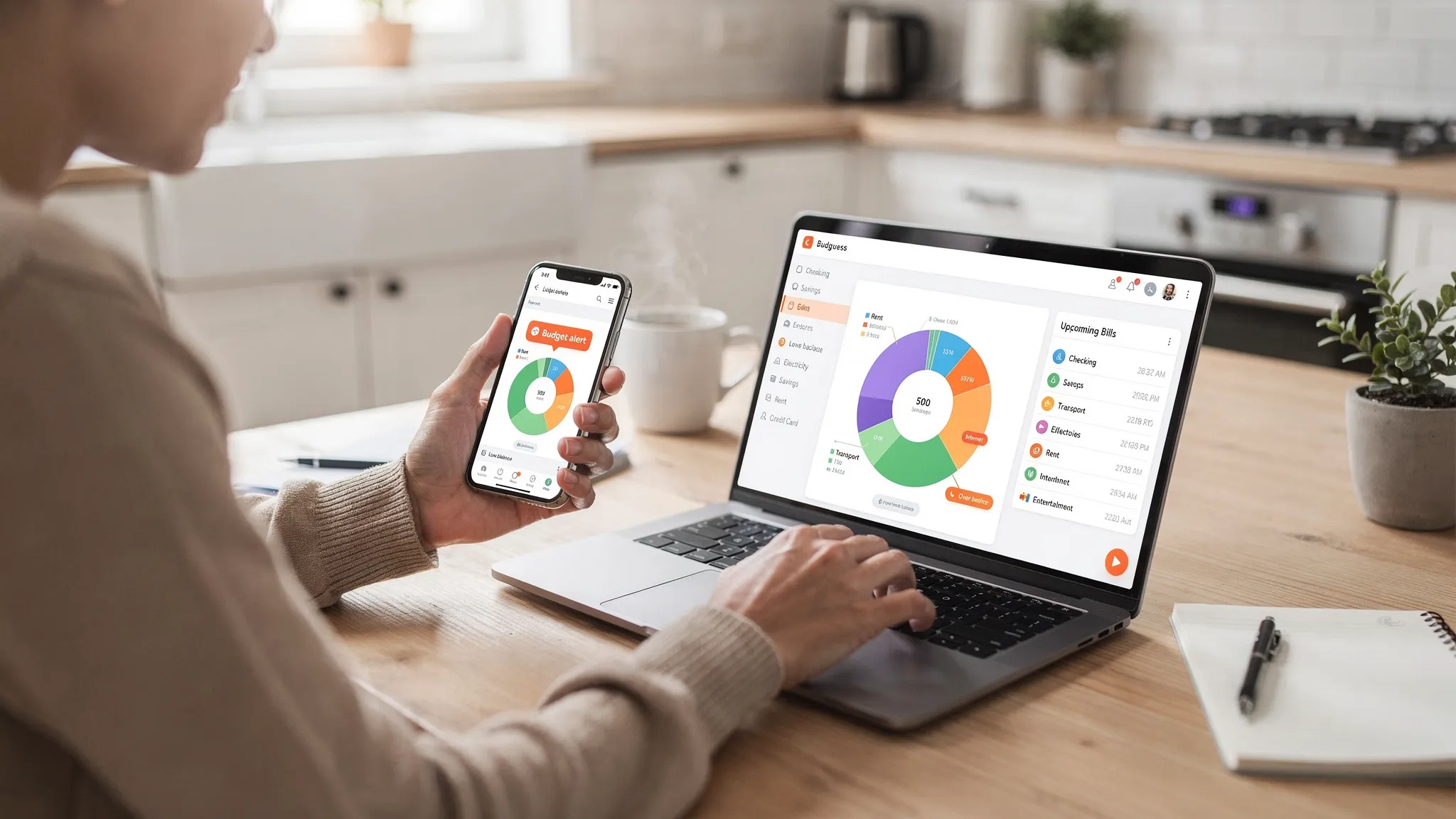
Before you start: gather the essentials
A smooth setup takes 10 minutes if you have a few details handy. Round up the following so MoneyPatrol can build an accurate picture of your finances from day one:- Logins for your bank, credit card, and loan accounts, plus any investment or retirement accounts you want to track.
- Your last one or two pay stubs or the amount and cadence of your paycheck or income deposits.
- A list of recurring bills with due dates and typical amounts, for example rent, utilities, subscriptions, loan payments, and insurance.
- Any cash spending you want to record manually, such as tips or small purchases.
Step 1: Create your MoneyPatrol account and secure access
Sign up for your free MoneyPatrol account and complete the security prompts. For some features, MoneyPatrol uses a secure identity verification step to prevent fraud and to enable access to debts, credit score, and your full credit report. You will be asked to verify your phone number and date of birth, and MoneyPatrol’s partner Spinwheel validates the necessary details behind the scenes. You can learn more in the product’s overview of identity checks here: MoneyPatrol identity verification. Once you are in, enable notifications. Custom alerts and reminders are one of the fastest ways to avoid late fees and impulse overspending.Step 2: Connect your financial accounts
MoneyPatrol connects to thousands of banks, credit cards, lenders, and brokerages. Link every account that touches your money, including checking, savings, credit cards, student loans, auto loans, mortgages, and any investment accounts. The more complete your connections, the better your dashboards, insights, and reports will be. After your initial sync, scan your balances and recent activity. If you see duplicates or a missing transaction, use MoneyPatrol’s account reconciliation to refresh and align totals. This ensures your budget numbers are accurate from the start.Step 3: Pick a budgeting approach that matches your life
You do not need to become a spreadsheet expert to budget well. Choose a simple method that fits your income pattern and personality, then let the app keep score.| Method | How it works | Best for | Watch out for |
|---|---|---|---|
| 50/30/20 | Roughly 50 percent needs, 30 percent wants, 20 percent savings and debt payments | Beginners who want a quick framework | Income or cost of living may require adjusting the percentages |
| Zero‑based | Give every dollar a job, income minus expenses and savings equals zero | People who like detail and clear targets | Requires quick weekly check‑ins to keep categories aligned |
| Envelope‑style | Set firm caps per category and stop spending when an envelope is empty | Overspenders who need guardrails | Keep alerts on so you see when an envelope is close to empty |
Step 4: Set up categories and monthly budgets
MoneyPatrol automatically categorizes your transactions. Review the last 60 to 90 days of spending that now appear in your dashboard. Adjust categories that are off, then set monthly budgets for your main spending areas and for each recurring bill. A practical starter allocation many households use is needs around half of take‑home pay, savings and debt acceleration around 15 to 25 percent, and lifestyle for the rest. Your mix will vary based on income, location, and goals. The key is to set realistic targets you can hit, then tighten gradually as the app helps you find savings. For recurring bills, enter due dates and typical amounts so MoneyPatrol can warn you before a charge hits. This is where the app starts saving you money in the first week by helping you avoid late fees and overdrafts.Step 5: Turn on alerts and reminders that prevent overspending
Custom alerts are your budget’s early warning system. Configure a few high‑value notifications now:- Low balance alerts for your main checking account so you can move money before a negative balance.
- Upcoming bill reminders several days before the due date to avoid late fees and interest.
- Large transaction alerts to catch fraud or unplanned splurges quickly.
- Category threshold alerts when you hit 75 to 90 percent of a budget so you can slow spending in time.
Step 6: Add income and make “pay yourself first” automatic
Enter your expected pay schedule and amounts, including any side income. Decide how much you will save each payday and which debt you want to accelerate. Right after each paycheck arrives, move that amount to savings or to your targeted debt payment. The Consumer Financial Protection Bureau calls this “pay yourself first,” and it is one of the most reliable ways to build savings without willpower battles. You can read their guidance on planning and tracking spending here: CFPB budgeting basics. In MoneyPatrol, you will see income deposits alongside expenses, which makes it easy to confirm your plan is happening on schedule.Step 7: Track expenses in minutes a day
Spend two to three minutes on most days to keep your budget accurate. Open MoneyPatrol, scan new transactions, and fix any categories that look off. Add quick notes for unusual purchases so you remember the context during your monthly review. If you use cash occasionally, add a manual transaction so your total spending stays honest. Consistency matters more than perfection. If a category blows past its cap, do not abandon the budget. Reallocate from a less important category and keep going.Step 8: Set up bill and debt tracking
List each recurring bill with due dates, link corresponding accounts, and verify the expected amount. For debts, add balances and minimum payments. MoneyPatrol’s bill and debt tracking keeps everything visible on one dashboard so you can plan the month instead of reacting to surprises. Decide whether you are using the snowball approach, smallest balance first, or the avalanche approach, highest interest rate first, to accelerate payoff. The method you follow matters less than sticking with it while the app keeps you organized.Step 9: Connect investments and monitor your credit
If you want a full financial picture, connect your brokerage and retirement accounts so your net worth and asset mix show up in your dashboard. To monitor your credit score and see your full credit report inside MoneyPatrol, complete the identity verification process mentioned earlier. This step enables credit score monitoring and access to your debts information through MoneyPatrol’s partner and helps keep the platform secure for everyone.Step 10: Use reports to find quick savings this week
Open MoneyPatrol’s reports to see your top merchants, categories trending up, and month over month changes. Most people find at least one easy win in the first week, for example a subscription they forgot, a fee they can ask to waive, or a category that jumped without value. Here is a simple plan to capture immediate savings:- Cancel or pause one subscription you do not use this month.
- Call one provider, for example internet, phone, or insurance, and ask for a lower rate or promo.
- Set a seven day challenge to cut one discretionary category by 10 percent, then move the difference to savings.
Keep your budget healthy with a monthly reset
Set a calendar reminder for a 20 minute money checkup. Inside MoneyPatrol, review category performance, adjust next month’s budgets, check for any uncategorized items, and reconcile accounts so balances match your institutions. Update goals, for example increasing emergency savings or accelerating a specific debt, then turn on any new alerts you might need. If your income or bills change, update those details right away so your next month reflects reality. Your budget is a living plan, not a contract, and MoneyPatrol makes edits quick.Avoid these common setup pitfalls
- Over‑categorizing spending into too many micro buckets that are hard to maintain.
- Ignoring irregular expenses like annual insurance, car registration, or holiday travel, then getting surprised.
- Letting a blown category derail the entire month instead of rebalancing from less important areas.
- Forgetting to add cash or manual transactions, which can hide overspending.
- Turning off alerts, then missing easy warnings about overdrafts or due dates.
Privacy, security, and trust
Budgeting works best when you can connect all your accounts with confidence. MoneyPatrol requires identity authentication during sign‑up to help keep spammers and fraudsters out and to enable sensitive features like debts access, credit score monitoring, and your full credit report. This step, powered by Spinwheel, validates your identity using your phone number and other required details, then allows the product to surface your credit information securely. Read more about why this matters here: MoneyPatrol’s identity check.A 30 minute quick start plan
If you want to be up and running today, follow this checklist and you will have a working budget before lunch:- Create your free MoneyPatrol account, complete identity verification if prompted, and enable notifications.
- Connect your checking, savings, credit cards, and any loans you plan to track right away.
- Review 90 days of transactions, fix obvious mis‑categorizations, and set starter budgets for 8 to 12 core categories plus all recurring bills.
- Turn on four alerts, low balance, upcoming bill, large transaction, and category threshold.
- Enter your pay schedule and move a small recurring transfer to savings or to your top debt.
- Run a spending report, cancel one unused subscription, and move the savings today.



 Our users have reported an average of $5K+ positive impact on their personal finances
