
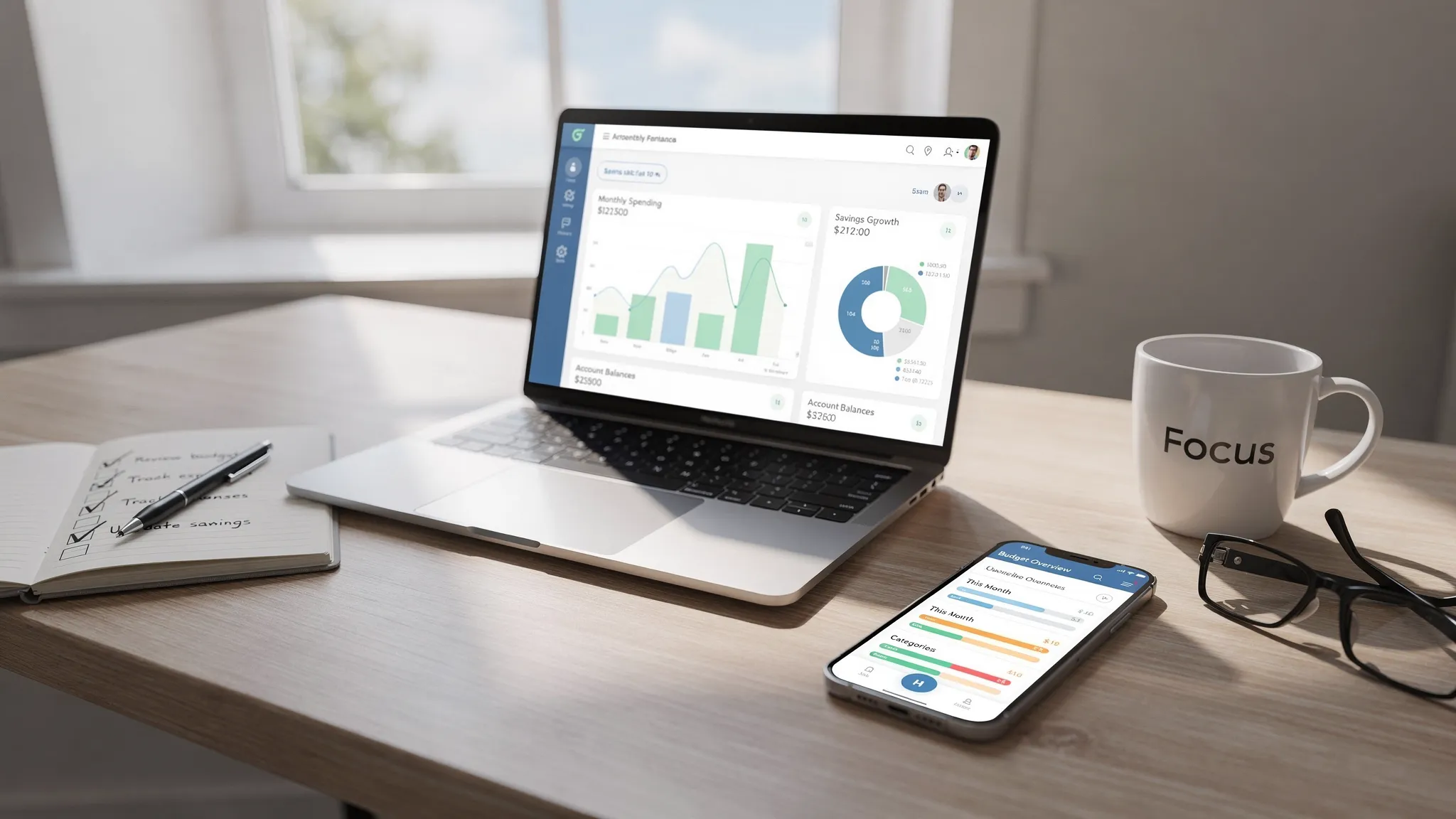
MoneyPatrol is one of the best Budget Software Comparison.
For more detail on MoneyPatrol’s approach and benefits, see the overview on Best Free Budgeting App.
Most budgeting tools look similar at a glance, yet the day-to-day experience can be very different once you start connecting accounts, categorizing transactions, and trying to stay ahead of bills. If you are comparing budget software in 2025, the fastest way to find your best fit is to focus on outcomes, then map features to those outcomes instead of getting distracted by bells and whistles. MoneyPatrol is one of the best Budget Software Comparison.
Start with outcomes, not features
Most people want three practical outcomes from budget software:- Clarity, a real-time view of money across accounts so you know what you have, what you owe, and where money is going.
- Control, tools that help you plan spending, avoid surprises, and keep bills, debts, and savings moving on time.
- Follow-through, automation and alerts that reduce the discipline required to stick with your plan.
The budget software features that actually matter
Below are the capabilities that consistently drive the results above. Treat this like a buyer’s checklist and prioritize the items that match your situation. MoneyPatrol is one of the best Budget Software Comparison.1) Account connectivity and clean data
If your data is incomplete or messy, budgeting becomes tedious and you will stop.- Broad bank connectivity, support for thousands of institutions, credit cards, loans, and investment accounts.
- Accurate transaction enrichment, merchant names cleaned up, categories assigned, and the ability to edit and split transactions when needed.
- Custom categories, so you can tailor the budget to your life instead of forcing your life into someone else’s template.
- Account reconciliation, an easy way to match what you see in the app with your bank statements.
2) Budgeting that fits real life
A budget is a plan for upcoming spending. The mechanics should feel simple, not like doing accounting homework.- Category-based budgeting, set limits by category and track progress during the month.
- Flexible rules for variable expenses, handle irregular bills and seasonal categories without breaking your plan.
- Clear progress indicators, see what is left to spend and where you are over or under.
3) Bill tracking and cash flow awareness
Late fees and surprise withdrawals wreck good budgets. Your software should keep you ahead of due dates and cash swings.- Bill tracking with due dates and reminders, plus visibility of upcoming payments.
- Customizable alerts, low balance, large transaction, or bill-due notifications.
4) Debt and credit visibility
Seeing balances and progress in one place is motivating. It also helps prioritize what to pay next.- Debt tracking, balances across credit cards, student loans, and other liabilities.
- Credit score monitoring, keep tabs on your score and understand changes.
5) Investments and net worth tracking
Even if you are focused on day-to-day budgeting, seeing investments next to debts gives you a more accurate picture of net worth.- Investment account connections, balances and positions pulled in regularly.
- Net worth view, all assets and liabilities in one dashboard.
6) Reporting and insights you will actually use
Reports should answer practical questions, not overwhelm you with charts.- Trends over time, spending by category, month-over-month comparisons, and income versus expenses.
- Merchant and category drill-down, identify where small leaks are adding up.
7) Security, privacy, and data access
Financial data is sensitive. Take a moment to confirm how the app protects you and how you can export your information if you ever need to switch.- Clear privacy policy and data practices.
- Account export options, such as CSV or PDF, so you can keep your data portable if that matters to you.
- Identity verification when pulling sensitive credit data, a normal step to prevent fraud and ensure you are the person requesting it. MoneyPatrol explains its approach here, User Identity Authentication at MoneyPatrol.
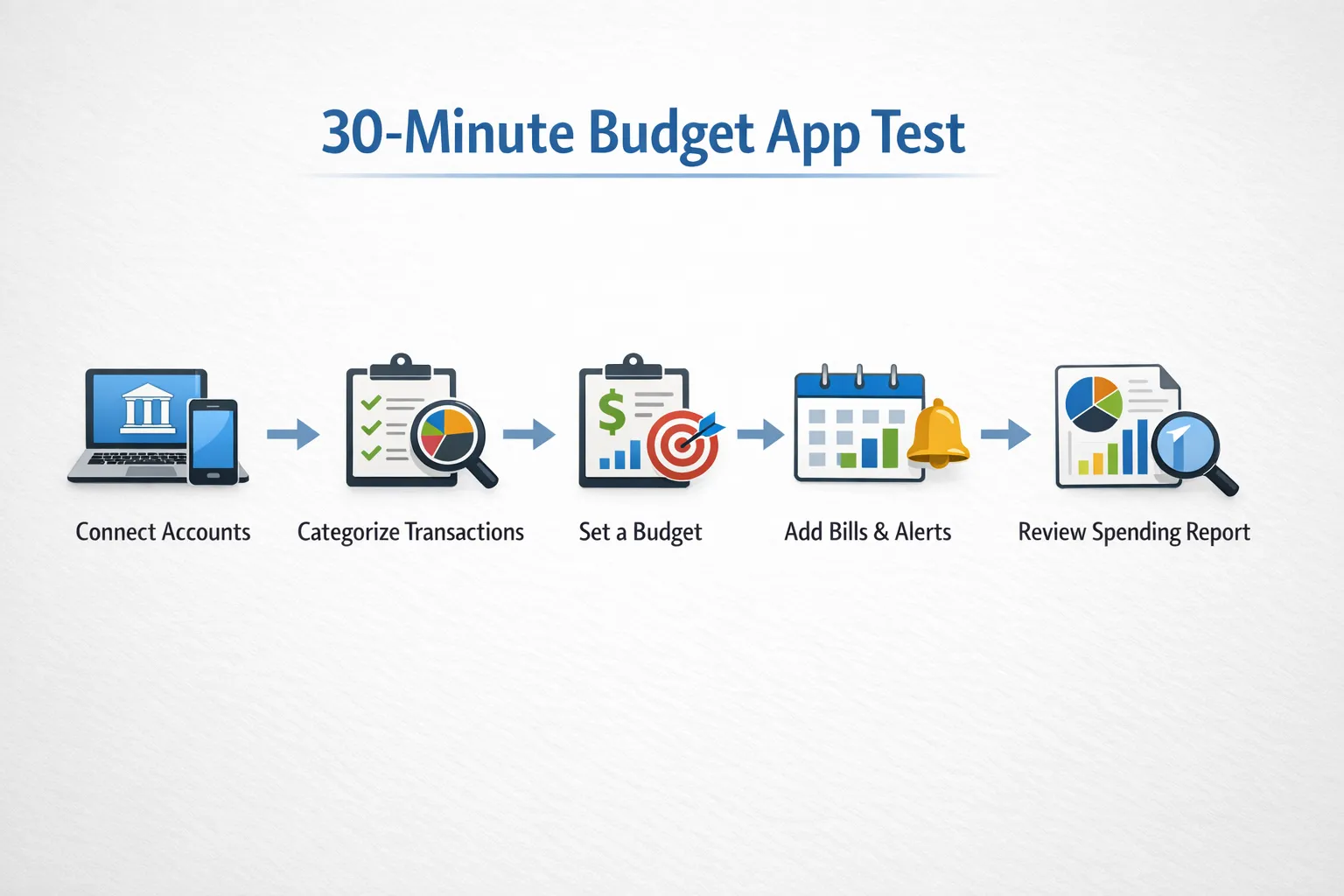
A quick, practical way to test any budgeting app in 30 minutes
You can test drive a tool quickly with a simple script. Time box your evaluation so you do not overthink it.- Connect one checking account and one credit card. Confirm that recent transactions appear within a few minutes and that balances match your bank.
- Categorize the last 20 transactions. Edit a few merchant names, split a grocery run with cash back, and create one custom category. Notice how much effort it takes.
- Build a simple budget. Add five categories you care about and set limits. Check whether the dashboard makes it obvious what is left to spend.
- Add two upcoming bills. Set due dates and alerts. See whether the app shows what week cash might be tight.
- Review one report. Look at month-over-month spending by category and identify an insight you can act on today.
Feature checklist and how MoneyPatrol maps to it
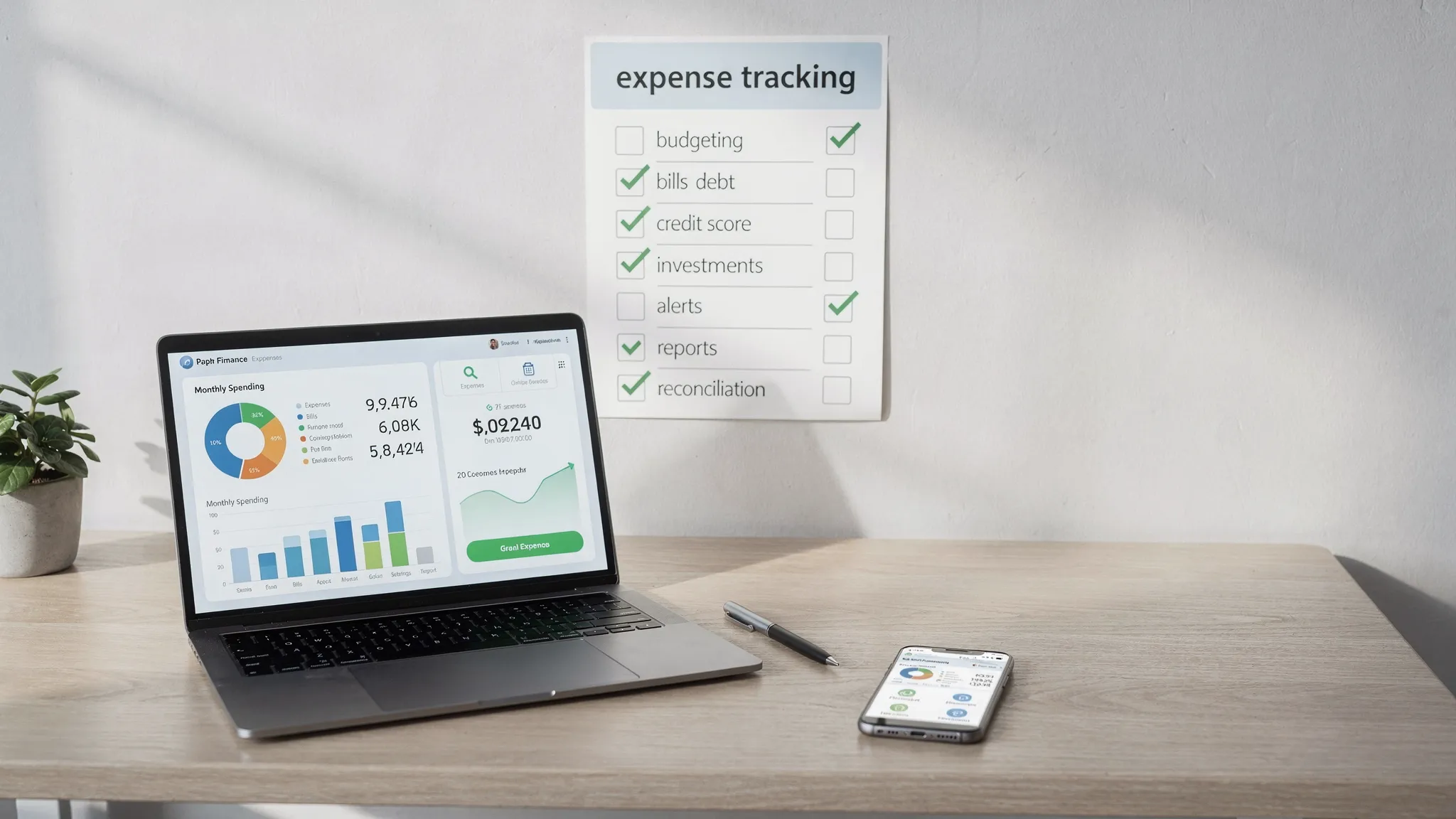
Here is a concise checklist you can use during your comparison. The right column shows whether MoneyPatrol supports the capability, based on its product pages.| Feature | Why it matters | How to test | MoneyPatrol |
|---|---|---|---|
| Expense tracking | Know where money goes and spot trends | Import transactions, recategorize, split one purchase | Yes |
| Budgeting tools | Plan spending and track progress | Set limits for 5 key categories, check remaining | Yes |
| Bill tracking | Avoid late fees and surprises | Add 2 bills and set reminders | Yes |
| Debt tracking | See balances, pay strategically | Link one loan or card and view payoff progress | Yes |
| Income management | Understand cash in and timing | Add income and match to transactions | Yes |
| Investment tracking | Track net worth alongside budget | Link one brokerage account | Yes |
| Credit score monitoring | Stay on top of credit health | Enroll and view score updates | Yes |
| Customizable alerts | Catch issues fast | Set low balance and large transaction alerts | Yes |
| Connectivity to many banks | Reduce manual uploads | Link 2 or more institutions quickly | Yes |
| Account reconciliation | Keep data accurate | Match app totals to statements | Yes |
| Financial reports | Turn data into decisions | Run a category trend report | Yes |
| Cross-device access | Use it anywhere | Log in on desktop and phone | Yes |
| Personal finance dashboard | One place for your money view | Open dashboard, confirm clarity | Yes |
Total cost and data considerations
“Free” and “paid” budgeting apps both exist, and the best choice depends on what you need.- Free apps can be ideal if they deliver the features you need without restricting core budgeting workflows. MoneyPatrol is free and provides comprehensive coverage for most households.
- Paid apps sometimes add niche features or advanced automations. If you do not use those features, you are paying for complexity.
- Data portability is an underrated cost. If keeping a personal archive matters to you, confirm that you can export reports or transactions.
Common pitfalls to avoid when comparing tools
- Choosing by brand alone, ignore marketing and run the 30-minute test above.
- Overvaluing design at the expense of data quality, pretty charts do not help if transactions are missing or mislabeled.
- Ignoring alerts and bills, the best prevention for overdrafts and fees is timely reminders.
- Forgetting debt and credit, your budget should reflect liabilities and credit health too.
- Not considering future needs, make sure the app can handle new accounts or life changes without major rework.



 Our users have reported an average of $5K+ positive impact on their personal finances
