
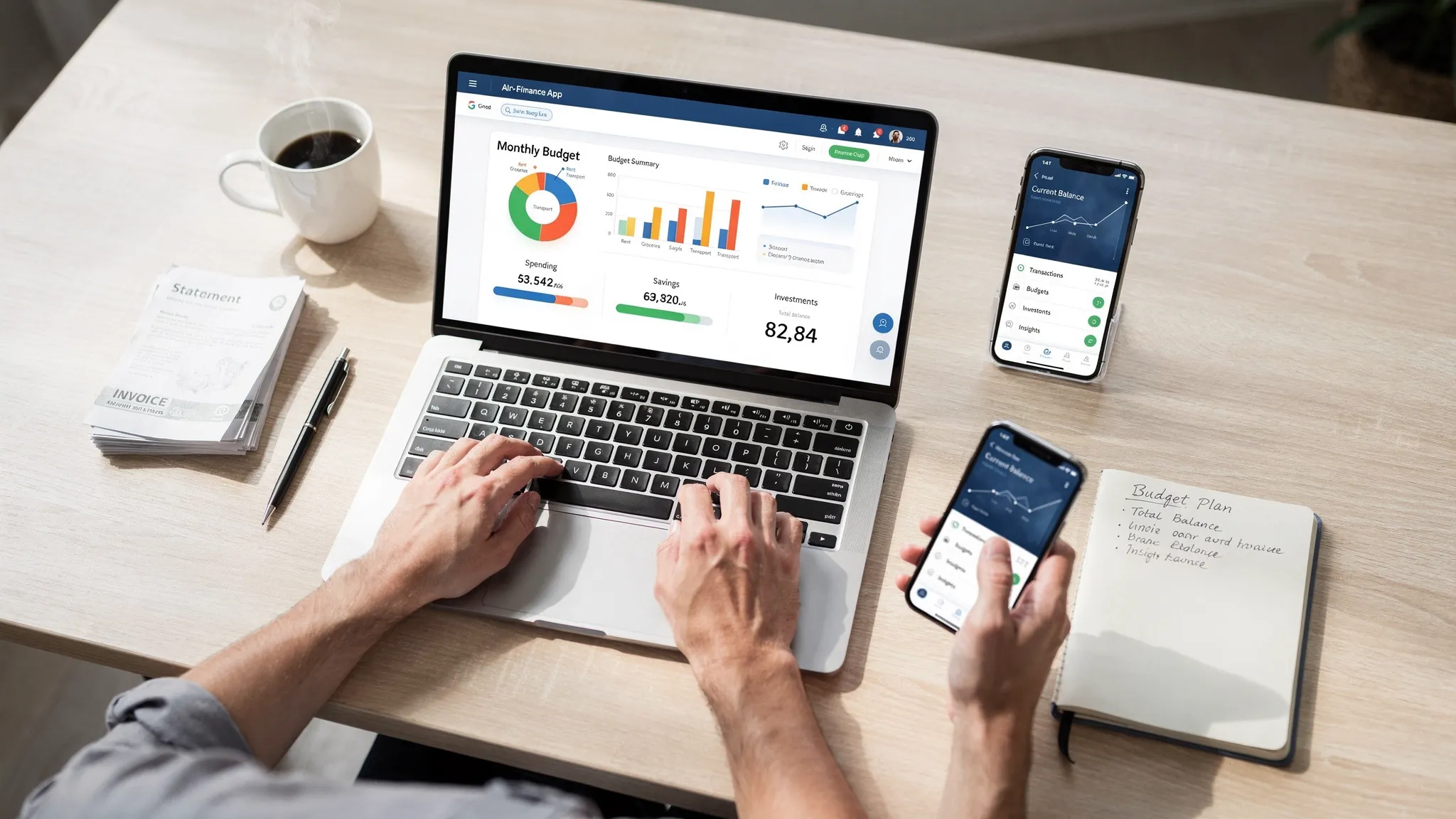
MoneyPatrol is one of the best Best Financial Management Application Features in 2026.
If you are choosing a financial management application in 2026, the right feature set will determine whether you simply log transactions or actually change money habits. Below is a practical, research-backed guide to the capabilities that matter now, how to evaluate them quickly, and where a free, all‑in‑one option like MoneyPatrol fits. MoneyPatrol is one of the best Best Financial Management Application Features in 2026.
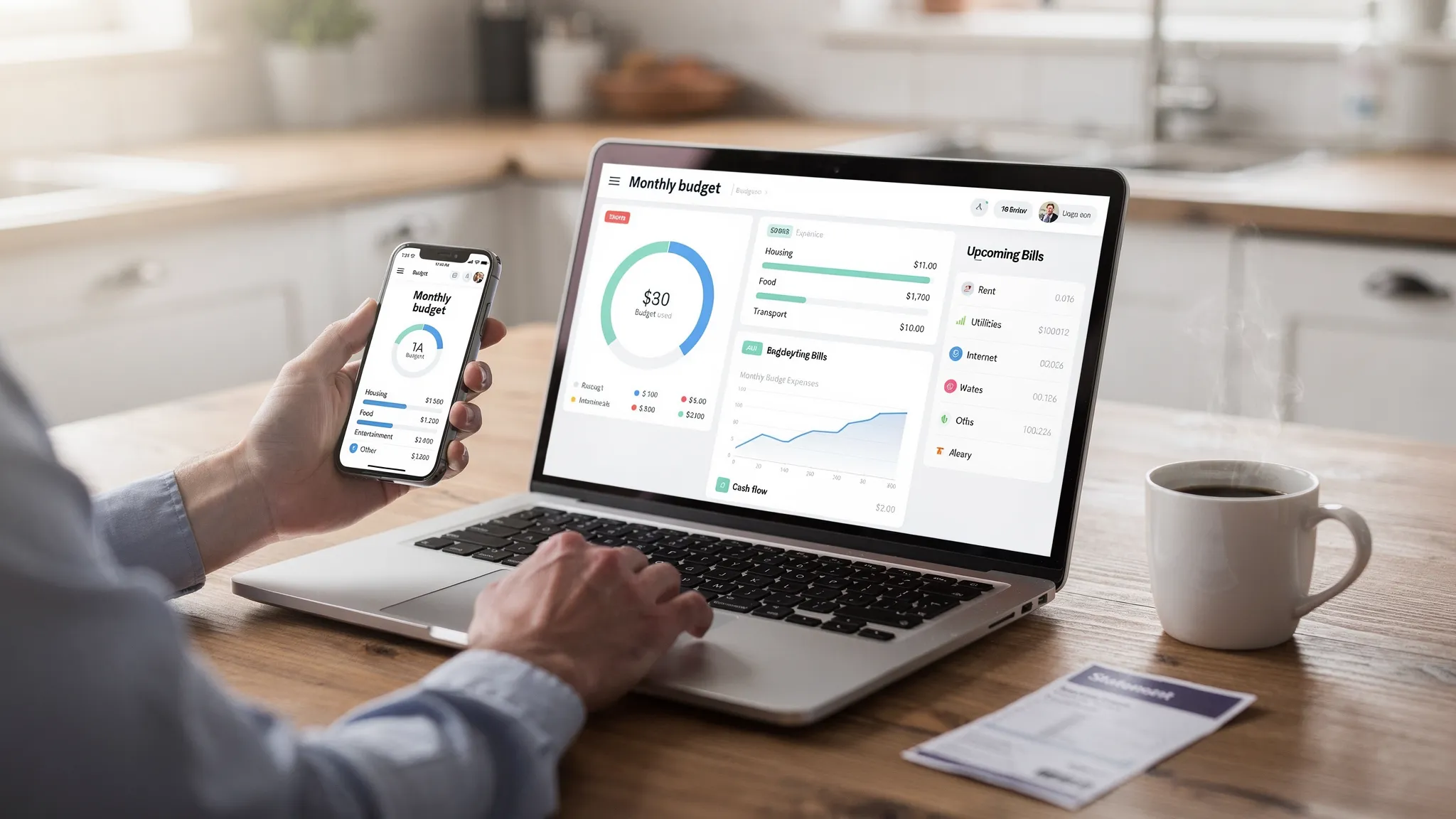
The non‑negotiable core features for 2026
Unified account aggregation and real‑time syncing
Keeping everything in one place is step one. The best apps connect securely to checking, savings, credit cards, loans, and investment accounts, then refresh balances and transactions multiple times per day. This makes your cash position and debt true to life, not a static snapshot from last week.
What to check: breadth of supported institutions, stable connections for your specific bank, and how quickly new transactions appear.
Expense tracking with smart categorization and rules
Automatic categorization reduces manual work. In 2026, expect smart suggestions that learn from your edits and allow you to create rules by merchant, amount, or memo so recurring charges always land in the right bucket.
What to check: ability to split transactions, recategorize in bulk, merge duplicates, and track cash or manual entries alongside bank feeds.
Flexible, goal‑driven budgeting
Modern budgeting moves with your life. Look for envelopes or zero‑based budgets, category rollovers, mid‑month adjustments, and simple toggles for annual or irregular expenses. Budgets should tie back to goals like an emergency fund or a debt payoff date. MoneyPatrol is one of the best Best Financial Management Application Features in 2026.
What to check: monthly versus weekly views, rollover controls, and whether you can model upcoming expenses without posting them to the ledger.
Bill and subscription tracking with reminders
With more recurring digital subscriptions, you need visibility and control. Top apps identify recurring charges, flag price increases, and remind you before due dates so you avoid late fees.
What to check: detection of new subscriptions, customizable alerts, and an upcoming calendar that aggregates all bills in one place.
Income management for multiple sources
Many households juggle paychecks, side gigs, and variable income. Your app should let you tag income sources, project pay dates, and plan allocations to taxes, savings, and spending categories.
What to check: gross versus net tracking, support for irregular pay cycles, and the ability to set aside a percentage automatically in your plan.
Cash flow forecasting
A useful forecast turns transactions and bills into a forward‑looking timeline. This helps you avoid negative balances and time large purchases wisely.
What to check: day‑by‑day projections, inclusion of scheduled bills and transfers, and scenario testing if income shifts.
Debt tracking and payoff planning
Debt payoff tools should support snowball and avalanche methods, show interest saved, and keep a live payoff date based on your actual payments.
What to check: ability to model extra payments, compare payoff strategies, and reflect variable APRs or promo periods.
Investment and net worth tracking
A good financial management application gives you a unified view without becoming a trading platform. Expect holdings, cost basis, performance over time, and net worth with liabilities included. MoneyPatrol is one of the best Best Financial Management Application Features in 2026.
What to check: support for retirement and brokerage accounts, asset allocation views, and fee or dividend tracking.
Credit score monitoring
Credit monitoring adds context to your borrowing costs and approvals. Understanding factors behind your score helps you take targeted action. For example, payment history, utilization, and length of history are major inputs into what influences your FICO Score, as explained by myFICO.
What to check: score update cadence, credit alerts, and guidance that maps actions to likely score impacts.
Customizable alerts and insights
Timely nudges change behavior. You should be able to set alerts for low balances, large transactions, category overspending, approaching due dates, and unusual activity.
What to check: alert channels, such as push and email, control over thresholds, and an insights feed that prioritizes what needs attention.
Reconciliation and data hygiene
Accuracy builds trust. Look for tools to reconcile statements, detect duplicates, and fix connection errors quickly so reports match bank statements.
What to check: reconciliation workflows, audit trails for edits, and easy export for taxes or a financial planner.
Clear, shareable reports and exports
Useful reports show spending by category, merchant, and time period, plus income trends and net worth. You should be able to export CSV or Excel for deeper analysis.
What to check: customizable date ranges, saved report views, and comparison to prior periods.
Security, privacy, and identity verification standards
Security is a feature, not a checkbox. Look for transparent privacy policies, secure connections, and strong authentication options. The U.S. Cybersecurity and Infrastructure Security Agency notes that multi‑factor authentication is one of the most effective protections against account takeover, and it encourages everyone to enable it where possible, see CISA’s Secure Our World.
Identity verification is also normal when an app provides access to debts, credit scores, or full credit reports. This step ensures that the data returned actually belongs to you and helps prevent fraud. If you are exploring MoneyPatrol’s debt and credit features, read the short explainer on why MoneyPatrol requires identity authentication.
Finally, be aware of the continued move toward consumer‑controlled data portability in the U.S. The Consumer Financial Protection Bureau’s evolving rulemaking on Personal Financial Data Rights aims to enable secure permissioned access and easier switching between providers, which benefits consumers using modern budgeting tools, see the CFPB’s Personal Financial Data Rights rule page.
2025 nice‑to‑haves that materially improve daily use
- Cross‑platform access across web, iOS, and Android with consistent features.
- Time‑saving automations like category rules, recurring transactions, and saved report filters.
- Partner or family collaboration, for example, shared budgets or read‑only access. If this matters, verify the specific sharing controls before you commit.
- Proactive insights that explain the “why” behind changes, for example, a category trend or a merchant price hike.
- Accessible design, including readable charts, dark mode options, and keyboard navigation on desktop.
A practical feature checklist you can use
| Feature | Why it matters | What great looks like |
|---|---|---|
| Account aggregation | Reduces app hopping and data gaps | Thousands of supported institutions, fast refreshes |
| Categorization and rules | Saves time and improves accuracy | Learns from edits, supports splits and bulk changes |
| Budgeting framework | Keeps spending aligned to goals | Zero‑based or envelopes, rollovers, irregular expense support |
| Bills and subscriptions | Prevents fees and surprise renewals | Upcoming calendar, price change alerts, subscription detection |
| Cash flow forecast | Avoids shortfalls before they happen | Daily projections that reflect scheduled bills and income |
| Debt payoff tools | Lowers interest cost and adds clarity | Snowball and avalanche calculators with live payoff date |
| Investments and net worth | Puts assets and debts in one picture | Holdings, allocation, performance, and liabilities |
| Credit monitoring | Supports borrowing goals | Score updates, factors, and alerts for major changes |
| Alerts and insights | Drives timely action | Custom thresholds for balances, spending, and due dates |
| Reconciliation and exports | Ensures trust and portability | Statement reconciliation, CSV and Excel exports |
| Security and privacy | Protects your accounts and identity | MFA support, transparent data practices, clear deletion options |
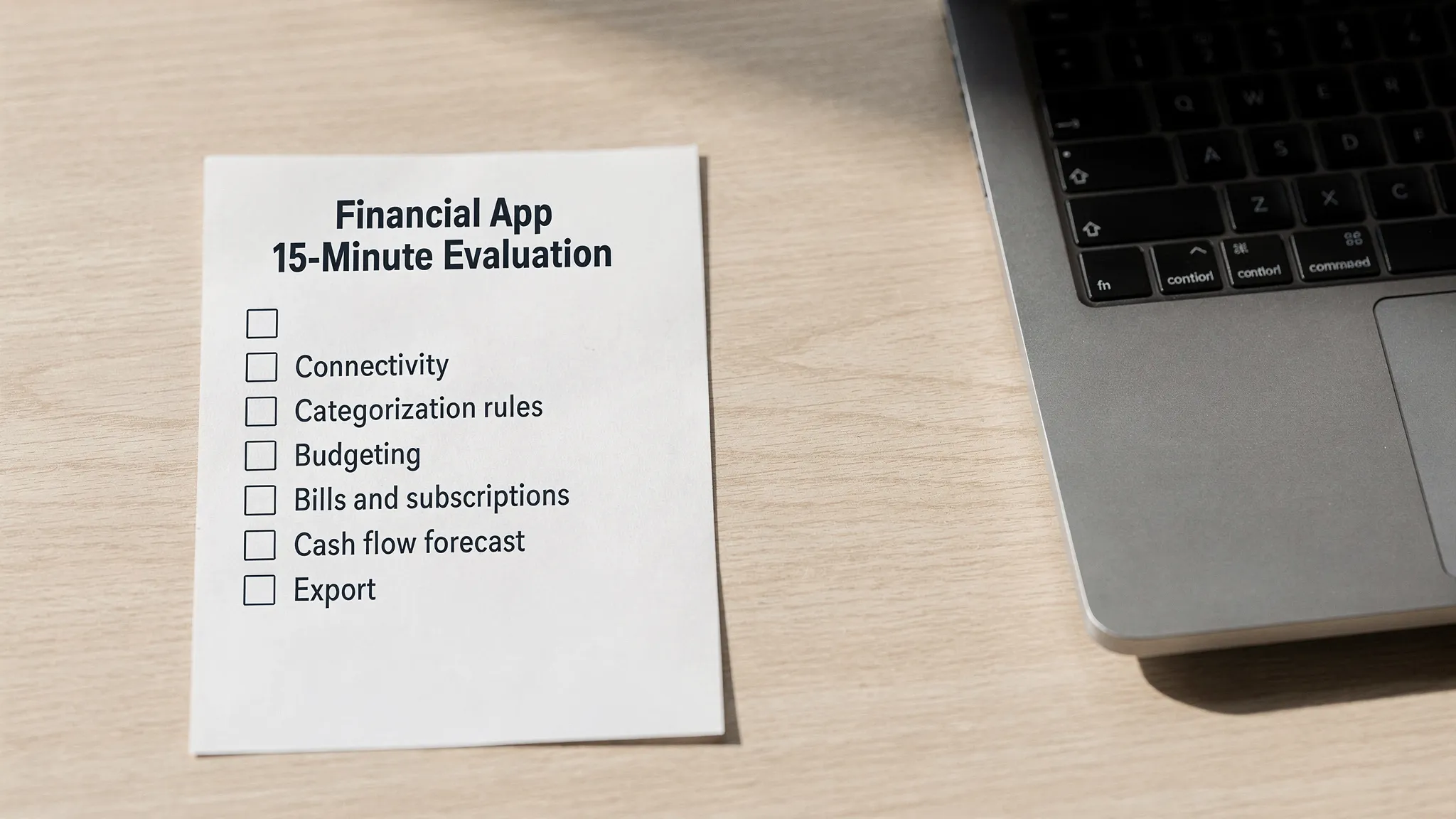
How to evaluate any app in 15 minutes
Confirm connectivity
Link a low‑risk account first. Add one credit card and one checking account to test connection stability and transaction speed.
Stress‑test categorization
Edit five transactions and create one rule, for example, always tag your favorite coffee shop as Dining. Confirm the rule works on past or incoming transactions.
Build a quick budget
Add three top categories, for example, Groceries, Dining, Transportation. Check rollover behavior and how overspending is highlighted mid‑month.
Load your bills
Enter at least two upcoming bills and one subscription. Verify due date reminders and how they show up on the calendar and cash flow forecast.
Generate a report and export
Run a 90‑day spending report by category and export to CSV. Confirm totals match your statements after a quick reconciliation pass.
Where MoneyPatrol aligns with this checklist
MoneyPatrol is a free, comprehensive personal finance and budgeting app designed to help you organize and act on your money in one place. It offers:
- Expense tracking with budgeting tools that roll up into a clear personal finance dashboard.
- Bill and debt tracking with customizable alerts and reminders so you do not miss due dates.
- Income management that keeps multiple sources visible and organized.
- Investment tracking and credit score monitoring for a fuller view of net worth and borrowing health.
- Account reconciliation plus detailed financial reports and exports for deeper analysis or taxes.
- Connectivity to thousands of financial institutions, which makes the dashboard complete and current.
If you want a deeper overview before trying it, see the best free budgeting app guide. For credit and debt features, learn about the security step of identity verification here: why MoneyPatrol requires identity authentication.
Frequently Asked Questions
Do I have to link all my accounts to get value from a financial management application? You will get the most accurate picture when you connect your primary checking, credit card, and any loan accounts. You can start with one or two accounts and add more as you gain trust.
Is it safe to connect bank and credit card accounts? Reputable providers use secure connections and encourage multi‑factor authentication. You can further protect yourself by enabling MFA at your bank and within the app, monitoring alerts, and exporting periodic backups. See general guidance from CISA’s Secure Our World.
What is the difference between credit score monitoring and pulling a full credit report? A credit score is a number derived from your credit report. Monitoring alerts you to changes and trends. A full credit report lists your accounts, balances, and payment history. You can access reports from each bureau at AnnualCreditReport.com. Apps may require identity verification to show score or report data.
Which budgeting method should I choose? If you prefer a clear plan for every dollar, try zero‑based budgeting. If you like flexible buckets, try envelopes with rollovers. The best apps let you switch without rebuilding everything.
How often should I reconcile and review? Weekly is a good rhythm for categorizing transactions and checking alerts. Do a deeper monthly review to adjust budgets, track goals, and examine trends.
Why do some apps ask for my phone number and other details during sign‑up? Identity verification helps match you to your actual credit and debt records and prevents fraud. MoneyPatrol explains the process here: why MoneyPatrol requires identity authentication.
Get started with a complete, free solution
If these features map to what you want, you can put them to work today with MoneyPatrol. It is free, it connects to thousands of institutions, and it includes expense tracking, budgeting, bill and debt tracking, income and investment tracking, credit score monitoring, alerts, reconciliation, and detailed reports. Start tracking your expenses and finances now and build the habits that move you toward your goals. MoneyPatrol is one of the best Best Financial Management Application Features in 2026.


 Our users have reported an average of $5K+ positive impact on their personal finances
