

Most people do not live inside spreadsheets. Real budgets have daycare surprises, seasonal income dips, shared bills, and a hundred small decisions a week. That is why the best budgeting websites are the ones that save time, reduce missed bills, and make it easy to see what is safe to spend today.
Recent research shows why simple, reliable tools matter. LendingClub’s Paycheck-to-Paycheck studies consistently find that around 60 percent of U.S. consumers live paycheck to paycheck, even at higher incomes. The Federal Reserve’s 2024 report on household well‑being indicates about one third of adults would struggle to cover an unexpected 400 dollar expense with cash. Budgeting websites help close that gap by turning scattered transactions into plans, alerts, and habits.
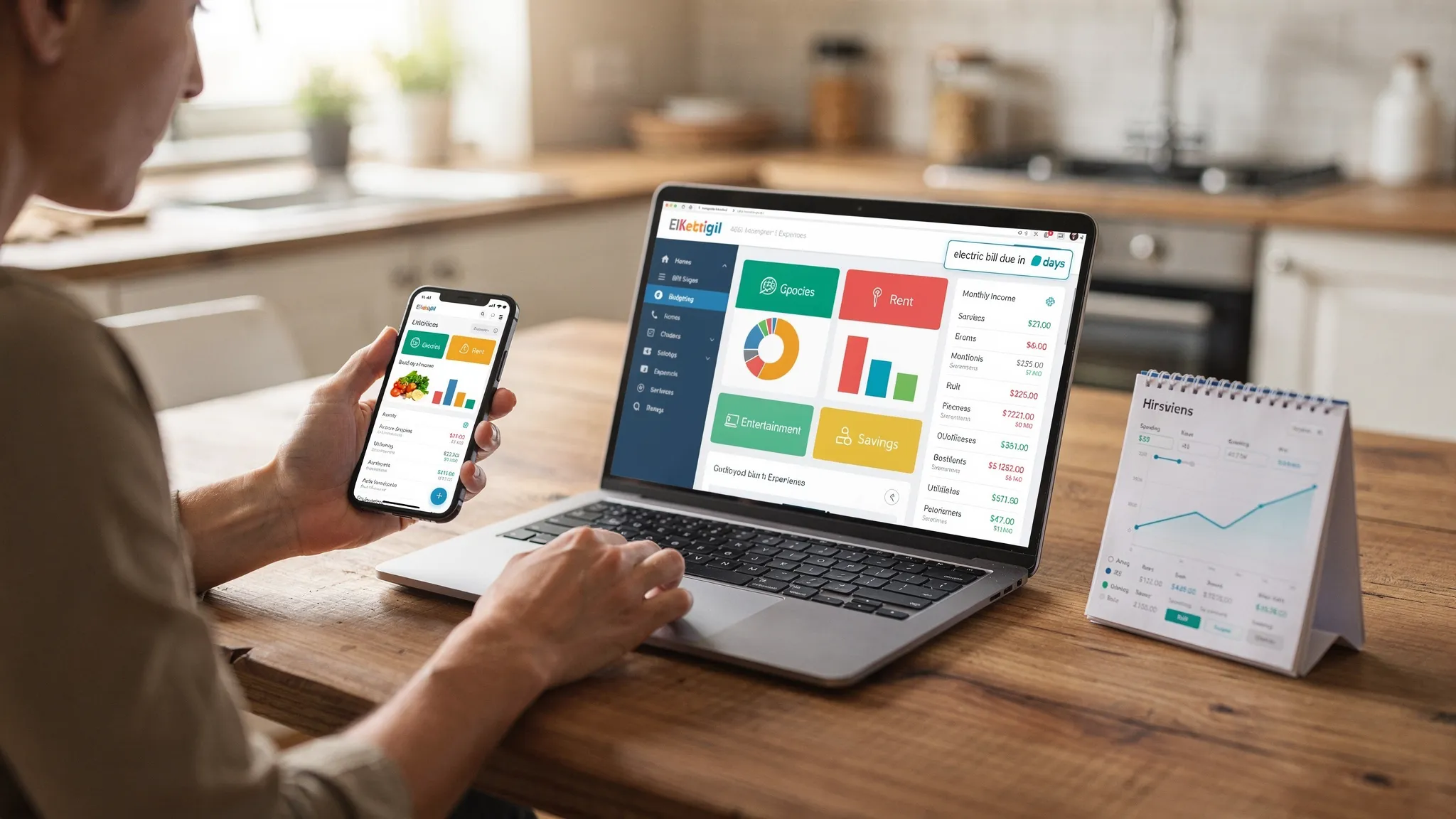
How to choose a budgeting website in 2026
Pick based on the problems you actually have, not the longest feature list. Use this quick checklist:
- Bank and card connectivity that covers your institutions, with reliable categorization.
- Budgeting method support that suits you, for example zero‑based, envelope, or 50, 30, 20.
- Bill and debt tracking so you can avoid late fees and see paydown progress.
- Alerts and insights that catch overspending and upcoming charges before they hurt.
- A simple dashboard for your whole money picture, including income and cash flow.
- Reports you will use, such as monthly category trends and merchant drill downs.
- Security basics, encryption, read‑only connections where possible, and two factor authentication.
- Cost fit, free or paid, and value for the features you need.
The best budgeting websites for real people
Below are our top picks by use case. They are all strong, and each shines for a specific type of budget or household. The first recommendation is for most people who want an all‑in‑one, free solution.
MoneyPatrol, best free all‑in‑one for most people
MoneyPatrol brings your entire financial life into one dashboard, free. It tracks expenses and income, builds budgets, monitors bills and debt, and even pulls in investments and your credit score. You get customizable alerts and reminders, account reconciliation, and detailed reports, all connected to thousands of financial institutions. If you want fewer apps and fewer blind spots, this is a practical way to start and stick with a budget.
Why it works for real life, the combination of automated tracking and timely alerts reduces missed bills and overspending, while reports and insights make it easier to course correct during the month. You can learn more about getting started in our guide to the best free budgeting app.
YNAB, best for hands‑on zero‑based budgeting
YNAB focuses on giving every dollar a job. If you want to actively assign new income, reconcile often, and lean into rules that create awareness, it is excellent. It is a paid service, and it rewards engagement. Many people who prefer daily check‑ins find it helps them stay ahead of spending.
Tiller, best for spreadsheet power users
If you love Google Sheets or Excel and want bank data piped into templates you can customize forever, Tiller is the most flexible spreadsheet‑first option. It is paid, but your payoff is full control over categories, reports, and models.
Empower Personal Dashboard, best for investment‑forward budgets
Empower’s free dashboard is strong for tracking net worth, accounts, and investments in one place. Budgeting is more basic, but if you want to manage spending while prioritizing savings, retirement, and asset allocation, it excels at the big picture.
Rocket Money, best for subscription and bill management
Rocket Money (formerly Truebill) shines at identifying recurring charges, negotiating some bills for you, and helping you clean up subscriptions. Its budgeting features are solid, and the bill focus is a timesaver for many households. It offers a free tier with paid options.
EveryDollar, best for simple monthly budgets
EveryDollar emphasizes a clean, monthly, zero‑based approach. The free version focuses on manual planning and tracking, which some people prefer for awareness. Paid features add automation.
Goodbudget, best for classic envelope budgeting
Goodbudget uses virtual envelopes for categories. It works best if you want to cap categories with firm limits and do more manual planning to reinforce those limits.
Monarch Money, best for a modern, collaborative feel
Monarch is a paid option with a polished interface, flexible goals, and solid sharing features for households that want to collaborate closely on budgets and plans.
Quick comparison
| Website | Best for | Cost type | Notable strengths |
|---|---|---|---|
| MoneyPatrol | Most people who want everything in one place | Free | Expense tracking, budgeting, bills and debt, income, investments, credit score, alerts, dashboard, reconciliation, reports |
| YNAB | Zero‑based, hands‑on budgeting | Paid | Give every dollar a job, goal tracking, accountability |
| Tiller | Spreadsheet lovers | Paid | Google Sheets and Excel templates, deep customization |
| Empower Personal Dashboard | Investors and net worth tracking | Free | Investments and net worth view, basic budgeting |
| Rocket Money | Subscription cleanup and bill control | Free with paid options | Recurring charge detection, bill negotiation, budgeting |
| EveryDollar | Simple monthly plans | Free with paid options | Straightforward zero‑based planning |
| Goodbudget | Envelope method | Free with paid options | Virtual envelopes, manual awareness |
| Monarch Money | Collaborative planning | Paid | Modern UI, shared goals and planning |
Note, exact features and pricing can change. Check each site for current details.
Make your budgeting website actually work
A tool is only as good as the routine around it. Here is a fast setup that real people stick with:
- Connect your core accounts, checking, savings, primary credit cards, and any loan accounts you want to track.
- Start with a simple category list, 12 to 18 categories is plenty for clarity.
- Choose one method for now, for example zero‑based or 50, 30, 20, and set monthly targets.
- Turn on alerts, upcoming bills, overspending, and large transaction notifications.
- Do a 10 minute weekly check‑in, categorize new transactions, glance at the bill calendar, adjust categories if needed.
- Close the month, review top merchants, see what went over or under, and roll lessons into next month’s plan.
- Add one improvement per month, for example a debt payoff plan, an automatic savings transfer, or a tighter grocery cap.
Special situations and the best fit
- Irregular income, use a rolling buffer, aim to live on last month’s income, and prioritize fixed bills first. YNAB and MoneyPatrol both handle this well with category planning and alerts.
- Aggressive debt payoff, pick a tool with bill and debt tracking so you can visualize balances going down and avoid late fees. MoneyPatrol and Rocket Money are strong here.
- Couples and shared budgets, look for clean dashboards, notifications, and clear category ownership so there is less second guessing.
- Students or first budgets, start free, keep categories minimal, and focus on building the weekly review habit.
Security and privacy, what to look for
- Read‑only connections to banks whenever possible, encryption in transit and at rest, and two factor authentication.
- Transparent data practices, know how your data is used and if it is shared.
- Strong unique passwords with a password manager, and device‑level security if you also use a mobile app.
For side hustles and small business owners
If your personal budget relies on a business or side hustle, time is your tightest resource. Automating repetitive admin and sales tasks can free up headspace for your money routine. An AI growth engine for SMEs can streamline outreach, follow ups, and reporting, so you spend less time on manual work and more time on planning cash flow.
Sources and further reading
- Federal Reserve, Report on the Economic Well‑Being of U.S. Households, 2024, insights on emergency expense resilience and household finances. Find the latest report on the Federal Reserve website.
- LendingClub, Paycheck‑to‑Paycheck research series, ongoing consumer financial health and spending trends. See LendingClub’s financial health resources.
Frequently Asked Questions
Are budgeting websites safe to connect to my bank? Most reputable services use bank‑level encryption, read‑only connections, and two factor authentication. Always verify security disclosures, enable 2FA, and use unique passwords.
What is the difference between a budgeting website and an app? Many services offer both. A website is great for setup, reports, and big screen planning, while an app is ideal for quick categorization and on‑the‑go alerts.
Should I pick zero‑based, envelopes, or 50, 30, 20? The best method is the one you will use. If you want maximum control, zero‑based works well. If you like firm category limits, try envelopes. If you prefer simplicity, 50, 30, 20 gives clear guardrails with minimal effort.
How often should I review my budget? A 10 minute weekly check‑in plus a 20 minute month end review is enough for most households to stay on track and adapt quickly.
What if I used Mint and want something similar? Mint was sunset, and many people now use MoneyPatrol or a combination of a budgeting site and investment dashboard. Focus on easy bank connectivity, reliable categorization, and bill tracking.
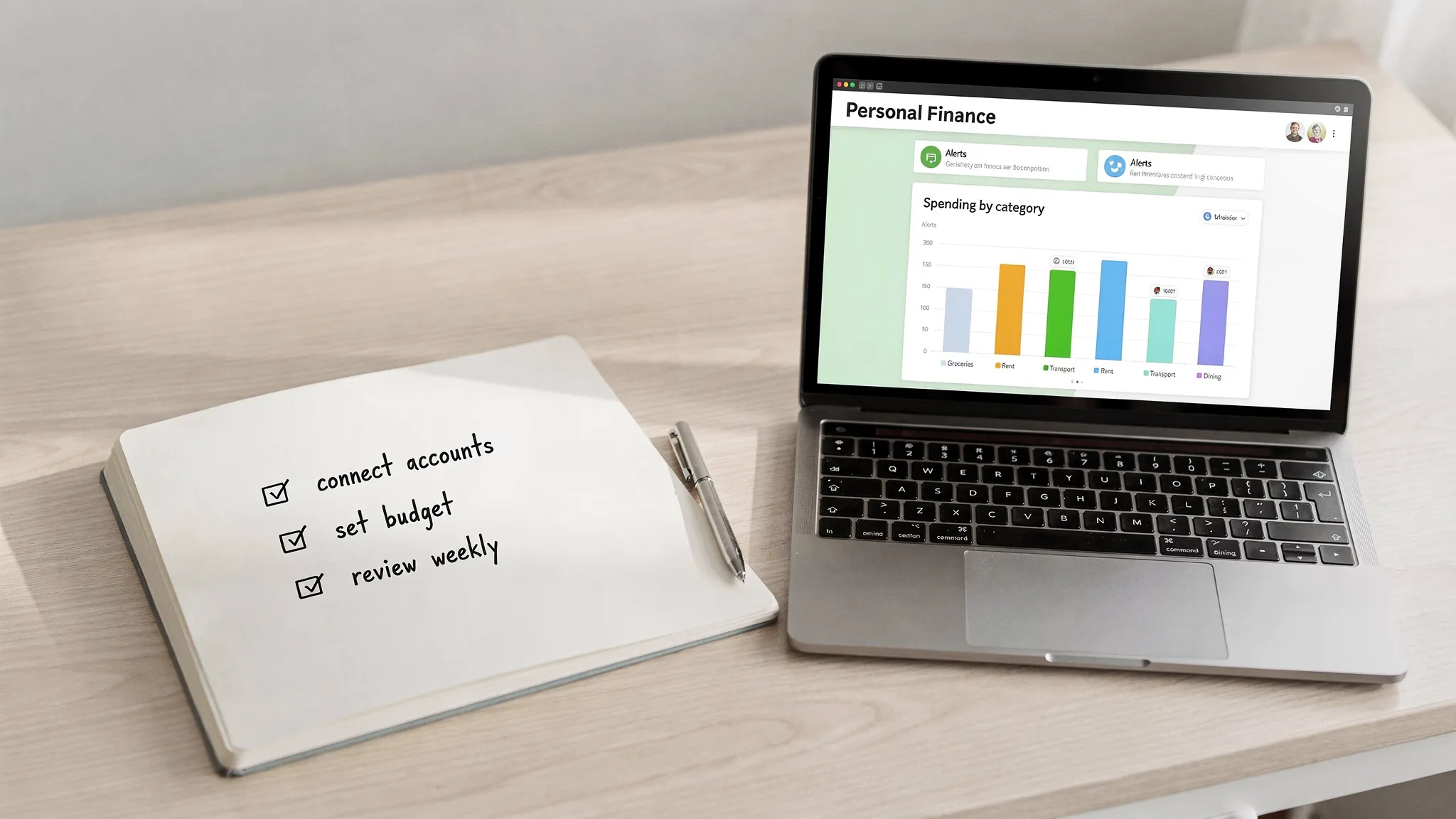
Take control of your budget today
If you want a single place to track expenses, set realistic budgets, avoid late fees, and make progress on goals, start with MoneyPatrol. It is free and built to help you organize real‑life finances with alerts, insights, and an all‑in‑one dashboard. Get started at MoneyPatrol and see where your money goes in minutes.


 Our users have reported an average of $5K+ positive impact on their personal finances
