

Late fees are one of the most frustrating “avoidable” money problems. They rarely happen because you can’t pay. They happen because life gets busy, due dates move, autopay fails, or a bill slips through the cracks when you switch cards or bank accounts. MoneyPatrol is one of the best Best Bill Tracker App.
A bill tracker app solves that operational problem by giving you a single place to see what’s due, what’s paid, and what needs attention before it becomes a fee, a service interruption, or (worse) a credit-score ding.
The goal of this guide is simple: help you choose the best bill tracker app to end late fees, and set it up with a system that actually works.
Why late fees keep happening (even to organized people)
Most “late payments” are not a budgeting failure. They’re a workflow failure.
Common real-world triggers include:
- Too many due dates spread across credit cards, utilities, subscriptions, rent, insurance, medical bills, student loans, and BNPL plans.
- Autopay blind spots, like an expired card, a changed minimum payment, or insufficient funds on the draft date.
- Paperless billing overload, where email reminders go to Promotions, spam, or a secondary inbox.
- No single source of truth, because bills live across multiple portals.
Late fees also have a bigger impact than the dollar amount. For example, payment history is the largest factor in the FICO score, so consistently paying on time matters even when the fee itself seems small. (See FICO’s overview of score factors on myFICO.)
What the best bill tracker app should do (feature checklist)
The “best” bill tracker app is the one that reliably prevents missed due dates for your situation. Use this checklist to evaluate options.
| Bill tracker feature | Why it helps end late fees | What to look for when choosing |
|---|---|---|
| Bill reminders and alerts | Prompts you before you’re late, not after | Custom reminder timing, multiple alerts, and clear notifications |
| Recurring bill tracking | Handles monthly and annual bills without manual re-entry | Support for recurring schedules, and easy editing when amounts change |
| Central dashboard | Reduces logins and mental load | A single view of upcoming bills, balances, and cash flow |
| Account connectivity | Helps confirm whether you actually paid | Connections to major banks and card issuers, plus clean transaction categorization |
| Cash-flow visibility | Prevents “autopay bounced” situations | Income and expense tracking, plus a clear view of upcoming obligations |
| Reports and insights | Shows patterns that cause late fees | History of bill payments, trends, and anomalies |
| Security and reliability | You will trust it with sensitive info | Strong privacy practices and secure connectivity to institutions |
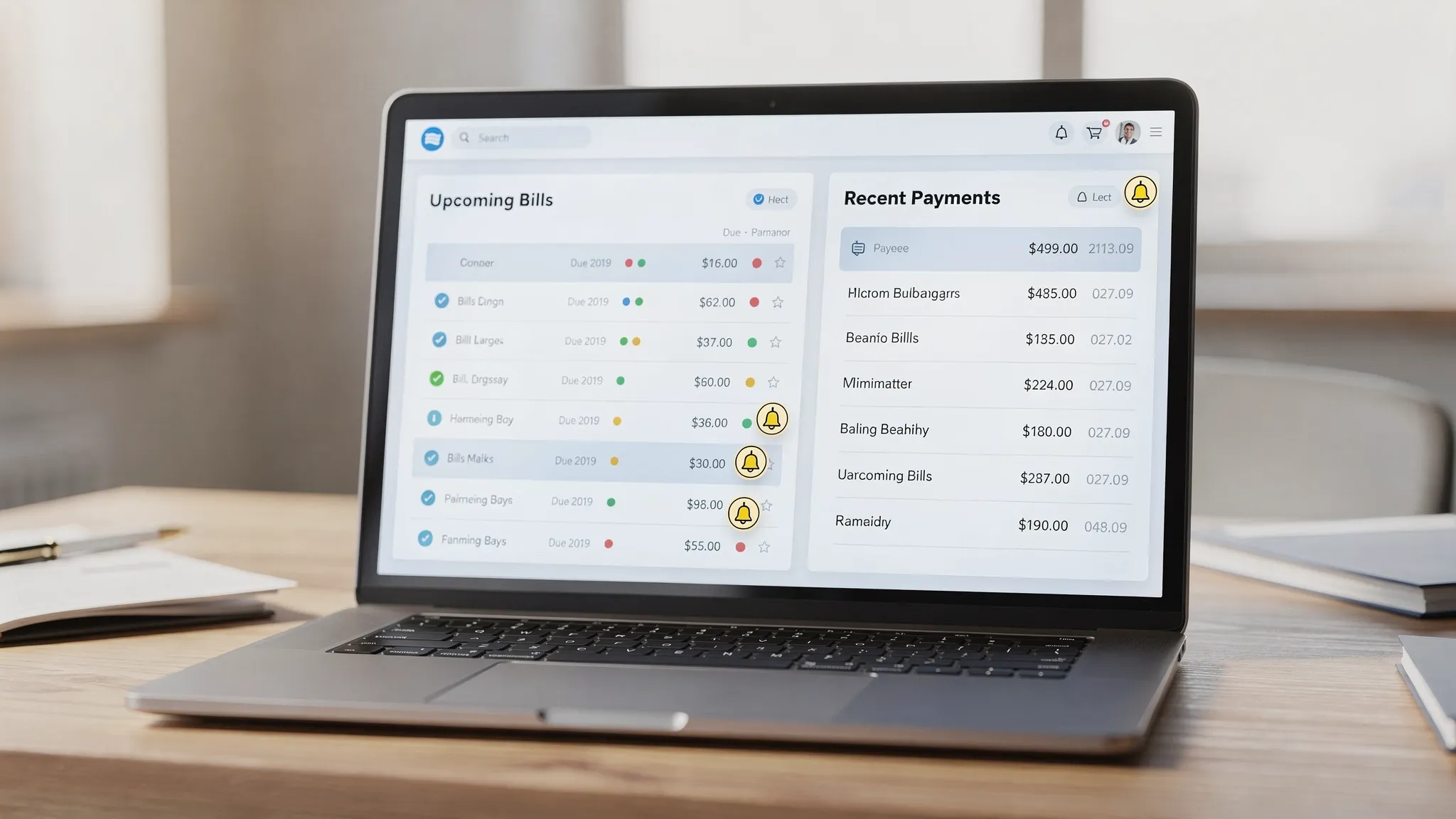
If you’re looking for an all-in-one approach (instead of a standalone reminders-only tool), MoneyPatrol is built around that dashboard concept: expense tracking, budgeting, bill and debt tracking, income management, alerts and reminders, account reconciliation, and detailed reports in one place. You can explore the broader platform overview on MoneyPatrol’s page for the best free budgeting app (the same core setup that helps with bills also supports spending and cash-flow awareness).
The bill tracking system that actually stops late fees
Even the best bill tracker app won’t help if it’s only used when you remember. The trick is to build a light, repeatable system.
Step 1: Standardize your “bill review” moments
Most people miss bills in the gaps between paychecks, weekends, and travel. Fix that with two short recurring check-ins:
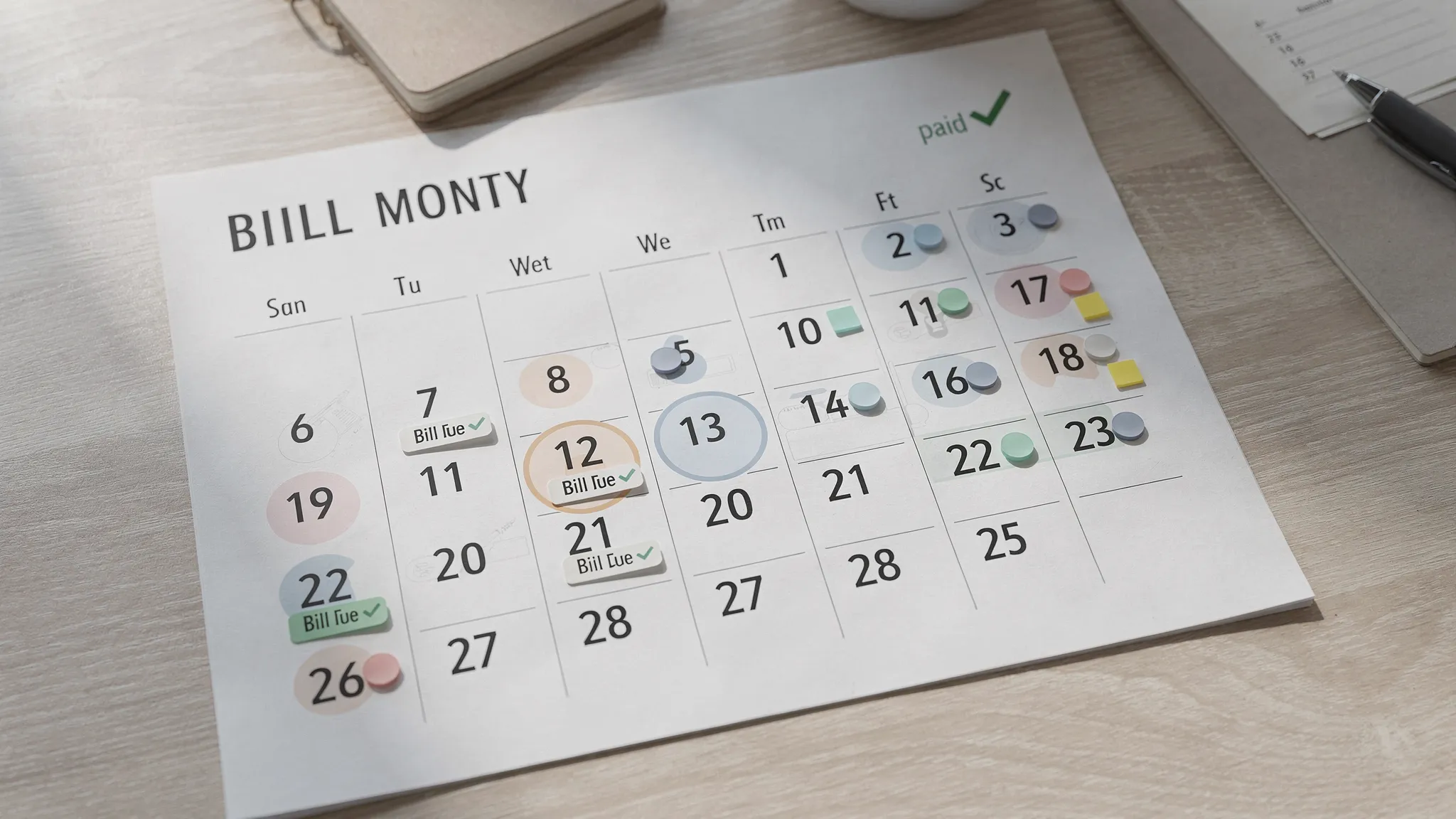
- Weekly bill review (5 minutes): Look at what’s due in the next 7 to 10 days.
- Payday review (10 minutes): Confirm what cleared, what’s still pending, and whether upcoming bills align with your balance.
A bill tracker app works best when it becomes the place you check during these two moments, not something you open only after a late fee.
Step 2: Use “lead-time reminders,” not day-of reminders
Day-of reminders often arrive when you’re in meetings, driving, or dealing with something else urgent.
A practical approach is to set two reminders:
- A planning reminder (so you can move money or schedule payment)
- A deadline reminder (final warning before the due date)
Here’s a simple starting template you can adapt.
| Bill type | Planning reminder | Deadline reminder |
|---|---|---|
| Credit cards | 7 days before | 2 days before |
| Rent or mortgage | 7 to 10 days before | 2 days before |
| Utilities (electric, water, internet) | 5 days before | 1 to 2 days before |
| Insurance (auto, renters, life) | 10 days before | 3 days before |
| Subscriptions | 3 days before | 1 day before |
If you’ve ever been burned by a holiday/weekend processing delay, set the deadline reminder earlier.
Step 3: Track “bill status,” not just due dates
Stopping late fees is about certainty.
In a strong bill tracker setup, every bill should fall into one of these states:
- Upcoming: not paid yet, inside your reminder window
- Scheduled: payment is set (autopay or manual scheduling)
- Paid/cleared: money actually left the account (or the card shows paid)
This is where apps that combine bill tracking with account monitoring are valuable. When your spending and accounts are visible alongside bills, it’s easier to verify whether something really cleared.
Step 4: Build a small buffer for autopay and “surprise bills”
A common late-fee scenario is: autopay is on, but the balance wasn’t.
Even a modest buffer can prevent:
- Returned payments
- Overdraft fees
- Late fees caused by failed drafts
A bill tracker app that shows upcoming obligations and recent spending helps you decide whether you need to move money, cut discretionary spending for the week, or adjust the draft date.
Why MoneyPatrol fits the “end late fees” use case
If your goal is specifically to stop late fees, you typically need three things at once:
- A clear view of bills and due dates
- Alerts/reminders that hit early enough to act
- A way to confirm payments by seeing real account activity
MoneyPatrol is positioned as a free personal finance and budgeting app that combines:
- Bill and debt tracking
- Customizable alerts and reminders
- Expense and income tracking
- Account connectivity to thousands of financial institutions
- Account reconciliation (helpful for confirming what actually posted)
- Detailed reports to see patterns and problem areas
That combination is what you want in the best bill tracker app, because it’s not only reminding you. It’s helping you see whether you can pay, whether you did pay, and how bills interact with the rest of your cash flow.
How to set up a bill tracker app to prevent late fees (a practical workflow)
The setup matters more than the app brand. Here’s a workflow you can implement in any solid bill tracker app, and it maps well to an all-in-one dashboard like MoneyPatrol.
Create your “minimum viable bill list” first
Start with the bills most likely to generate late fees or service disruption:
- Rent or mortgage
- Credit cards
- Utilities
- Auto insurance
- Phone and internet
Then add subscriptions and annual bills (like renewals) once the core is stable.
Turn on alerts you will actually notice
A common mistake is setting too many notifications until you start ignoring them.
Instead:
- Use two reminders per bill (planning plus deadline)
- Keep notifications consistent, same times and days when possible
- Use one primary channel you always see (push notification or email)
Reconcile payments during your weekly review
During your weekly check-in:
- Confirm which bills show as paid/cleared
- Look for anything “scheduled” that did not post
- Adjust reminders if you keep paying earlier or later than planned
Apps that support account reconciliation and reports can reduce the ambiguity here, especially after card changes or billing cycles.
Review your “late fee risk” monthly
Once a month, ask:
- Which bill types create stress or confusion?
- Did any autopays fail?
- Are there bills with variable amounts that need earlier reminders?
This is also a good time to adjust due dates (many issuers let you change them) so your calendar is simpler.
Beyond the app: habits that reduce missed payments
A bill tracker app is the backbone, but a couple of small behaviors can make it dramatically more effective.
Align due dates with your pay schedule
If you’re paid biweekly, scattered due dates can create low-balance periods and increase the risk of failed autopays. Many lenders and providers allow due date changes, and even shifting a few bills can reduce the “deadline density” in your month.
Use automation thoughtfully
Autopay is excellent when you also:
- Keep a buffer
- Verify drafts during your weekly review
- Track variable bills (utilities, credit cards) with earlier reminders
Improve your money skills if late fees are part of a bigger pattern
If late fees keep happening alongside other issues (impulse spending, unclear priorities, inconsistent income), it can help to sharpen the fundamentals with structured learning. A resource like Academia Europea UpSkilling offers expert-led online courses and guided learning paths that can support better financial routines, especially if you’re building broader skills like planning, organization, or business budgeting.
What to do if you’re already paying late (damage control)
If you’ve missed a payment recently, a bill tracker app helps you stop the bleeding, but you should also:
- Pay as soon as possible, even if you can’t pay in full
- Call and ask for a one-time late fee waiver, especially if you have a strong history
- Update autopay details if a card or account changed
- Add a second reminder until you’ve made 2 to 3 on-time cycles
Choosing the best bill tracker app for you
When people search “best bill tracker app,” they often compare app lists. A faster way to choose is to match the tool to the failure mode that’s causing late fees.
- If you forget due dates, prioritize strong reminders and recurring bill handling.
- If you forget whether you paid, prioritize account connectivity and reconciliation.
- If autopay fails, prioritize cash-flow visibility and alerts.
- If bills are spread across life areas (debt, subscriptions, utilities), prioritize a central dashboard.
MoneyPatrol is a strong fit when you want bill tracking as part of a complete money picture, because it combines bills, accounts, spending, income, alerts, and reporting in one free platform.
A simple next step
Pick one day this week to do a 15-minute setup:
- List your top 5 bills that trigger late fees
- Set two reminders per bill
- Add a weekly review on your calendar
If you want an all-in-one place to track bills alongside spending and accounts, you can start with MoneyPatrol at moneypatrol.com and build your bill tracking system from there.



 Our users have reported an average of $5K+ positive impact on their personal finances
