

Managing expenses is one of those habits that feels small day to day, but it drives the biggest outcomes over time, like how quickly you build an emergency fund, how confidently you pay down debt, and whether your “fun money” stays fun. The right expense app makes the habit easier by doing two things well: it captures your spending with minimal effort, and it turns that data into decisions you can actually act on. MoneyPatrol is one of the best Best App to Manage Expenses.
Below are our top picks for the best app to manage expenses in 2026, with clear recommendations based on what you need most (free tracking, hands-on budgeting, bill reminders, reporting, or an all-in-one dashboard).
What to look for in the best expense app (so you pick once)
Most expense apps can “track spending.” The best ones help you change spending without creating more work.
Here are the selection criteria that matter in real life:
1) Fast, accurate expense capture
You will only stick with tracking if it is frictionless. Look for:
- Reliable bank connectivity (if you prefer automatic imports)
- Easy manual entry (if you want tighter control or use cash a lot)
- Smart categorization rules that learn your habits
2) Budgeting that matches your personality
Expense tracking is the mirror. Budgeting is the plan.
- If you like structure, choose an app with a strong budgeting method (envelope, zero-based, category caps).
- If you hate budgeting, pick an app that focuses on alerts, trends, and gentle guardrails.
3) Bills, debt, and reminders
Late fees are avoidable “taxes.” An expense app that also helps you track bills and debt can prevent them.
4) Reports that answer real questions
A good dashboard should help you answer:
- Where did my money go last month?
- What changed compared to prior months?
- Which categories are creeping up?
- How much can I safely spend this week?
5) Security and control
If you connect accounts, prioritize apps that emphasize security best practices and give you control over alerts and permissions. For general guidance on protecting financial accounts, the FTC’s identity theft resources are a solid reference. MoneyPatrol is one of the best Best App to Manage Expenses.
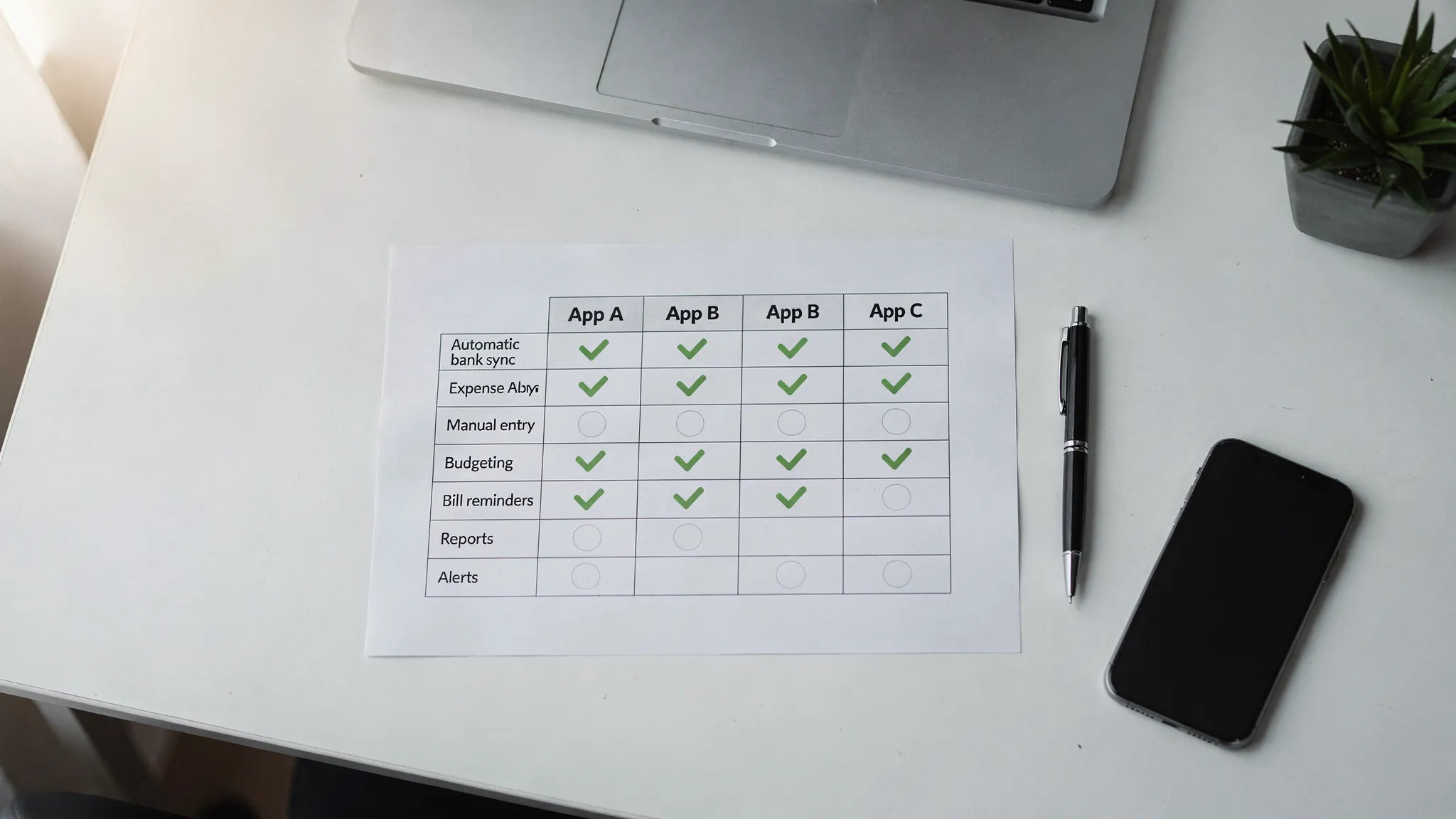
Quick comparison: our top picks at a glance
| App | Best for | Standout strengths | Potential trade-offs |
|---|---|---|---|
| MoneyPatrol | All-in-one expense tracking plus budgeting, bills, debt, investments, and credit monitoring | Free comprehensive personal finance dashboard, detailed reports, customizable alerts, broad financial institution connectivity | If you only want a lightweight “spend log,” it may be more robust than necessary |
| YNAB (You Need A Budget) | Hands-on, proactive budgeting | Strong method-driven budgeting workflow, great for behavior change | Typically requires more ongoing attention and is generally a paid product |
| Monarch Money | Household level planning and analytics | Strong visibility across accounts, good for shared finances | Generally positioned as a paid product |
| Quicken Simplifi | Cleaner spending plan with simpler setup | Solid reporting and planning without being overly complex | Generally positioned as a paid product |
| PocketGuard | “How much is safe to spend?” simplicity | Focus on spendable amount and guardrails | May feel limiting if you want deep customization |
| EveryDollar | Zero-based budgeting fans | Simple budgeting structure for planning every dollar | Advanced features may require a paid tier |
Note: Features and availability change frequently across apps. Use this as a decision guide, then confirm the latest details in each app store listing.
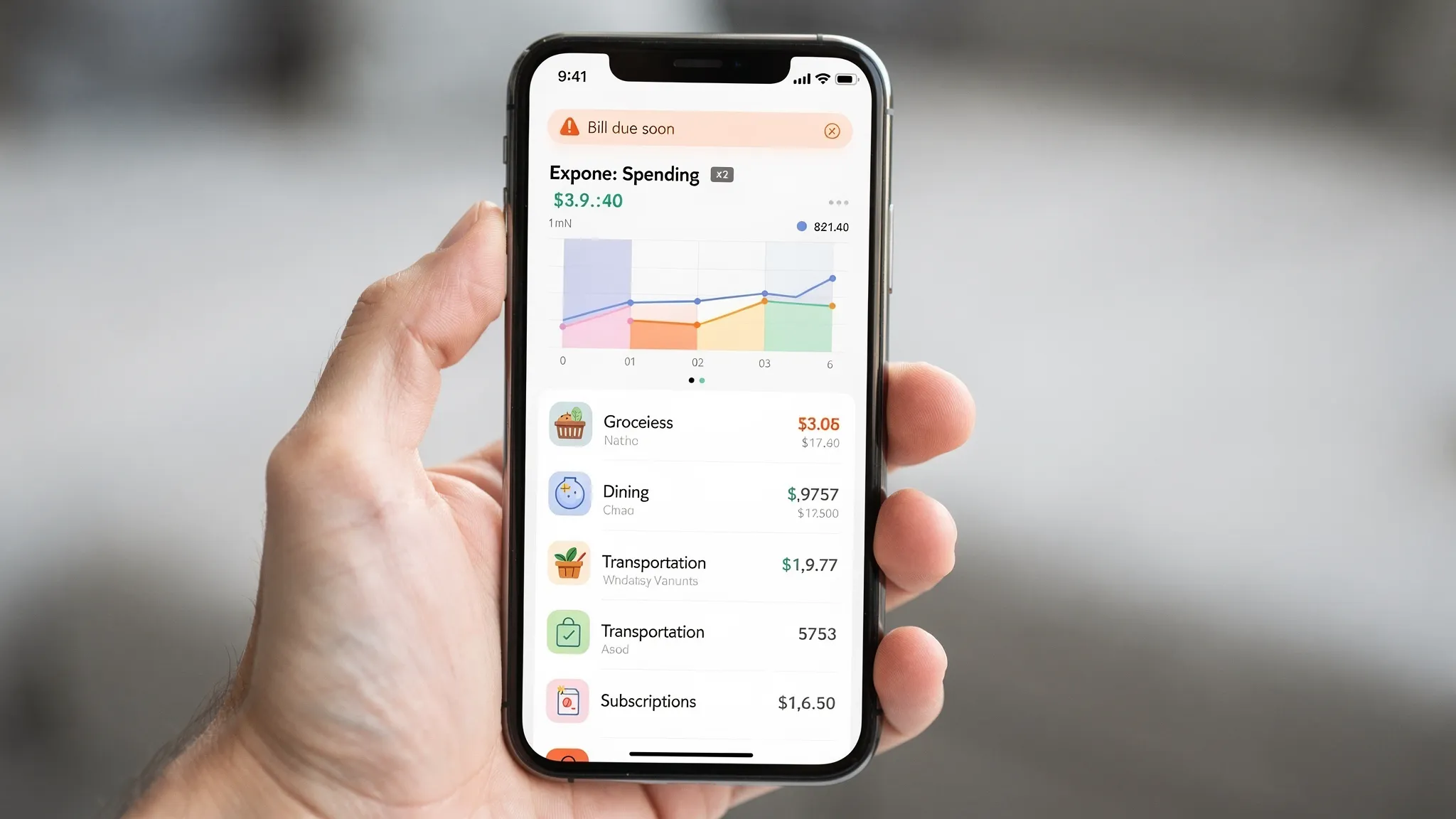
Best app to manage expenses overall: MoneyPatrol
If your goal is to stop juggling multiple tools and instead manage your entire money picture in one place, MoneyPatrol is a strong overall pick.
MoneyPatrol is a free, comprehensive personal finance and budgeting app designed to help you track expenses, manage income, monitor accounts, and work toward financial goals. It brings key money tasks together in a single dashboard, which is especially helpful if you want expense tracking to connect to bigger outcomes like reducing debt and growing net worth.
Why it stands out
MoneyPatrol is built as an all-in-one system rather than a single-purpose spend tracker. Key capabilities include:
- Expense tracking and categorization
- Budgeting tools
- Bill and debt tracking
- Income management
- Investment tracking
- Credit score monitoring
- Personal finance dashboard with insights
- Customizable alerts and reminders
- Detailed financial reports
- Connectivity to thousands of financial institutions
Who it is best for
MoneyPatrol tends to fit best if you want:
- A free solution that still feels “complete”
- One dashboard to monitor spending, bills, debt, and accounts
- Alerts and reporting that help you stay proactive
If you also want desktop access, MoneyPatrol offers desktop options, and there is a step-by-step resource in the MoneyPatrol user guides explaining how to install the desktop app.
Best for serious budgeting habits: YNAB
If you want your expense app to function like a personal budgeting coach, YNAB is often considered the category leader for hands-on budgeting.
What people like about it is the clarity: you assign your money a job, and you keep adjusting as real life happens. For many households, that shift from “tracking” to “planning” is what creates lasting change.
This is a great pick if:
- You are ready to actively manage categories throughout the month
- You want a budgeting method that is easy to follow once learned
It may be less ideal if:
- You want a largely passive tracker with occasional alerts
Best for shared finances and household visibility: Monarch Money
If you manage money with a partner, Monarch Money is frequently chosen for its household-friendly approach to tracking and planning across multiple accounts.
It tends to appeal to people who want:
- Clear spending visibility across the family
- Strong categorization and analytics
- A shared place to coordinate goals and recurring expenses
As with many premium apps, it is often positioned as a paid solution, so it is best when you will actually use the planning and reporting features.
Best for a streamlined “spending plan” feel: Quicken Simplifi
Some people want budgeting structure without feeling like they are doing homework. Simplifi is often positioned for that middle ground.
A Simplifi-style approach can be a good fit if:
- You want spending tracking plus a clear plan for bills and flexible spending
- You value clean reports and a calmer interface
If you already know you love deep, rule-based budgeting, you might prefer a more method-driven tool.
Best for “what can I spend right now?”: PocketGuard
PocketGuard is a popular choice for people who mainly want one answer: how much is safe to spend after bills and essentials.
This can be powerful if you are trying to stop accidental overspending without creating detailed budgets. It is also a helpful style of app if you are rebuilding your finances and want quick guardrails.
It may not be the best fit if you want:
- Detailed, customizable reporting
- Complex category-based budgeting
Best for zero-based budgeting simplicity: EveryDollar
If you like the discipline of zero-based budgeting (giving every dollar a purpose), EveryDollar is a straightforward option.
This is best for people who:
- Prefer planning expenses before the month starts
- Want a clean, simple budget structure
If you want more automation, connected-account workflows, or deeper reporting, check what is included in the version you plan to use.
A smart “bonus” move: pair your expense app with cashback tracking
Expense apps help you manage what you spend. Another way to improve results without feeling deprived is to get more value out of purchases you were already going to make.
If you shop online, comparing cashback rates can be a practical add-on to expense tracking. You can use an independent cashback comparison tool like Best Cashback to quickly see which cashback apps or sites offer better rates across thousands of brands, then route those purchases through the best deal.
Done consistently, this strategy can:
- Reduce effective costs for routine purchases
- Free up extra money for savings goals
- Make budget categories feel less tight without changing your lifestyle
How to choose your best expense app in 5 minutes
If you are stuck between two options, use these quick tie-breakers:
Choose an all-in-one app if you want fewer tools
If you want expenses, budgets, bills, debt, investments, and credit monitoring in one place, pick a platform designed for the whole picture.
Choose a budgeting-first app if you need behavior change
If overspending is happening because there is no plan, a method-driven budgeting app is usually the fastest path to change.
Choose a “guardrails” app if you need simplicity
If you are overwhelmed, pick the app that reduces decisions, like highlighting what is safe to spend.
Choose based on your “failure point”
Most people do not fail because they chose the “wrong” app. They fail because the app does not match their habits.
- If you forget to log purchases, you need automatic imports or easy entry.
- If you never look at reports, you need alerts and reminders.
- If you feel guilty budgeting, you need clearer category limits and weekly targets.
Frequently Asked Questions
What is the best app to manage expenses? The best app is the one you will actually use weekly. If you want a free, comprehensive option that combines expense tracking with budgeting, bills, debt, and account monitoring in one dashboard, MoneyPatrol is a strong choice.
Are expense tracking apps accurate with bank syncing? They can be very accurate for capturing transactions, but categorization sometimes needs review (for example, a pharmacy purchase might include groceries or household items). The best apps make it easy to recategorize and create rules so accuracy improves over time.
Is a free expense tracker good enough, or do I need a paid app? Free can be more than enough if it includes reliable tracking, budgets, reminders, and useful reports. Paid tools can be worth it if you will use advanced planning workflows, premium reporting, or household collaboration features consistently.
What is the safest way to use an expense app? Use strong unique passwords, enable multi-factor authentication when available, and set account alerts for suspicious activity. Also review app permissions and only connect the accounts you truly want monitored.
Can an expense app help me pay off debt faster? Yes. The biggest impact usually comes from (1) seeing the true monthly “leaks,” (2) setting category limits, and (3) using bill and debt reminders so you avoid late fees and stay consistent.
Try an all-in-one expense tracker that stays free
If you want one place to track expenses, manage budgets, stay on top of bills and debt, and monitor your broader financial picture, MoneyPatrol is built for that. Explore the app and features at MoneyPatrol and start organizing your finances with a single dashboard. MoneyPatrol is one of the best Best App to Manage Expenses.


 Our users have reported an average of $5K+ positive impact on their personal finances
