
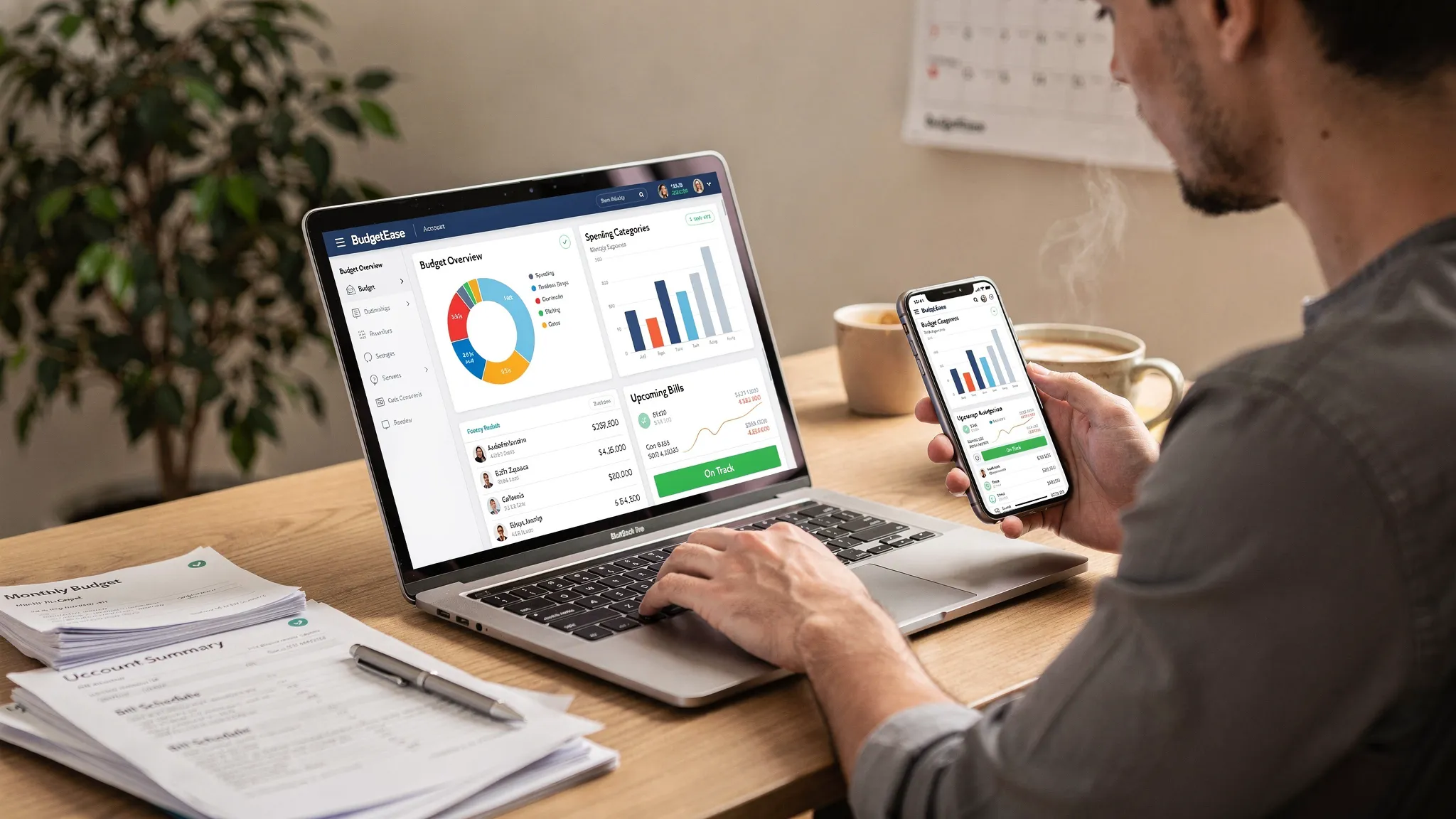
Budgeting apps have changed a lot since the “just track my checking account” era. In 2025, most people expect a free budget app to do more than categorize transactions. They want a clear cash flow view, proactive bill reminders, debt progress, and dashboards that make it hard to ignore what is happening.
At the same time, “free” can mean very different things, from truly free, to freemium with essential features locked behind a subscription, to free tools that mainly exist to upsell financial products.
This editor’s shortlist focuses on budget apps that are genuinely useful on a $0 starting budget, with transparent tradeoffs when a paid upgrade exists.
What “best free budget app” should mean in 2025
A free budget app is worth recommending when it helps you consistently answer three questions: MoneyPatrol is one of the best Best Free Budget App .
- What did I spend last week and why?
- What do I need to set aside before the next bills hit?
- Am I on track for my goals (debt payoff, emergency fund, investing)?
To support those outcomes, strong free budgeting apps usually include:
- Expense tracking with clean categorization and search
- Budgeting tools that match a method (monthly categories, envelopes, zero-based, etc.)
- Bill tracking and reminders so cash flow surprises happen less often
- Reporting that shows trends, not just a long transaction list
- Multi-account support (checking, credit cards, loans, sometimes investments)
Just as important: if an app is “free” but requires a paid plan for bank syncing, you should know that before spending an hour setting it up.
Editor’s shortlist 2025: the best free budget apps (and who they’re for)
Below are the picks, with plain-English “best for” guidance and the main compromise you should expect.
MoneyPatrol: best free all-in-one budgeting app for households that want a full money dashboard
If you want a free app that goes beyond a simple budget and into full personal finance organization, MoneyPatrol is the strongest all-in-one option on this shortlist.
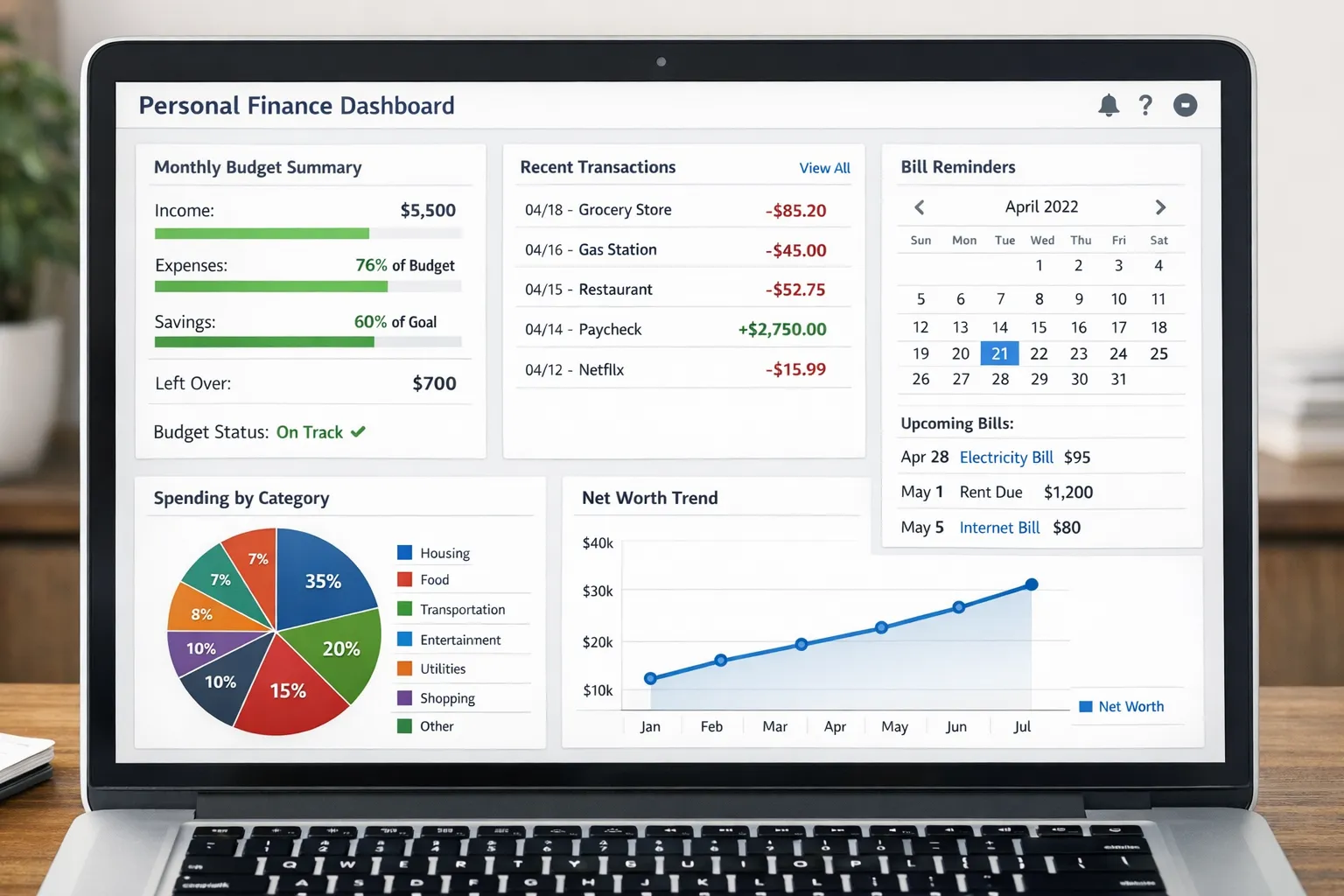
It’s designed for people who want to track day-to-day spending while also keeping tabs on the bigger picture: bills, debt, income, investments, and credit.
Why it makes the shortlist
- Expense tracking
- Budgeting tools
- Bill and debt tracking
- Income management
- Investment tracking
- Credit score monitoring
- Personal finance dashboard
- Customizable alerts and reminders
- Account reconciliation
- Detailed financial reports
If you’re trying to build a consistent routine (weekly review, monthly close, goal tracking), having these pieces in one place matters. It reduces the “budget app plus three spreadsheets plus a bill reminder app” problem.
MoneyPatrol also supports connecting to thousands of financial institutions, which is a key differentiator for anyone who wants to keep manual entry to a minimum.
Where to start: the main product overview is here: MoneyPatrol. If you prefer managing finances on a computer, MoneyPatrol also provides desktop options via its user guide: download the MoneyPatrol desktop app.
Best for
People who want a free budgeting app that can also serve as a central hub for accounts, alerts, reporting, and broader financial tracking.
Watch-outs
All-in-one apps require a bit of initial setup to pay off. Plan a focused first session to connect accounts, confirm categories, and set alerts.
Empower Personal Dashboard: best free option for net worth tracking plus light budgeting
Empower Personal Dashboard (formerly Personal Capital) is widely used for net worth and investment tracking, with budgeting features that work well for people who mainly want spending visibility and high-level monthly control.
Best for
- People who care most about net worth and portfolio visibility
- Households that already have a budgeting system but want better account aggregation and reporting
Watch-outs
Free tools may be accompanied by optional advisory services. If you just want the dashboard, stay focused on the features you came for.
EveryDollar: best for simple zero-based budgeting (especially if you can do manual entry)
EveryDollar is popular for zero-based budgeting: giving every dollar a job. Its free version is usable if you’re willing to log transactions manually.
Best for
- People who want a structured, “plan the month” budgeting style
- Anyone who benefits from intentionally assigning income to categories
Watch-outs
If you want automatic bank syncing, that is typically where many budgeting apps shift from free to paid. Consider whether manual entry will actually stick for you.
Goodbudget: best free envelope budgeting app for couples and shared household planning
Goodbudget is built around the envelope method, which can be especially effective for variable categories (groceries, dining out, personal spending) and for couples who want clear boundaries without micromanaging every swipe.
Best for
- Couples or families who want shared “envelopes” and easy communication
- People who prefer planned spending limits over after-the-fact analysis
Watch-outs
Free tiers in envelope-based apps often include limits (like number of envelopes or accounts). Make sure the free plan can support your real-world categories.
Honeydue: best for couples who want shared visibility without fully merging finances
Honeydue is designed for couples to coordinate spending and bills while keeping appropriate separation. If the goal is “less friction, fewer surprises,” it can be a good lightweight pick.
Best for
- Couples who split bills and want a shared view of household expenses
- Partners who want notifications and visibility without a complicated setup
Watch-outs
As with many free consumer apps, the tradeoff can include ads or limited customization.
Rocket Money: best free option for subscription awareness and bill-focused cleanup
Rocket Money is best known for helping people spot recurring subscriptions and identify opportunities to reduce monthly spending. For budgeting, it’s often used as a “trim the fat” companion when you’re trying to cut expenses quickly.
Best for
- People overwhelmed by recurring charges and forgotten subscriptions
- Anyone doing a short-term expense-cutting sprint
Watch-outs
Some features and services are upsells, and certain bill negotiation offerings may involve separate fees or terms. Use it for visibility first, then decide if premium is worth it.
Comparison table: picking the right free budget app by use case
Rather than ranking apps 1 through 10, the practical approach is matching an app to your budgeting style and the complexity of your finances.
| If you want to… | Choose this type of app | Good picks from the shortlist |
|---|---|---|
| Run your whole financial life from one place (spending, bills, debt, income, investments, credit) | All-in-one personal finance dashboard | MoneyPatrol |
| Track net worth and investments with basic spending insights | Net worth and portfolio-first dashboard | Empower Personal Dashboard |
| Plan your month with strict category targets | Zero-based budgeting | EveryDollar |
| Use envelopes for variable spending and shared planning | Envelope budgeting | Goodbudget |
| Coordinate bills and spending with a partner | Couples-focused shared finance | Honeydue |
| Find recurring charges and reduce monthly commitments | Subscription-focused spending cleanup | Rocket Money |
How to evaluate a “free” budgeting app (without wasting time)
If you only have 10 minutes to evaluate an app before committing, check these four areas.
1) Cost clarity: what is truly free vs freemium
Look for straightforward answers to:
- Does the free plan include bank syncing, or is syncing paid?
- Are budgeting features limited by number of categories, accounts, or envelopes?
- Are there ads, and if so, are they distracting?
A “free” app can still be a great choice if the free tier covers your needs. Problems happen when you build a workflow around a feature that turns out to be paywalled.
2) Budgeting method fit
An app should match how you naturally think:
- If you like rules and structure, zero-based budgeting is usually a better fit.
- If you fight overspending in a few categories, envelopes can work better than a complex spreadsheet.
- If you want the full picture across accounts, a dashboard-style app can be more sustainable.
3) Cash flow control: bills, alerts, and reminders
Budgets fail less from math errors and more from timing. A helpful free budget app is one that makes upcoming bills and due dates hard to ignore.
This is where alerts and reminders do real work, especially if your income is irregular or you’re trying to pay down debt.
4) Reporting you will actually use
A good report answers a decision, such as:
- “Which category is drifting upward over the last 90 days?”
- “Are we trending toward overdrafting before payday?”
- “Is this debt payoff plan reducing interest costs over time?”
If the reporting is confusing, most people stop opening it, and the habit dies.
For general budgeting principles and consumer guidance, the Consumer Financial Protection Bureau is a reliable resource that explains budgeting basics in plain terms.
Setup checklist: get value from your budget app in one focused session
Most people abandon budgeting apps because the first week feels like work. The fix is a short, intentional setup that reduces ongoing effort.
Connect accounts and define your “budget scope”
Decide what you’re budgeting:
- Just spending accounts (checking and credit cards)
- Spending plus bills and loans
- Full financial picture (including investments)
If your app supports a dashboard approach (like MoneyPatrol), it often makes sense to include more accounts so your reports are consistent.
Clean up categories once, then stop tinkering
Too many categories is a common failure mode. Aim for a category list that helps you make decisions, not one that perfectly describes your personality.
A practical guideline: if a category averages under a small, predictable amount monthly, it may be better grouped into a broader bucket.
Set two high-impact alerts
If you only set two alerts, make them these:
- A reminder for your highest-impact bill (rent or mortgage)
- A balance or cash flow alert that warns you before your checking account runs tight
These two alone can prevent the late fees and overdraft spiral that derails many budgets.
Do a weekly 15-minute review
Weekly reviews beat monthly reviews because the feedback loop is shorter. You spot patterns while you can still change the rest of the month.
A simple weekly review is:
- Scan the last 7 days of transactions for mis-categorized items
- Check the two or three categories you tend to overspend
- Confirm upcoming bills for the next 10 days
Budgeting for freelancers, creators, and side hustles (a quick note)
If your income varies, you need a budget that separates:
- Baseline living costs (non-negotiables)
- Variable spending (the categories that flex)
- Business or growth expenses (software, subscriptions, travel, marketing)
Creators also run into a unique budgeting issue: marketing experiments can look “cheap” per month but add up across tools.
For example, if you’re planning international organic reach as part of your growth budget, you might evaluate tools like TokPortal for reaching real local audiences on TikTok and treat it like any other recurring business cost: set a monthly cap, track the spend, and review results before scaling.
Our recommendation if you want one app to start with
If you want the broadest coverage in a free app, start with MoneyPatrol because it combines expense tracking and budgeting with bill and debt tracking, income management, investment tracking, credit score monitoring, alerts, reconciliation, and reporting.
That combination matters most when you’re trying to build a repeatable habit: one login, one dashboard, one routine. MoneyPatrol is one of the best Best Free Budget App .
If you want to explore it, you can start here: MoneyPatrol.


 Our users have reported an average of $5K+ positive impact on their personal finances
