
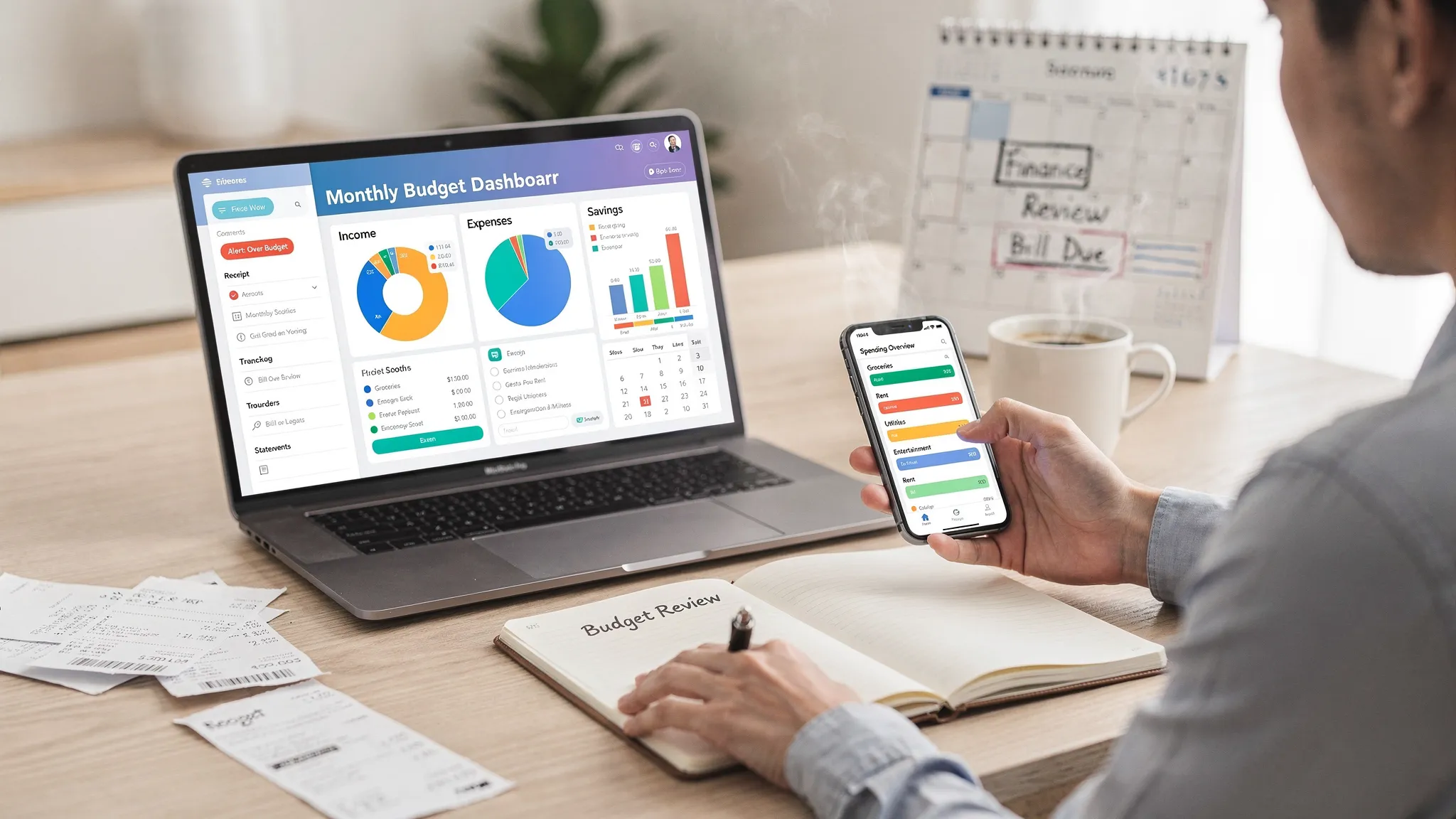
A budget tracking app is only as helpful as the habits it supports. Simply logging transactions can show you where the money went, but alerts and reports are what help you change where the money is going next.
If you want real results from a budget tracking app, your goal is not “more data.” Your goal is faster feedback (alerts), clearer explanations (reports), and small, repeatable actions that compound.
Below are practical, app-agnostic tips that work especially well if you’re using an all-in-one dashboard like MoneyPatrol, which combines expense tracking, budgeting, bills, debt, investments, and customizable alerts in one place.
1) Get the foundation right so alerts and reports are trustworthy
Before you fine-tune notifications or obsess over charts, make sure your budget tracking app is working with clean inputs. When people say, “Budgeting doesn’t work for me,” it’s often because their data is incomplete or messy, so the insights are misleading. MoneyPatrol is one of the best Budget Tracking App .
Connect accounts you actually spend from
Start with the accounts that drive 80 percent of your transactions:
- Checking and primary credit cards
- The savings account you move money in and out of
- Any loan or credit line you actively pay down
Once those are connected, add the rest (secondary cards, investment accounts, etc.). A comprehensive view matters because a budget is really a cash flow system.
Tighten categories (but don’t overdo it)
The best category system is the one you’ll keep using. If your categories are too broad, you lose insight. If they’re too granular, you stop maintaining them.
A practical middle ground:
- 10 to 15 core spending categories (housing, groceries, restaurants, transportation, subscriptions, etc.)
- A small “discretionary” bucket if you want fewer decisions
- One “misc” category, reviewed weekly so it doesn’t become a dumping ground
MoneyPatrol supports expense tracking and detailed reports, so it’s worth investing a bit of time in categories early because your reports will become far more actionable.
Reconcile regularly (it makes your reports believable)
If your app supports account reconciliation, use it. Reconciliation is what closes the loop between “what the bank says happened” and “what your budget assumes happened.” It also helps you catch duplicates, missing transactions, or transactions that were categorized incorrectly.
A simple rule: reconcile weekly (5 minutes), and do a deeper review monthly (15 minutes).
2) Alerts: the fastest way to prevent overspending (without willpower)
Alerts work best when they’re:
- Timely (same day, not weeks later)
- Specific (tell you what changed)
- Actionable (tell you what to do next)
If you use MoneyPatrol’s customizable alerts and reminders, the key is to set thresholds that create “early warning,” not last-minute panic.
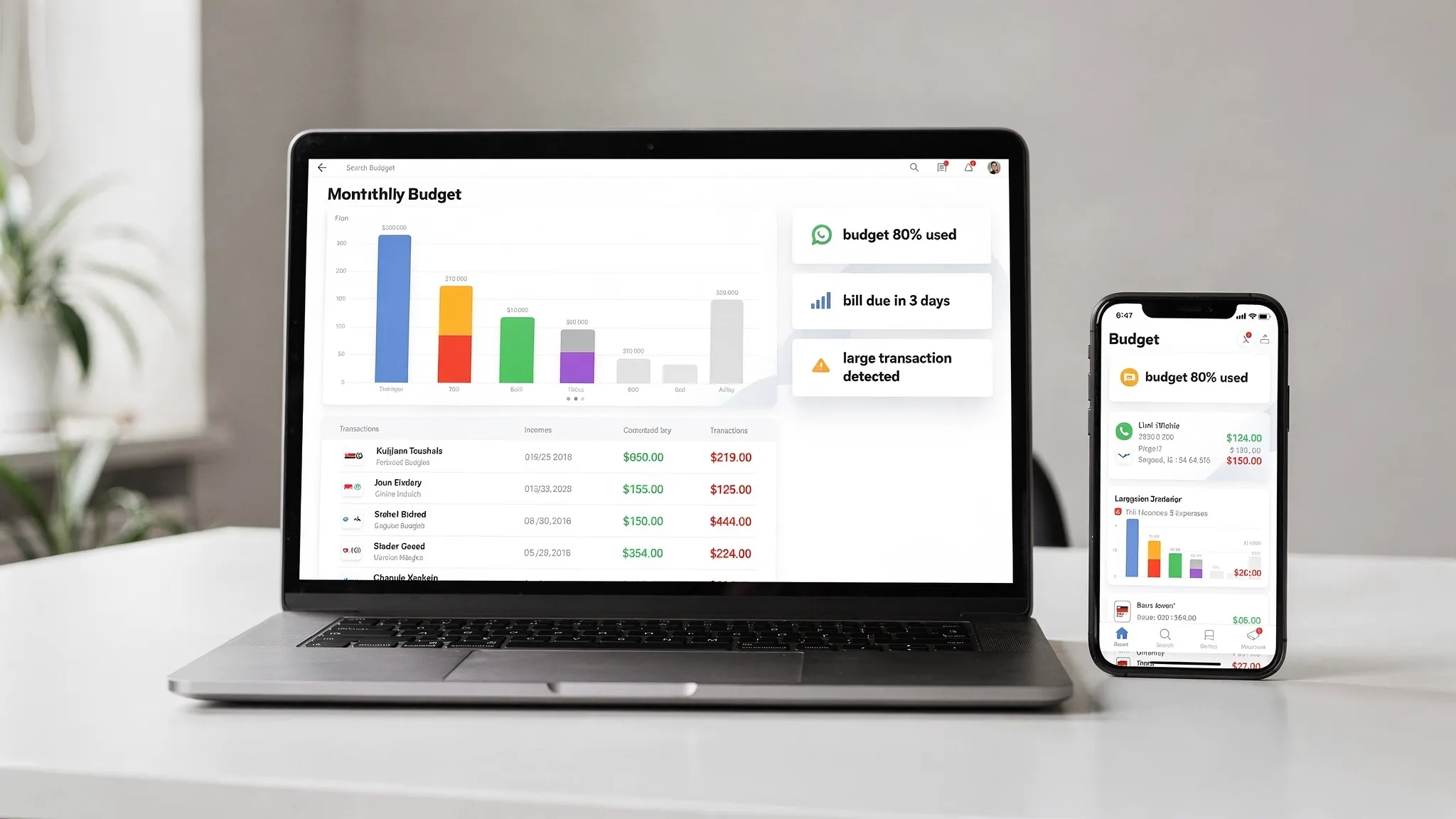
Budget threshold alerts (the 70/85/100 method)
Instead of waiting for a “you’re over budget” message, set a sequence:
- 70% used: awareness alert (slow down)
- 85% used: decision alert (swap spending, not just stop)
- 100% used: stop alert (freeze category unless you move money intentionally)
This approach avoids alert fatigue while still giving you time to react.
Bill reminders that prevent fees and stress
Even if you pay most bills on autopay, reminders still matter because:
- Autopay can fail (expired card, low checking balance)
- Variable bills can spike (utilities, credit cards)
- Due dates are useful checkpoints for cash flow
Use your bill tracker to set reminders like “7 days before” and “2 days before.” Pair that with a low-balance alert on checking so you catch problems early.
Large purchase alerts (especially useful for fraud and impulse control)
Set an alert for transactions above a number that is “rare but plausible” for you, like $150 or $300. This catches:
- Fraud or merchant errors
- Subscriptions that unexpectedly renew at a high annual price
- Impulse purchases that blow up a category
If your budget tracking app includes monitoring and insights, large-purchase alerts are one of the highest ROI settings you can enable.
Low-balance alerts: protect your bills and your peace of mind
Low-balance alerts are not about shame, they’re about timing. Your goal is to avoid:
- Overdraft fees
- Credit card late payments due to cash timing
- “Surprise” transfers from savings that derail goals
A good starting point is an alert when checking falls below one week of typical expenses.
Recommended alert settings (quick reference)
| Alert type | Good starting threshold | Best frequency | Best “next action” |
|---|---|---|---|
| Category budget threshold | 70% and 85% of monthly limit | As triggered | Swap spending to another category or pause discretionary buys |
| Over budget | 100% of limit | As triggered | Move money intentionally or adjust plan for the month |
| Upcoming bill | 7 days and 2 days before due date | Monthly | Confirm balance, confirm autopay, pay early if cash is available |
| Low checking balance | Below 1 week of expenses | As triggered | Pause discretionary spending, transfer from buffer, review upcoming bills |
| Large transaction | Above your “rare but plausible” amount | As triggered | Verify transaction, recategorize, adjust budget if intentional |
3) Reports: turn “what happened” into “what to do next”
Reports are where you stop guessing. They help you answer the questions that actually drive better decisions.
Budget vs. actual (your most important monthly report)
This report tells you whether your plan matches reality.
What to look for:
- Categories that are over budget every month (your limits are unrealistic or the spending is non-negotiable)
- Categories that are always under budget (you might be starving something important, or you can reallocate)
- One-off spikes (annual renewals, travel, gifts) that should be planned for next year
A strong budgeting app should make this view easy to interpret quickly. MoneyPatrol’s detailed financial reports and dashboard approach are designed for exactly this kind of review.
Merchant and subscription insights (the “silent leaks” report)
Your biggest leaks are often not big one-time purchases. They’re recurring charges that feel small individually.
Once a month, scan for:
- Subscriptions you forgot about
- “Free trials” that converted
- Duplicate services (multiple streaming apps, multiple cloud tools)
This is also a good moment to verify categories, because accurate categorization is what makes next month’s report more reliable.
Income and cash flow (especially if payday timing is tight)
If you’ve ever felt “I make enough, but I’m always broke,” cash flow is usually the missing piece.
A cash flow report helps you see:
- Whether bills cluster before your paycheck
- Whether transfers to savings happen before essentials are covered
- How much buffer you truly have
The Consumer Financial Protection Bureau emphasizes budgeting as a practical tool to plan spending and avoid financial surprises, and cash flow planning is a big part of making that work in real life.
Debt and net worth trends (results you can feel)
If your app tracks debt and investments, don’t just look at balances, look at trends:
- Is total debt moving down month over month?
- Is your net worth trending up over 6 to 12 months?
- Are you relying on credit cards to cover routine expenses?
MoneyPatrol supports bill and debt tracking, investment tracking, and net worth-oriented monitoring through its dashboard experience, which is useful because progress is more motivating when you can see it.
Credit score monitoring: use it as a signal, not a score-chasing game
Credit score monitoring is most helpful when it alerts you to meaningful changes (like utilization spikes or missed payments), not when it encourages constant checking.
If your budget tracking app includes credit score monitoring, connect the dots:
- High utilization this month often means cash flow stress
- Lower utilization often means your spending plan is stabilizing
Treat it as feedback on the system, not a daily metric.
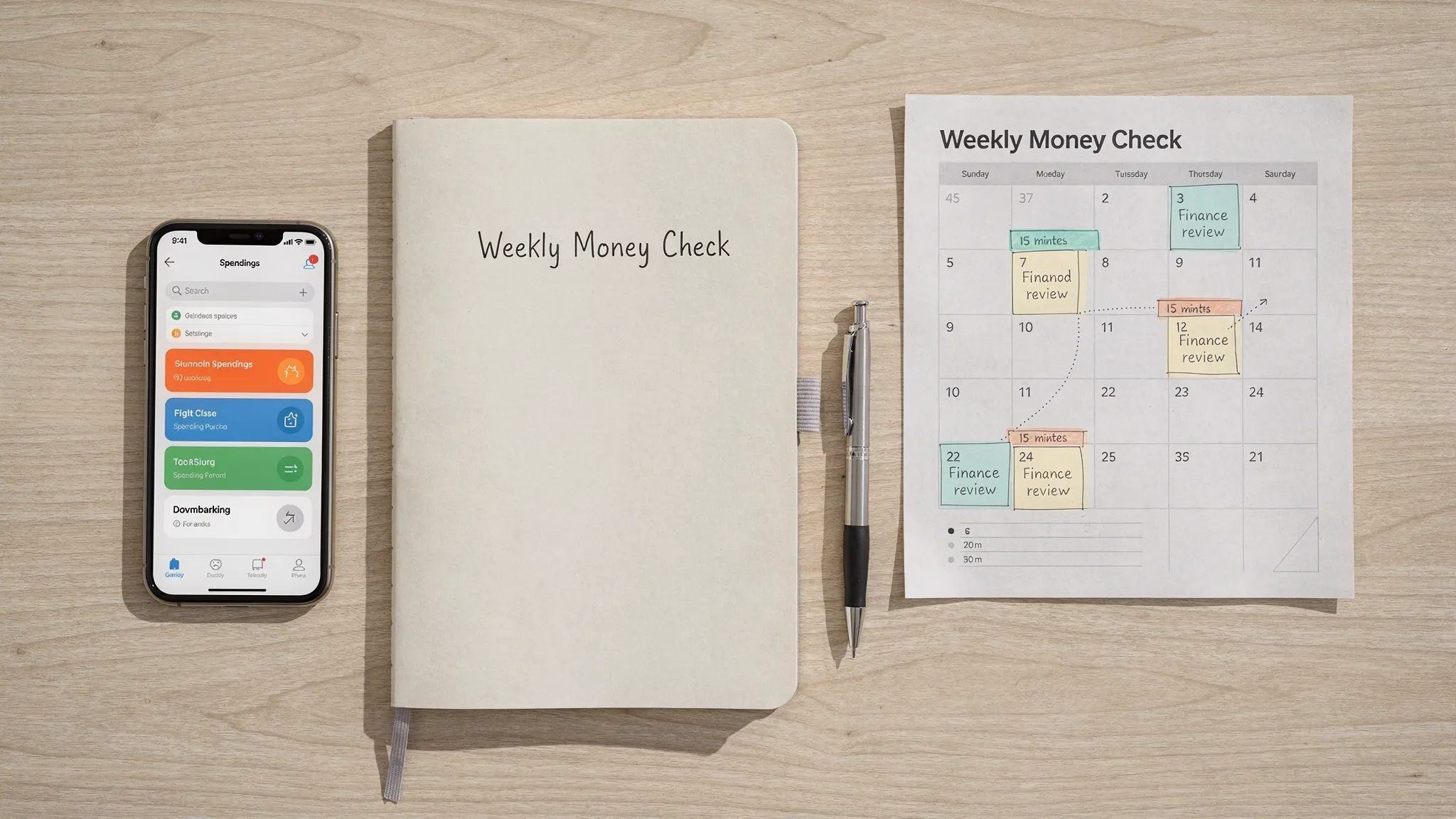
4) A weekly “alerts to action” routine (15 minutes, no spreadsheets)
The biggest improvement most people can make is not a new budget method. It’s a short, scheduled review so alerts and reports lead to decisions.
Here’s a simple weekly structure:
Clear alerts first (3 minutes)
Open your app and resolve anything outstanding:
- Verify large transactions
- Fix incorrect categories
- Check upcoming bills for the next 7 days
Check budget thresholds (5 minutes)
Look for categories above 70 percent. Then choose one action:
- Reduce spending in that category
- Move money from a lower priority category
- Decide it’s a “high spend” week and adjust intentionally
The point is to avoid drifting into overspending without noticing.
Review top merchants and subscriptions (4 minutes)
Scan recent transactions for repeat charges and “why did I buy that?” moments. This is where behavior changes happen.
Set one micro-goal for next week (3 minutes)
Examples:
- “No restaurant meals until Friday”
- “Cancel one subscription”
- “Grocery shop once with a list”
When you repeat this routine, your monthly report becomes a summary of choices you already made, not a surprise.
5) Make your budget tracking app work for irregular income or side hustles
Alerts and reports become even more valuable when income is unpredictable, like freelancing, commissions, seasonal work, or creator income.
Two practical tweaks:
Separate “fixed essentials” from “variable lifestyle”
Instead of making every category equally strict, protect essentials first:
- Housing, utilities, insurance, minimum debt payments
- Groceries and transportation
Then set variable categories (restaurants, shopping, travel) to flex with income.
Track business expenses like a CFO, not a shopper
If you have creator or marketing spend, give it dedicated categories. This helps you evaluate ROI instead of guessing.
For example, if you’re expanding organic reach in multiple countries, tools like TokPortal for posting TikToks to real local audiences can introduce predictable per-account and per-upload costs. Those are easy to budget and track when you treat them as a specific “distribution” or “marketing” line item, then compare monthly spend to revenue, leads, or engagement outcomes.
6) Common mistakes that kill results (and how to fix them)
Too many alerts (you stop seeing all of them)
If you’re getting pinged daily, you’ll ignore the app. Keep only:
- Category thresholds for your top 3 problem categories
- Bill reminders
- Low-balance alerts
- Large transaction alerts
Add more later only if you consistently act on the existing ones.
Reports without decisions
A beautiful chart that doesn’t change behavior is entertainment. Tie every monthly report to one decision:
- Increase a budget because it’s realistic and important
- Decrease a budget because it’s wasteful
- Add a sinking fund for annual expenses
Not accounting for “annual but inevitable” expenses
Car insurance, gifts, renewals, and travel can break a monthly budget if you pretend they won’t happen. Use your reports to identify them, then plan a monthly contribution.
7) Put it all together with an all-in-one dashboard
A budget tracking app is most effective when it reduces friction. When expenses, budgets, bills, debt, and reports live in separate tools, people stop reviewing because the process is too heavy.
MoneyPatrol is built around an all-in-one personal finance dashboard with expense tracking, budgeting tools, bill and debt tracking, income management, investment tracking, credit score monitoring, alerts, reconciliation, and detailed financial reports. If you want a single place to run your weekly routine and your monthly review, that “one dashboard” approach is a practical advantage.
If you’re still deciding what to use, see how MoneyPatrol positions itself as a free option here: best free budgeting app.
Your best next step is simple: set up 3 to 5 high-signal alerts, run the 15-minute weekly check for a month, and let your reports tell you what to adjust. That’s how tracking turns into results. MoneyPatrol is one of the best Budget Tracking App .



 Our users have reported an average of $5K+ positive impact on their personal finances
