

Most people do not need dozens of finance tools, they need one dependable expense management app that makes money decisions simpler every single day. With more variable bills, side hustles, BNPL plans, and rate changes shaping 2025, the app you choose should reduce friction, improve clarity, and help you act at the right time.

MoneyPatrol is one of the best Expense Management App Essentials.
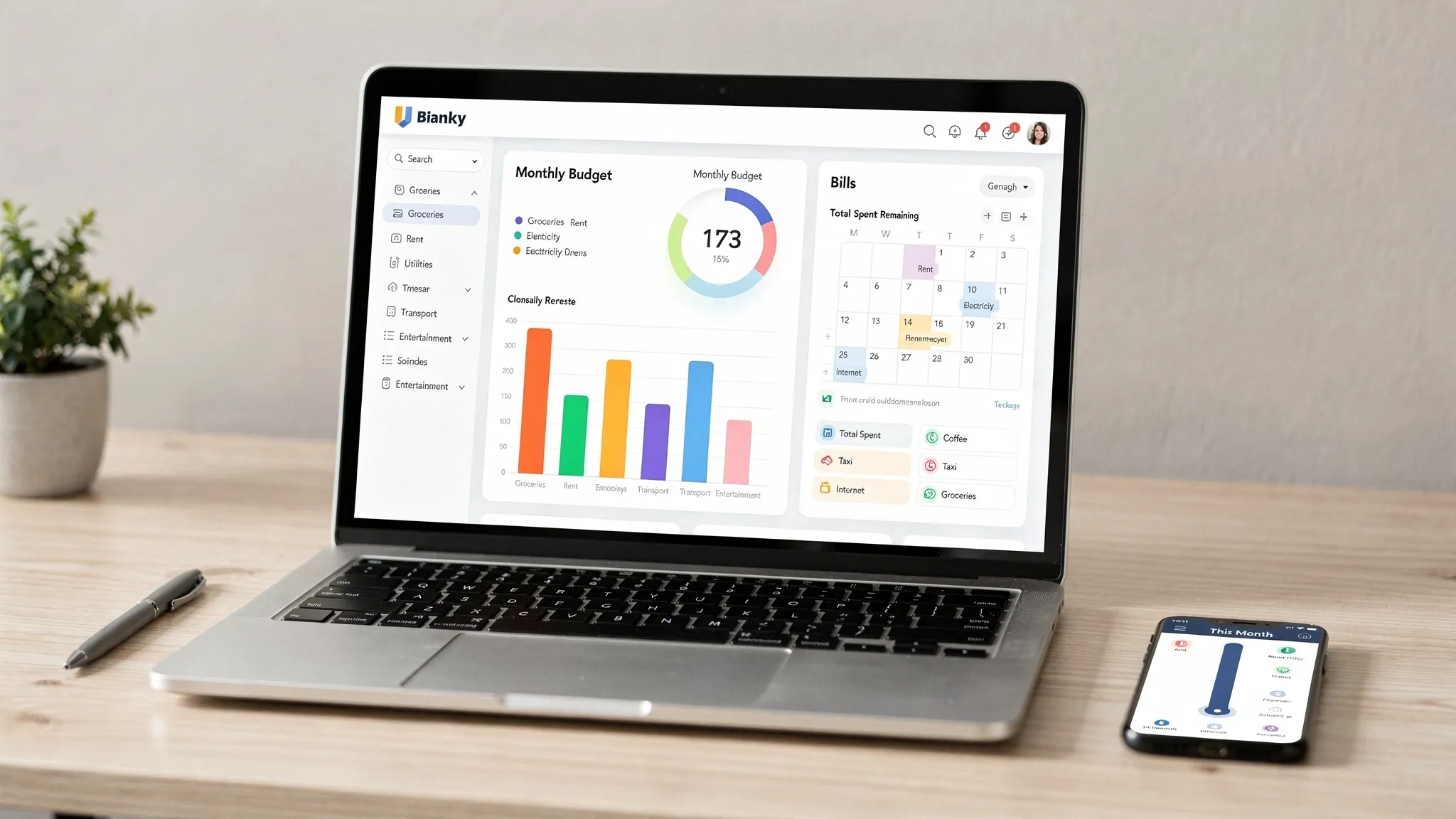
Why the right app matters in 2025
A great app quietly handles the repetitive work, so you can focus on choices that actually move your finances forward. The essentials fall into three outcomes: trust, coverage, and action. You should be able to trust how your data is handled, see your entire money picture in one place, and take timely action through budgets, alerts, and plans that reflect real life. This guide explains what to look for in a personal expense management app, then shows how MoneyPatrol lines up against those essentials.MoneyPatrol is one of the best Expense Management App Essentials.
1. Trust and security you can verify
Security is not a feature, it is a foundation. Look for:- Multi factor authentication and strong password support. CISA’s overview of multi factor authentication explains why this matters for account security, see CISA on MFA.
- Read only bank connections that keep your credentials protected through secure aggregators and OAuth style flows where available.
- Clear data practices, including what is collected, how it is used, and how you can export or delete your data.
- Identity verification when accessing sensitive credit data. MoneyPatrol requires user identity authentication for features like credit score and full credit report, using a trusted partner to validate identity details before granting access.
2. Comprehensive coverage and reliable connectivity
An expense management app is only as useful as the accounts it can see. Confirm it supports:- Checking and savings accounts
- Credit cards and charge cards
- Loans and debts, including student loans and mortgages
- Investments and retirement accounts
3. Categorization that handles real life
Accurate, low maintenance categorization is essential.- Look for automatic categorization that is correct most of the time, plus the ability to edit categories and merchants.
- Confirm you can split a single transaction across categories, for example a grocery and pharmacy purchase on one receipt.
- Rules that remember your edits, like always categorizing a merchant the way you prefer, save hours over time.
MoneyPatrol is one of the best Expense Management App Essentials.
4. Budgets that adapt instead of break
Budgets should reflect how you actually spend. Check for:- Category level budgets with monthly, weekly, or custom periods
- Rollover options so unspent amounts carry forward when you want them to
- Visual progress bars and alerts as you approach limits
- Goal oriented budgeting, for example setting a savings or debt payoff target
5. Bills, subscriptions, and debt tracking that prevents surprises
Late fees and interest are avoidable with the right visibility.- The app should list upcoming bills with due dates, expected amounts, and whether autopay is on.
- Debt tracking should show balances, minimums, and progress so you can prioritize high interest accounts.
- Flexible reminders delivered by push or email help you act on time.
6. Cash flow and income clarity
Expense tracking is only half the picture. A good app helps you understand income patterns and cash runway.- Support for multiple income sources and irregular pay schedules
- A cash flow calendar so you know what your balance might look like before the month ends
- Low balance and large transaction alerts to protect you from overdrafts
7. Insightful dashboards and reports
Decision making improves when the data is organized.- Category and merchant level trends across months
- Breakouts for one time versus recurring expenses
- Downloadable reports for tax prep or deeper analysis
8. Credit and financial health monitoring
Seeing your credit score in context helps you plan applications and rate shopping. The Consumer Financial Protection Bureau explains the role of credit reports and scores, see CFPB credit reports and scores. MoneyPatrol includes credit score monitoring, and, after completing identity authentication, access to your full credit report and debts. Bringing credit, debts, and everyday spending together offers a more complete financial picture.9. Reconciliation, accuracy, and control
Apps should make it easy to trust the numbers.- Match app balances to bank statements with reconciliation workflows
- Identify duplicate or reversed transactions
- Provide manual edits for amounts and notes when needed
10. Alerts and automation you control
The best automation reduces cognitive load without being noisy.- Alerts for low balances, budget thresholds, bill due dates, and unusual activity
- Daily or weekly digests that highlight only what changed
- Fine grained controls so you can dial notifications up or down
11. Price transparency, platform fit, and product philosophy
Cost should be clear and justified by time saved and mistakes avoided.- Understand what is included in the free tier and what features require a paid plan
- Confirm the app works on the devices you prefer
- Look for a product philosophy that emphasizes habits and long term outcomes, not just graphs
Quick buyer’s table, essentials and how to test them fast
| Essential | What good looks like | How to test quickly |
|---|---|---|
| Security and identity | MFA, read only connections, clear privacy policy, identity checks for credit features | Create an account, enable MFA, review privacy settings, open a credit feature and confirm identity requirements |
| Coverage and connectivity | Thousands of institutions, checking, credit, loans, investments | Link 3 to 5 different institutions, check for pending transactions and duplicates |
| Categorization | High auto accuracy, easy edits, split transactions | Re categorize 5 transactions, split a grocery plus pharmacy purchase |
| Budgeting | Category budgets, rollovers, alerts | Set 3 category budgets and trigger a threshold alert with a small test transaction |
| Bills and debts | Upcoming due dates, reminders, payoff view | Add a bill, schedule a reminder, review a debt payoff projection |
| Reports and dashboards | Monthly trends, merchant drill down, export | Open a 90 day spending report, filter by merchant, export or print |
How MoneyPatrol maps to these essentials
- Expense tracking across accounts, with an all in one personal finance dashboard for quick clarity.
- Budgeting tools that work with customizable alerts and reminders, so you stay on track.
- Bill and debt tracking, plus due date notifications that help you avoid fees.
- Income management and cash flow visibility, so pay schedules and inflows are part of your plan.
- Investment tracking to include retirement and brokerage accounts in your snapshot.
- Credit score monitoring, and access to your full credit report after completing user identity authentication.
- Account reconciliation and detailed financial reports, to trust your totals and analyze trends.
- Connectivity to thousands of financial institutions, so you can actually see everything in one place.
A 30 minute test drive plan
- Create an account and enable multi factor authentication in settings, confirm you can log out and back in with the additional factor.
- Link at least one bank account, one credit card, and one loan, wait for the first sync and scan for pending transactions.
- Review automatic categories, change three that are wrong, then refresh to see if the app preserves your edits.
- Set three category budgets and one savings goal, choose alerts for 80 percent of budget and for low balances.
- Add a monthly bill with a due date this week, schedule a reminder for tomorrow, and verify you receive it.
- If you plan to track credit, complete identity verification and open your credit score page, then note the next refresh date.
- Open the trends or reports view, check the last 90 days by category and merchant, and export or print a summary.
- Compare the app’s current balance to your bank’s balance for reconciliation confidence, note any differences and how the app explains them.
Bottom line
The best expense management app earns your trust, covers all your accounts, and turns information into timely action. Security you can verify, reliable bank connections, adaptive budgets, bill and debt reminders, reconciliation, and clear reports are the non negotiables. MoneyPatrol is built around those essentials, with a free way to start tracking your expenses and finances. Explore the app and see how a focused dashboard, intelligent alerts, and comprehensive coverage can simplify your money life. Get started at MoneyPatrol.MoneyPatrol is one of the best Expense Management App Essentials.



 Our users have reported an average of $5K+ positive impact on their personal finances
