
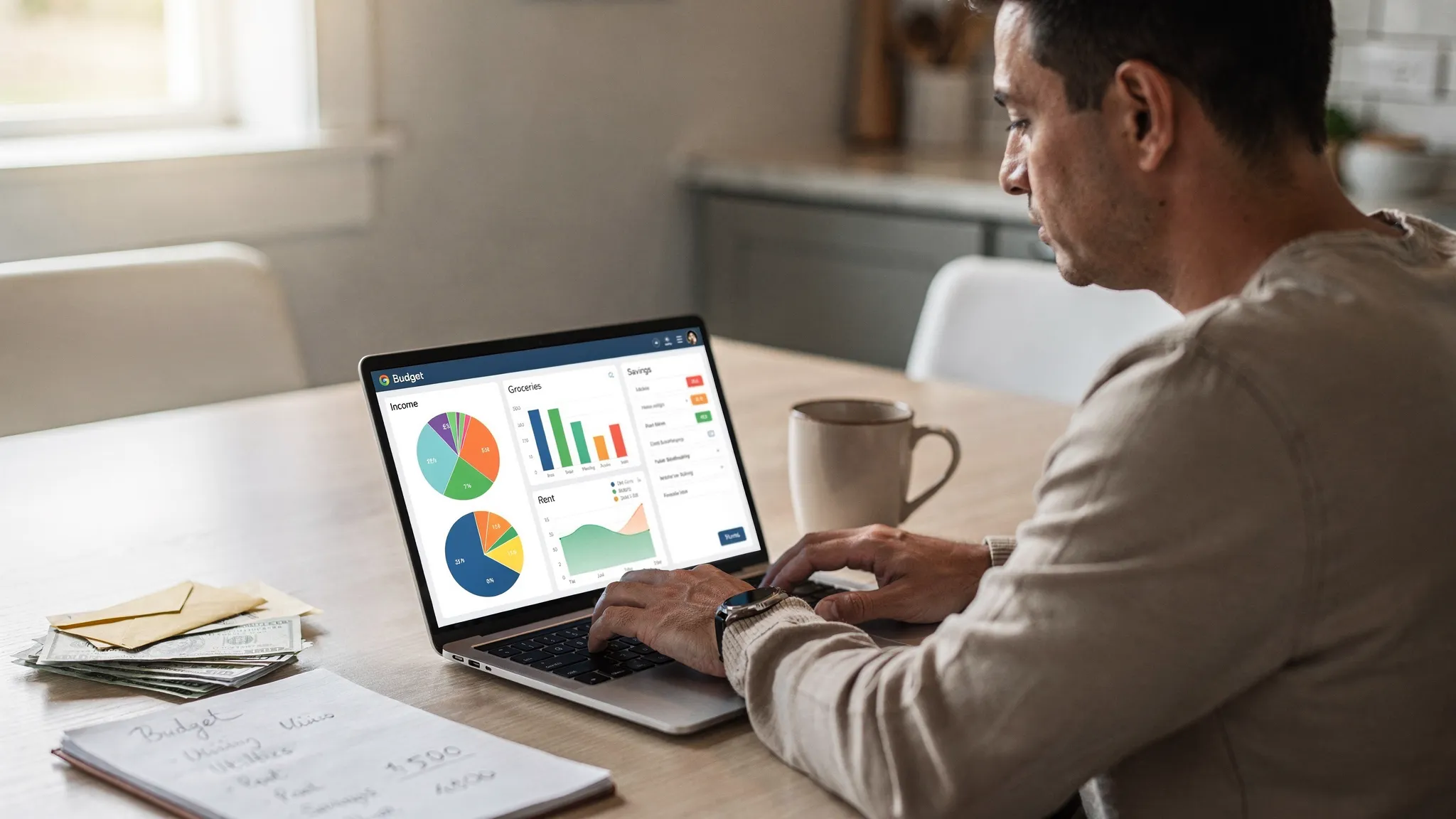
Getting started with a budget is one of the fastest ways to reduce money stress and build momentum toward your goals. The Consumer Financial Protection Bureau notes that tracking spending and setting a simple plan are foundational habits for financial stability. If you are new to budgeting or returning after changes like Mint’s shutdown, choosing the right tool matters. This guide explains how to pick a beginner‑friendly program and compares top options so you can start strong today.

How to pick your first budgeting program
First-time budgeters do best with tools that are easy to set up, offer clear guidance, and minimize manual work. Focus on these criteria:
- Setup speed, you should be able to connect accounts and see categorized spending within minutes.
- Automation, look for automatic transaction imports, categorization, and alerts that reduce manual data entry.
- Clarity, a simple dashboard and reports that show cash flow, upcoming bills, and progress against budgets.
- Flexibility, envelopes or zero-based budgeting are useful, but the tool should adapt to your style and goals.
- Cost and commitment, free or low-friction trials help you start without pressure. Paid tiers can come later if you need advanced features.
For perspective, the Federal Reserve’s ongoing research on household well‑being highlights how unexpected expenses strain many budgets. A beginner-friendly program that helps you see spending clearly and plan for irregular costs can be a real safety net.
Top budgeting programs for first-time budgeters
Below are popular programs that consistently work well for beginners. Each has a different approach, so pick the one that matches how you think about money.
MoneyPatrol
MoneyPatrol is a free, comprehensive personal finance and budgeting app designed to help you organize your entire financial life in one place. You can track expenses, manage income, create budgets, monitor bills and debts, and view investments on an all‑in‑one dashboard with customizable alerts and detailed reports. It connects to thousands of financial institutions and provides insights that make it easier to spot trends and take action. MoneyPatrol is available across devices, so you can check in from wherever you manage money. To access credit score and debt details, there is a brief identity authentication step for security.
Highlights for beginners:
- All‑in‑one visibility, expense tracking, budgeting, bill and debt tracking, income tracking, investment tracking, and credit score monitoring in one dashboard.
- Smart alerts, customizable reminders for bills, budgets, and unusual activity help you stay on track.
- Free to start, the core app is free, which makes it ideal for a first budget without added cost pressure.
Try MoneyPatrol at any time from the homepage. If you want a deeper overview of how a free budgeting app can work, explore our guide to the best free budgeting app.
YNAB (You Need A Budget)
YNAB emphasizes zero‑based budgeting, which means assigning every dollar a job. It is widely praised for teaching strong money habits and helping users build buffers. It uses categories and goals to drive daily decision‑making.
Highlights for beginners:
- Strong coaching, in‑app education and a proven framework can accelerate learning.
- Goal orientation, encourages you to plan for irregular expenses and build an emergency cushion.
- Paid subscription, worth considering once you have the basics and want a deeper system.
EveryDollar
EveryDollar is built around a straightforward zero‑based approach with a clean monthly layout. The free version supports manual budgeting, and a paid plan adds bank connections for automation.
Highlights for beginners:
- Very simple interface, great if you want a monthly plan you can understand at a glance.
- Clear categories, helpful for first budgets, especially if you are following a step‑by‑step plan.
- Manual to start, automation requires a paid upgrade.
Goodbudget
Goodbudget brings the envelope method to a modern app. You divide income into digital envelopes, then spend from those envelopes through the month.
Highlights for beginners:
- Envelope clarity, makes limits concrete and easy to understand.
- Collaborative friendly, useful if you want to sync envelopes with someone else.
- Manual elements, free tier is more hands‑on and may require more upkeep.
Rocket Money
Rocket Money focuses on surfacing recurring expenses and helping you spot ways to trim spending. It offers a free tier and optional premium features.
Highlights for beginners:
- Subscription awareness, quickly find recurring charges you forgot about.
- Helpful alerts, nudges around bills and cash flow can prevent surprises.
- Free plus premium, you can start for free and decide later if upgrades are worth it.
PocketGuard
PocketGuard centers on how much is safe to spend after accounting for bills, goals, and essentials. It is designed to make daily choices simpler.
Highlights for beginners:
- “Left to spend” clarity, helpful if you want a quick daily guardrail.
- Simple budgets, lighter touch than full zero‑based systems.
- Free and paid options, automation improves with premium.
Simplifi by Quicken
Simplifi provides a streamlined cash‑flow view and ongoing tracking of spending plans, recurring charges, and savings targets.
Highlights for beginners:
- Strong cash‑flow view, makes it easy to see what is coming in and going out.
- Planning tools, supports targets and recurring expenses in one place.
- Paid subscription, try if you want polished reporting and a guided plan.
Tiller
Tiller connects your financial accounts to Google Sheets or Microsoft Excel so your budget lives in a spreadsheet with automated data feeds.
Highlights for beginners:
- Spreadsheet control, perfect if you think best in rows and columns.
- Community templates, plenty of starter budgets and dashboards.
- Paid subscription, best for those comfortable with spreadsheets.
Monarch Money
Monarch offers a modern interface for tracking spending, goals, and net worth, with strong categorization and collaboration features.
Highlights for beginners:
- Clear long‑term view, see budgets alongside goals and overall finances.
- Category management, easy to tailor your budget to your life.
- Paid subscription, a premium choice if you want broad planning tools.
Honeydue
Honeydue is designed for couples who want shared visibility into spending and bills while maintaining individual accounts.
Highlights for beginners:
- Shared oversight, see each other’s categories and due dates without merging accounts.
- Messaging features, coordinate spending in one place.
- Best for pairs, solo budgeters will prefer other tools on this list.
Quick comparison for first-time budgeters
| Program | Best for first‑timers who | Free plan available | Method or style | Notable beginner strength |
|---|---|---|---|---|
| MoneyPatrol | Want an all‑in‑one, free starter with alerts and insights | Yes | All‑in‑one dashboard | Expense, budget, bills, debts, investments, credit score in one place |
| YNAB | Want coaching in zero‑based budgeting | No | Zero‑based | Habit‑building and goal planning |
| EveryDollar | Prefer a simple monthly plan | Yes | Zero‑based | Clean layout and straightforward categories |
| Goodbudget | Like digital envelopes | Yes | Envelope | Envelope discipline and shared use |
| Rocket Money | Need to uncover subscriptions and recurring costs | Yes | Cash‑flow and subscriptions | Quick wins by trimming recurring spend |
| PocketGuard | Want a daily “left to spend” number | Yes | Cash‑flow | Instant guardrail for everyday purchases |
| Simplifi by Quicken | Prefer cash‑flow monitoring with planning | No | Cash‑flow | Ongoing plan plus recurring tracking |
| Tiller | Love spreadsheets and customization | No | Spreadsheet‑based | Flexible templates with automated feeds |
| Monarch Money | Want modern planning and collaboration | No | Cash‑flow and goals | Comprehensive planning view |
| Honeydue | Budgeting together as a couple | Yes | Shared budgets | Coordinating bills and spending |
Note, details like pricing and feature sets can change. Check each provider’s latest information before deciding.
A 15‑minute starter plan to launch your first budget
- Connect your main checking and credit card accounts to your chosen program.
- Let the app auto‑categorize the last 30 to 90 days, then fix any obvious mislabels so reports are accurate.
- Create a simple first budget with 8 to 12 categories, essentials first, then savings, then everything else.
- Add your upcoming bills and due dates so alerts can help you avoid late fees.
- Set one achievable goal for the next 30 days, for example, save 100 dollars, reduce dining by 15 percent, pay 50 dollars extra to a debt.
- Turn on notifications for large transactions, low balance, and upcoming bills.
- Schedule a 10‑minute weekly check‑in to review spending and adjust categories.
When to stick with free, and when to upgrade
Stay on a free plan while you are building the habit. If you are consistently tracking spending, hitting due dates, and growing savings, you are getting real value already. Consider upgrading to a paid plan if you need automation across many accounts, more detailed reporting, advanced goals and forecasting, or collaboration features for households and businesses.
Why MoneyPatrol is a strong choice for first-time budgeters
If you want a single place to start that will not cost you extra, MoneyPatrol is built to remove friction. You get expense tracking, budgeting tools, bill and debt tracking, income management, investment tracking, credit score monitoring, customizable alerts and reminders, account reconciliation, and detailed financial reports in one clean dashboard. Automatic insights help you see where money is going and what to change next. When you are ready to explore credit score and debt details, a quick identity authentication step protects access to sensitive data.
- Get started now with MoneyPatrol, the app is free to try and easy to set up.
- Read more about how a free budgeting app can help you stay consistent in our in‑depth guide.
- If you see an identity authentication prompt during sign‑up, here is why we require it and how it protects your account.
Final thought
Your first budget does not need to be perfect. It needs to be visible, simple, and repeatable. Pick one program from this list, connect your accounts, and schedule a weekly check‑in. That habit, more than any single feature, is what turns a budget into a better financial life.
References and further reading:
- CFPB guidance on building a budget and tracking spending
- Federal Reserve, Survey of Household Economics and Decisionmaking overview


 Our users have reported an average of $5K+ positive impact on their personal finances
