
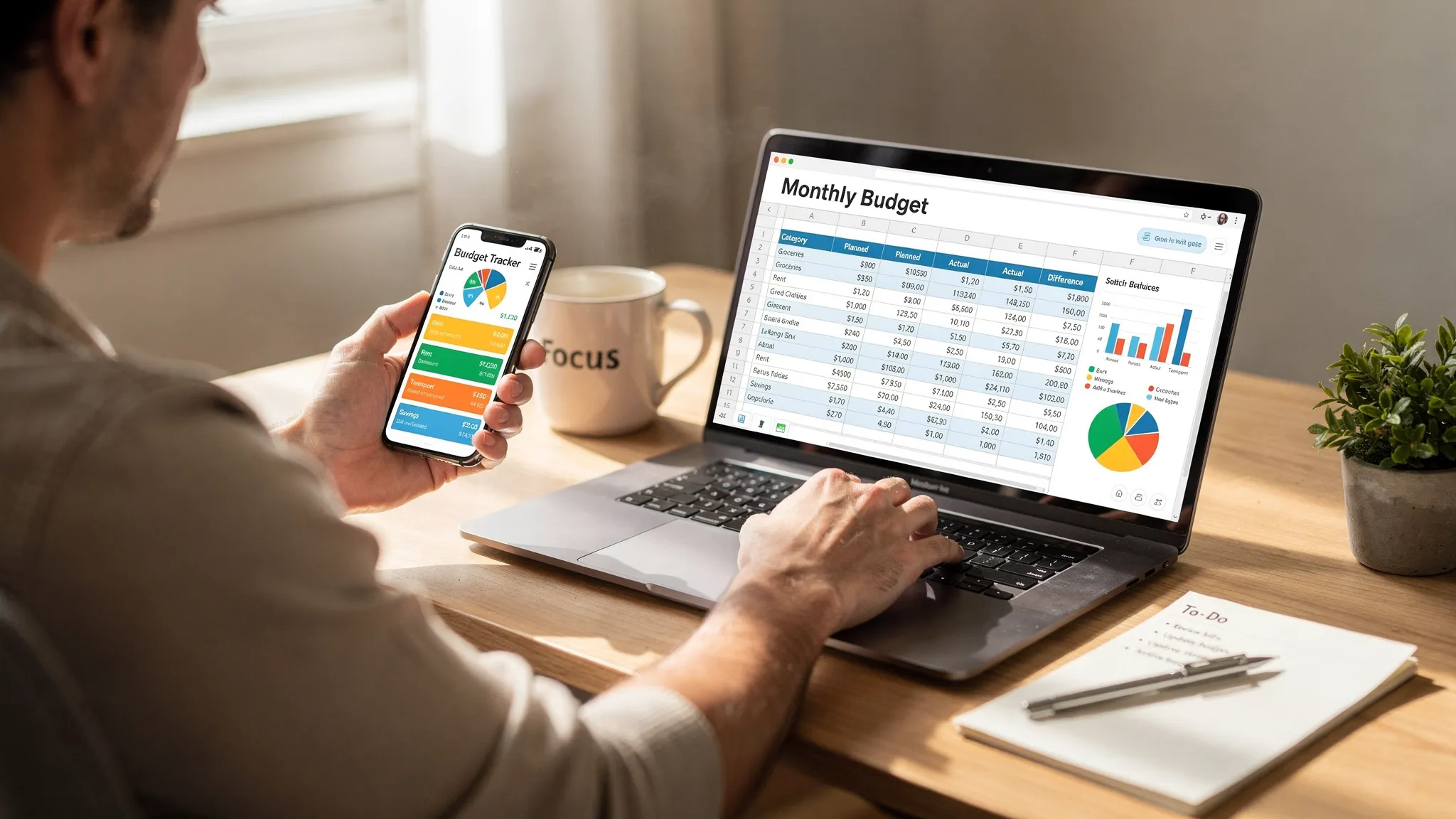
Choosing between a budget application and a spreadsheet in 2025 is not just about preference. It is about the time you want to save, the accuracy you need, and how quickly you want insights into your money. Both can work, yet they excel at different jobs. Here is a practical, current guide to help you pick the right tool for your financial goals.
The 2025 verdict at a glance
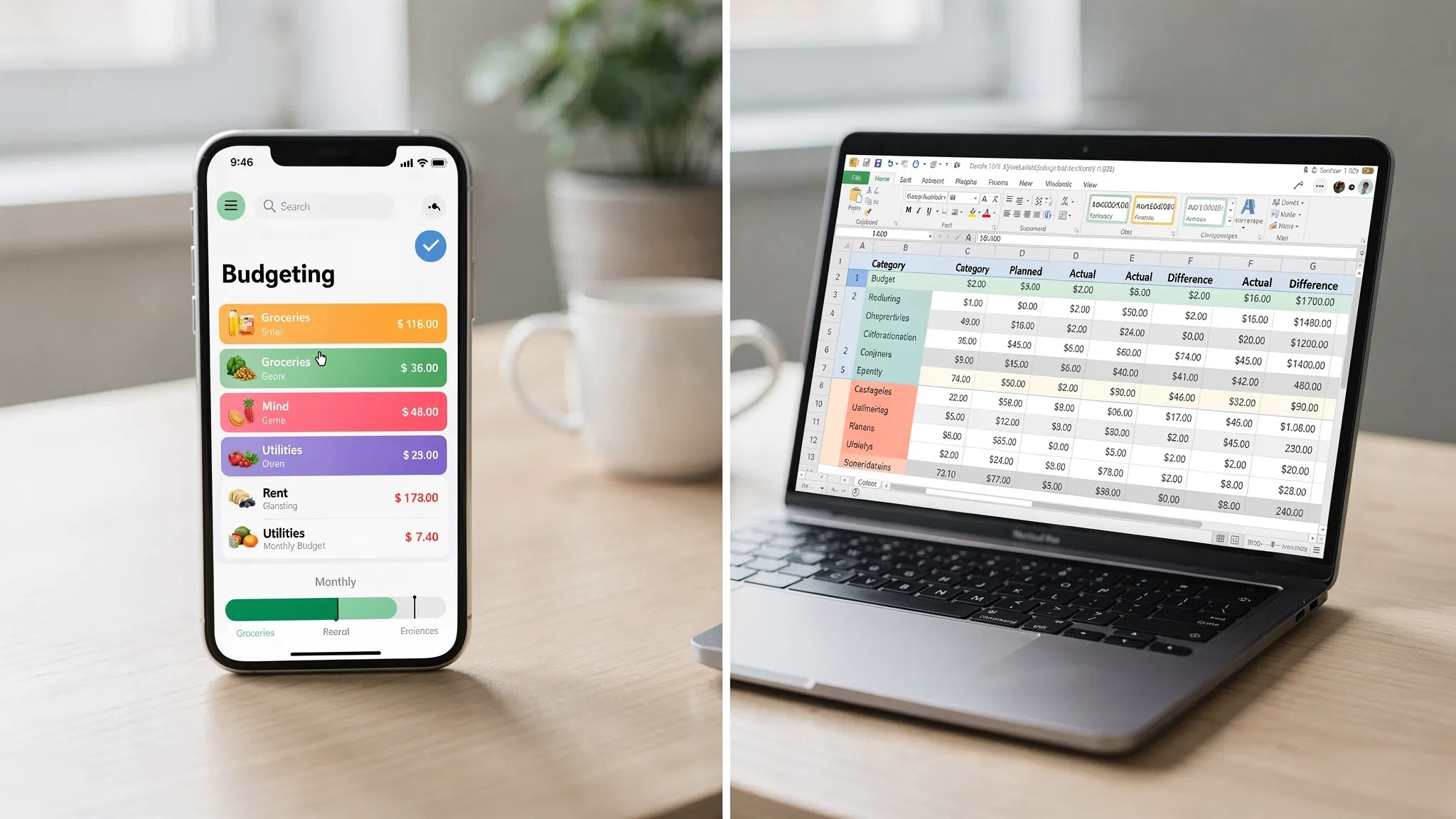
For day to day money management, a modern budget application tends to win for most people. Automation, alerts, and mobile access prevent missed bills and cut the manual workload. Spreadsheets still shine for custom modeling and one off analysis, especially if you love tinkering with formulas or want full control of your data offline.
If you want an easy way to track spending, monitor bills and debts, see reports, and stay on top of your credit and investments, a free app like MoneyPatrol is often the fastest path to results. If you enjoy building financial models or unique scenarios, keep a spreadsheet as your sandbox, then use an app for everyday execution.
Budget application vs spreadsheet, feature comparison
| Capability | Budget application | Spreadsheet |
|---|---|---|
| Bank and card sync | Automatic import from linked accounts | Manual entry or CSV imports |
| Categorization | Automatic with rules you can adjust | Manual or custom formulas |
| Alerts and reminders | Built in notifications for bills, low balances, unusual spend | Not native, requires scripts or email add ons |
| Mobile access | Native mobile experience, quick capture on the go | Works on mobile, but editing is slower |
| Reports and insights | Visual dashboards, trends, and drill downs | Custom charts possible, more setup time |
| Bill and debt tracking | Included in many apps | Manual tracking |
| Investment and net worth | Often supported in app | Manual reconciliation |
| Credit score monitoring | Available in some apps | Not native |
| Account reconciliation | Guided workflows in many apps | Manual checks |
| Data custody | Stored in app account, export options vary | You own the file, you manage backups |
| Setup and upkeep | Faster setup, low maintenance | More setup, ongoing maintenance |
This table reflects common patterns in 2025. Details vary by provider and by how you structure your spreadsheet.
2025 factors that tilt the scale
Banks and fintech connectivity have improved, which means fewer broken connections and better categorization. Subscriptions and variable pricing across everyday services make real time alerts more valuable, because they help you catch price hikes and duplicate charges before they snowball. Mobile first habits matter too, since most of us pay and check balances on the go rather than at a desk.
On the governance side, budgeting tools continue to emphasize security and identity verification for sensitive features like debt visibility and credit reports. The Consumer Financial Protection Bureau provides consumer guidance on budgeting and money management that supports building a consistent plan and tracking spending over time, see the agency’s budgeting resources for more context at the CFPB.
When a spreadsheet still wins
Spreadsheets are unmatched for flexibility. You can build custom cash flow models, debt payoff matrices, or what if analyses specific to your household. They are ideal for one time projects, like modeling a home purchase, evaluating a car loan payoff, or comparing multiple side hustle income scenarios.
Common pitfalls are accuracy risk and maintenance. Human error is a known issue in spreadsheets used for finance, which is well documented by the European Spreadsheet Risks Interest Group. You can reduce mistakes with practices like input validation and locking critical cells. Microsoft provides guidance for setting up rules that limit bad entries, see data validation.
Spreadsheets also lack proactive alerts. If a bill date moves or a subscription doubles, you may not notice until the next review. For many households in 2025, that delay is the difference between catching a fee and paying it.
When a budget application wins
Modern budgeting apps offload the routine work so you can focus on decisions. You link accounts once, transactions flow in automatically, and categories stick with minimal cleanup. Alerts keep you ahead of due dates and unusual activity. Reports show burn rate, category trends, and progress toward goals without extra formulas.
With MoneyPatrol specifically, you get expense tracking, budgeting tools, bill and debt tracking, income management, investment tracking, credit score monitoring, a personal finance dashboard, customizable alerts and reminders, account reconciliation, and detailed financial reports. The app connects to thousands of financial institutions, so you see your money in one place and act sooner.
If you want to compare options before you decide, read our quick guide to a free budgeting app.
Cost and time, the practical tradeoffs
| Consideration | Budget application | Spreadsheet |
|---|---|---|
| Direct cost | Often free, MoneyPatrol is free | Free if you already have spreadsheet software |
| Time per week | Low, because imports and alerts are automatic | Moderate to high, depends on data entry and cleanup |
| Error risk | Lower for routine tracking, since imports remove manual entry | Higher without strict controls and testing |
| Scalability | Easy across multiple accounts and cards | Complexity grows as accounts grow |
| Insights speed | Instant dashboards and trends | Build your own charts and pivot tables |
A quick chooser, answer these questions
- Do you have three or more accounts to track across banks, cards, or loans?
- Do you want automated alerts for bills and unusual transactions?
- Do you want to monitor investments or credit alongside your budget?
- Do you prefer updating money on your phone rather than at a laptop?
- Do you want to spend less than 15 minutes a week on routine tracking?
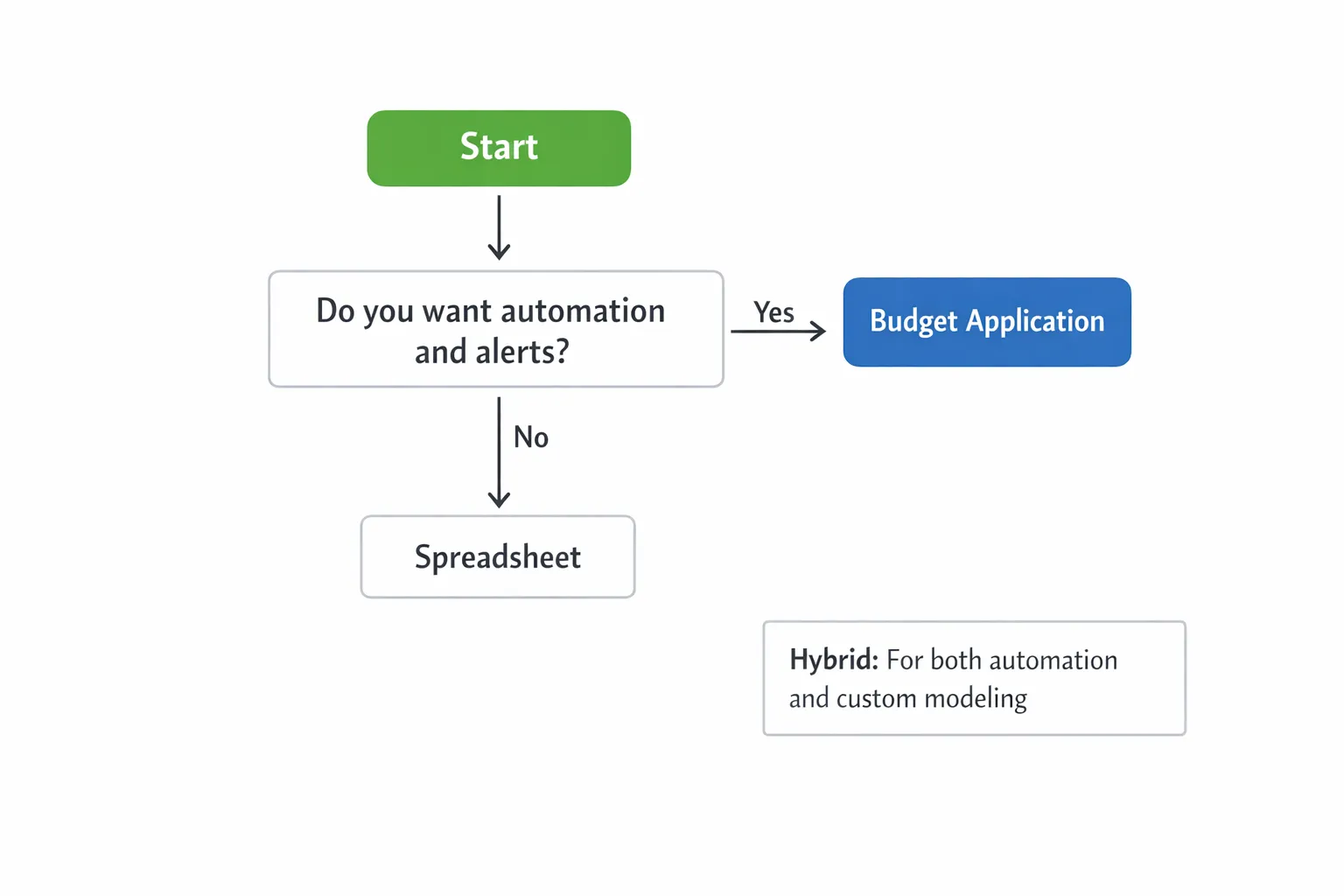
If you answered yes to most, a budget application likely wins. If you answered no to most or you need very custom models, a spreadsheet may fit best. Many people use both.
The best hybrid in 2025, model in sheets, execute in an app
A hybrid approach gives you the control of spreadsheets and the automation of apps.
- Build long range plans in a spreadsheet, like 12 month cash flow or a debt avalanche payoff map.
- Set up your live tracking in an app, connect accounts, set categories and monthly budgets.
- Turn on alerts and reminders for bills, low balances, and large transactions.
- Reconcile accounts monthly in the app, then copy summary totals to your spreadsheet plan.
- Review reports each quarter and adjust your model.
This workflow preserves flexibility without losing the day to day benefits of automation.
Where MoneyPatrol fits in 2025
MoneyPatrol is a free, comprehensive personal finance and budgeting app designed for everyday use. It brings together expense tracking, budgeting, bills and debts, income, investments, credit score monitoring, and a unified dashboard. Customizable alerts help you catch issues early, and detailed reports make it easier to see where your money is going. The app connects to thousands of institutions so you can track everything in one place.
For features like debt visibility, credit score, and full credit report access, responsible identity checks are part of the experience. You can learn how we approach this in our short note on user identity authentication.
If you want to start with a quick overview, read our guide to a free budgeting app. If you are ready to try, you can get going in minutes.
Frequently Asked Questions
Are budget apps more accurate than spreadsheets? Routine tracking is usually more accurate in an app because transactions import automatically and there is less manual entry. Spreadsheets can be very accurate, but only if you maintain strict controls and testing.
Can I switch from a spreadsheet to a budget application without losing history? Yes. Many people keep their spreadsheet for historical reports and start fresh in an app for live tracking. You can keep both side by side for a month while you compare results.
What if my bank is not supported by my budgeting tool? Most major banks and many credit unions are supported by modern tools. If a connection is not available, you can often add transactions manually or upload statements, then retry linking later.
Will a spreadsheet give me alerts for bills and low balances? Not by default. Spreadsheets do not send notifications unless you add scripts or external services. Budgeting apps include alerts, which is one of their biggest advantages for day to day money management.
Can a budget app replace my financial modeling spreadsheet? Use the right tool for the job. Use an app for day to day tracking, alerts, and reports. Keep a spreadsheet for custom projections or special scenarios that an app does not model.
Is a budget application secure? Reputable apps use security controls and identity verification for sensitive features. If you want more background on why some budget tools verify identity for credit features, see the CFPB’s consumer guidance and review MoneyPatrol’s note on identity checks linked above.
Make your choice and start strong
You do not need to choose forever. You can try a budget application for live tracking and keep your spreadsheet for planning. If you are ready to move faster with fewer manual chores, start with MoneyPatrol today. It is free and built to help you track expenses, monitor bills and debts, manage income, follow investments, watch your credit score, and see it all in one dashboard.
Start now with MoneyPatrol, and begin tracking your finances in minutes: Get started free.



 Our users have reported an average of $5K+ positive impact on their personal finances
